









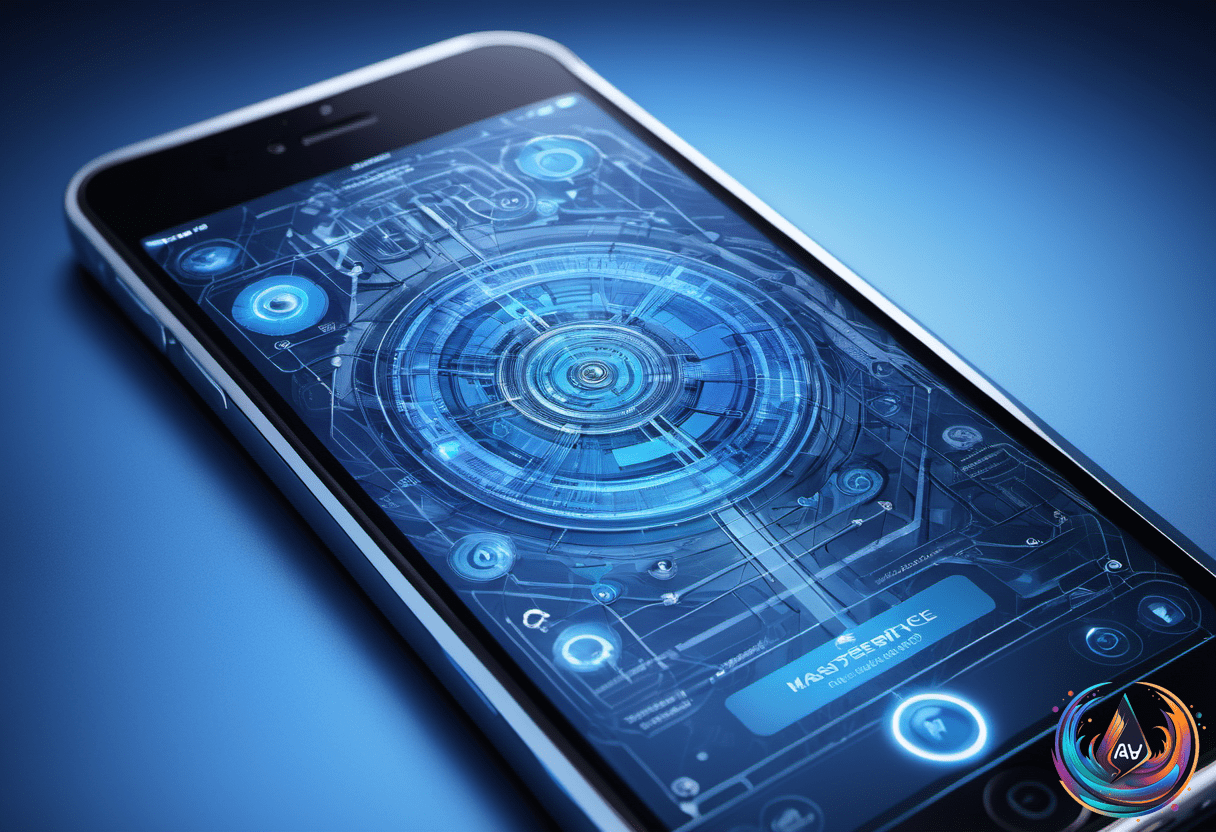
Dive Into iOS 27 Beta’s AI Revolution and New Features
 21
21Apple just flipped the switch on iOS 27 beta! The wait is over for developers and early testers eager to dive into the next-gen iPhone experience. This update isn’t just another routine upgrade. It’s a powerhouse jam-packed with AI-driven features, performance boosts, and a fresh look at how Siri works. Ready to jump in? Let’s break down the hottest details and how you can get started.
The New Siri: AI at Your Fingertips
iOS 27 brings a revolutionary Siri upgrade. Forget the old voice assistant—it’s now a full-blown AI companion. Apple rolled out a brand-new dedicated Siri app that lets you chat naturally, like you’re talking to a smart friend. Ongoing conversations, context-aware replies, and smarter follow-ups make Siri way more helpful.
There’s also a slick new “Search or Ask” interface. Swipe near the Dynamic Island, and you open a smart search bar that mixes traditional lookup with AI-powered answers. This changes how you interact with your phone, blending search and chat in one seamless flow.
What Else Is New? AI Everywhere!
Apple is stuffing iOS 27 with AI magic beyond Siri. The Photos app gets two killer tools named Extend and Reframe. They use AI to expand your photos beyond their borders and improve the composition automatically. It’s like having a pro photographer’s touch built into your phone.
Apple Wallet isn’t left behind. Now you can create custom digital passes—gym memberships, event tickets, loyalty cards—you name it. Plus, splitting bills just got smarter. Snap a photo of your receipt, assign items, and Wallet sends Apple Cash requests to your friends. No more awkward IOUs.
On the accessibility front, iOS 27 adds automatic subtitles for personal videos. This feature makes watching videos easier and more inclusive. And Maps might get satellite connectivity soon, letting you navigate even when cellular signals drop.
Performance, Battery, and Smarter Typing
Underneath the flashy upgrades, Apple focused hard on making iOS faster and more efficient. Think of it as a Snow Leopard-style release—streamlined, stable, and battery-friendly. Users can expect smoother operation and longer screen time with these improvements.
The keyboard also steps up its game. Autocorrect gets smarter with better suggestions and more accurate fixes. It’s almost like having a grammar coach right inside your iPhone, helping you write cleaner texts without extra effort.
Who Can Get the Beta and How?
The iOS 27 developer beta dropped right after Apple’s WWDC 2026 keynote. If you’re a developer with an Apple Developer account, you can install it now. Just back up your device first—beta software can be glitchy.
Here’s how to grab it:
- Restart your iPhone
- Open Settings > General > Software Update
- Tap Beta Updates and select the iOS 27 developer beta
Keep in mind, this beta is rough around the edges. Some apps might crash, and battery life could take a hit. It’s best to install it on a secondary device instead of your daily driver.
If you’re not a developer, hold tight. The public beta will launch in July. This version will be more polished and ready for general users to explore without as many hiccups.
Who’s Supported?
Good news for iPhone fans! iOS 27 supports the same devices as iOS 26. That means if your iPhone ran last year’s update, you’re in the game. Here’s the quick list of supported iPhones:
- iPhone SE (2nd generation and later)
- iPhone 11 series
- iPhone 12 series
- iPhone 13 series
- iPhone 14 series
- iPhone 15 series
- iPhone 16 and 17 series including Pro and Air models
iPadOS 27 and watchOS 27 betas also dropped alongside iOS 27. Compatible iPads and Apple Watches can join the beta fun, but watchOS 27 requires that your iPhone runs iOS 27 first.
What’s Next for iOS 27?
Apple’s playing a smart game this year. They’re blending exciting AI breakthroughs with practical tools and solid performance fixes. The full iOS 27 rollout will hit this fall, lining up with the new iPhone launch.
Will Siri AI take over your daily routine? Will Apple Wallet change how you handle money? These betas let early adopters find out first. For everyone else, the public beta in July offers a sneak peek without the developer headaches.
One thing’s clear: iOS 27 is about making your iPhone smarter, faster, and more intuitive. The future of Apple’s OS is here, and it’s powered by AI in every corner.
Get ready to explore. iOS 27 is going to change how you use your iPhone. And it all starts with the beta—are you in?
Based on
- iOS 27 beta has arrived: Here’s how to get it on your iPhone — engadget.com
- How To Download The iOS 27 Beta On Your iPhone — bgr.com
- iOS 27 Beta Is Expected Today: What’s New and How to Install It — macobserver.com
- iOS 27 Beta release: What time and where to download it – Mobile — sea.mashable.com
- iOS 27 Beta Release Date and Registration Guide – Geeky Gadgets — geeky-gadgets.com
















What do you think?
It is nice to know your opinion. Leave a comment.