









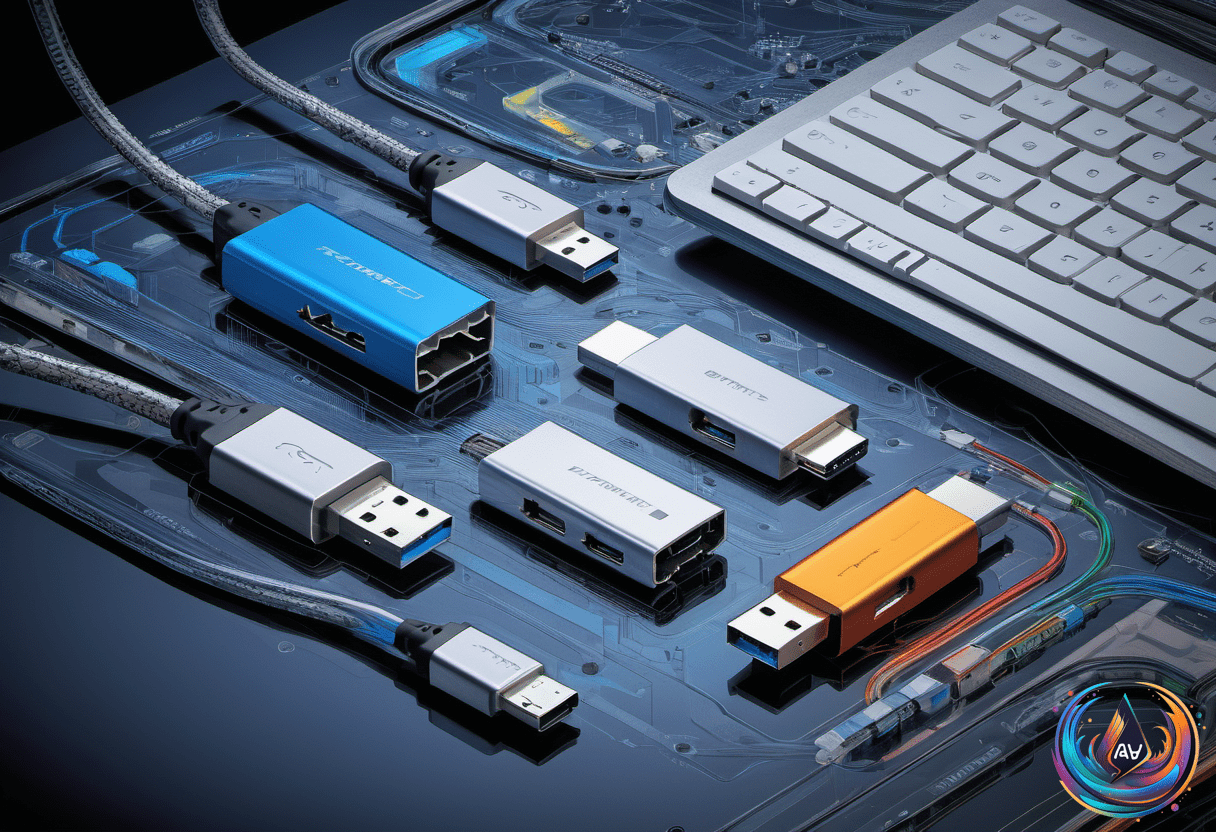
Unlocking USB-C Mysteries Why Color and Speed Matter
 11
11Ever stared at a USB port and wondered why it’s purple or blue instead of plain black? The colors aren’t just for show. They signal something important about speed and power. But here’s the catch: those colors don’t have universal meanings. They can vary by brand, region, and even device. That’s why USB-C tech feels confusing, frustrating, and full of surprises!
What USB-C Really Means (And What It Doesn’t)
USB-C is everywhere now. It’s the tiny oval port on your laptop, smartphone, and even the latest gaming gear. But here’s the kicker: USB-C is only the shape of the connector. It doesn’t guarantee how fast data moves or how much power flows. That’s a big deal!
Think of USB-C as a highway. The shape is the road itself, but the speed limit depends on what kind of road it is underneath. Different USB standards like USB 2.0, USB 3.2, USB4, or Thunderbolt run over that same USB-C shape. Each supports different speeds and power levels.
For example, a USB-C port might only deliver USB 2.0 speeds (480Mbps). That’s fine for charging or a mouse, but slow for transferring big files. Meanwhile, another USB-C port could handle USB4 with speeds up to 40Gbps or even Thunderbolt 5 pushing 80Gbps. That’s a huge difference!
Colors Tell a Story But Not the Whole Truth
USB port colors try to give clues about their capabilities. Common colors include:
- White for USB 1.x
- Black for USB 2.0
- Blue for USB 3.x (SuperSpeed)
- Teal or Purple for USB 3.1 Gen 2 or higher speeds
- Red or Yellow for charging-focused ports
- Green often linked to Qualcomm Quick Charge
But here’s the twist: only white, black, and blue are official USB-IF standard colors. Purple? It’s mostly a branding choice. Huawei uses purple for its SuperCharge high-speed charging ports. But because Huawei phones aren’t sold in the US due to trade restrictions, purple USB ports are rare there.
Other brands use purple or teal to mark faster USB 3.1 Gen 2 cables supporting 10Gbps data speeds and higher charging currents. But don’t count on color alone. A purple port or connector doesn’t guarantee a device will work at its fastest speed or highest charging wattage.
Why Speeds and Power Don’t Always Match Cable Colors
Here’s where it gets tricky. Cables and chargers can have colors too—orange, purple, or black—but those colors don’t follow one global rule. For example, Huawei’s orange cables signal fast charging but only work fully within Huawei’s ecosystem.
Many cables with USB-C connectors only support USB 2.0 speeds and basic charging. Others pack an embedded chip called an E-Marker. This chip tells devices the cable can safely handle high power (up to 240W) and fast data rates (up to 40Gbps). Without this chip, devices default to the safest, slowest speeds to avoid damage.
That means a cable with a USB-C plug might limit your fast external SSD to slow speeds or restrict your laptop charger to 60W even if it supports 100W charging. The slowest link in the chain controls the overall speed and power.
How to Decode Your USB Setup Like a Pro
Don’t trust colors alone. Here’s how to know what your USB-C ports and cables really do:
- Check your device specs. Your laptop or phone manual usually lists the USB standards supported. Look for USB 3.2, USB4, or Thunderbolt mentions.
- Use system tools. On Windows, apps like HWiNFO show USB port speeds. On Mac, check System Report > USB. Linux users can run lsusb -t in Terminal.
- Look for logos. Thunderbolt ports have a lightning bolt icon. USB-C ports may have “SS” for SuperSpeed, but not always.
- Buy certified cables. Brands like Anker and Apple certify cables for specific speeds and power levels. Check packaging or product details for USB-IF certification and E-Marker info.
- Avoid cheap cables. They might charge your phone but slow data speeds or lower power delivery can cause frustration or damage your devices over time.
The Future of USB-C Is Bright But Complex
USB-C is the connector of the future. It packs power, data, and video in one reversible plug. But its flexibility comes with complexity. Device makers, cable manufacturers, and consumers need to pay attention to specs, not just shape or color.
New standards like USB PD 3.1 push charging up to 240W. USB4 and Thunderbolt 5 blast data at speeds up to 80Gbps or more. But these advances only matter if the whole chain—the device, the port, and the cable—supports them.
So, next time you see a purple USB port, don’t just guess. Dig into what it can really do. Your gadgets and your patience will thank you.
Based on
- Why some USB ports are purple (and why they’re rarely sold in the US) — engadget.com
- What Is a USB-C? Port, Speed, and Compatibility Explained – Kiwi Reporter — kiwireporter.nz
- Usb Cable Color Codes Infoupdate Org – Otosection — otosection.com
- 4 things that control how fast your USB-C connection actually is (and how to check) – Linx Tech News — linxtechnews.com
- USB Cable Transfer Speeds Explained: 480Mbps vs 5Gbps vs 10Gbps | ChubbyCable – Chubbycable — chubbycable.com

















What do you think?
It is nice to know your opinion. Leave a comment.