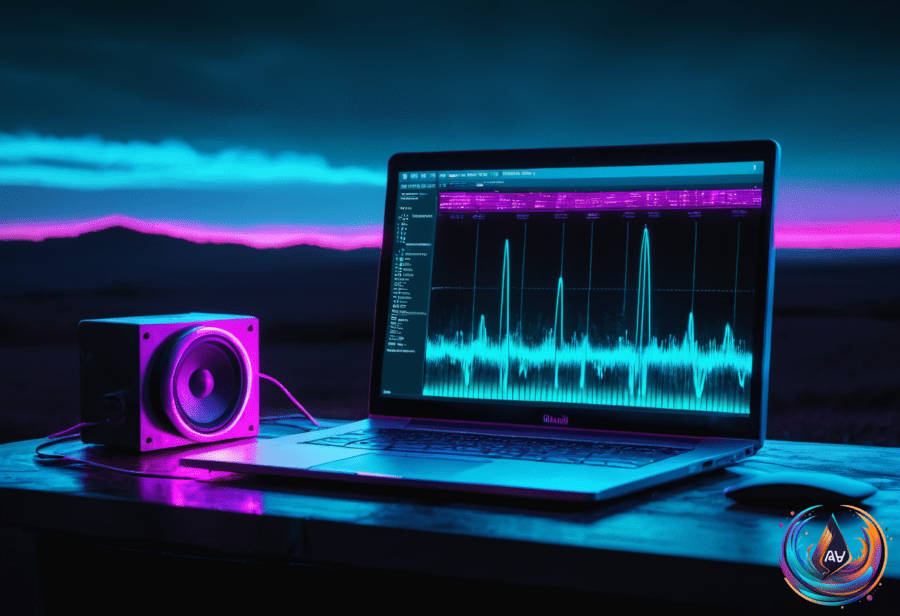
Typing out recordings by hand takes forever. That’s why AI transcription tools have become so popular. They turn speech into text automatically. These tools save time and help you focus on creating instead of typing.
Not all transcription software is the same, though. Some cost money. Others are free or open source. The best choice depends on what you need and how you work.
Free and Open-Source Options
The most powerful free tool you can use is OpenAI Whisper. It runs entirely on your computer, so your audio never leaves your device. This keeps your data private. Whisper supports almost 60 languages and works offline without limits on usage. The catch is you need some technical skills to set it up.
For Mac users, there are apps like Spokenly and MacParakeet. Spokenly lets you run local models for free and add your own API keys for cloud transcription if you want. It also formats your text by removing fillers and organizing paragraphs. You can even use it offline, which is great for privacy and when internet access is spotty. MacParakeet is fully open source and also uses local models, making it another good free choice.
If you prefer open-source software on Windows or Linux, Voquill is an option. It works offline but doesn’t offer advanced text formatting. These free tools require more setup than paid services but are powerful once running.
Paid Tools and Their Strengths
Some paid transcription apps offer slick interfaces and extra features. Wispr Flow, for example, promises to help you write at the speed of thought. It transcribes speech and cleans up the text, removing filler words and formatting it nicely. It costs about $15 a month or $144 a year. The design is user-friendly and works well on Mac, but it lacks an offline mode. You pay for convenience and polish.
Dragon NaturallySpeaking is a heavyweight in the space, especially for professionals in legal or medical fields. It offers top-notch accuracy and supports complex vocabularies. It costs more upfront but doesn’t require a subscription. It also lets you control your computer with voice commands, which boosts productivity beyond transcription. This tool suits users who need precise, industry-specific transcription and advanced voice control.
For meeting notes and team collaboration, Otter.ai is popular. It connects to Zoom or Google Meet and creates searchable transcripts during calls. Otter is great for quickly capturing conversations but its accuracy drops in noisy environments or with technical language. It offers a free tier with limits and a paid plan at $16.99 per month.
Why AI Transcription Tools Matter
Using AI transcription isn’t just about saving time typing. It changes how you interact with your audio content. Instead of replaying long recordings, you can search transcripts for keywords. This lets you find exactly what you need fast. Many modern tools also generate summaries, label speakers, and identify action items automatically.
Privacy is another key point. Older services forced you to upload audio to servers, risking data leaks. Now, offline or local AI models keep your conversations safe. This is crucial for journalists, lawyers, and anyone handling sensitive info.
Another big advantage is repurposing content. A single interview can turn into articles, social media posts, or email newsletters. Transcripts also make videos accessible to viewers who prefer reading or have hearing difficulties.
Cost matters too. Hiring human transcribers can be pricey, especially for long or technical recordings. AI tools cut those costs and let independent creators and small teams handle transcription internally.
Finding the Right Fit for You
If you want the cheapest option and have some tech skills, try open-source tools like Whisper or Spokenly. They give you control and privacy but need setup.
For casual users or those who prefer ease, paid apps like Wispr Flow or Otter offer ready-to-use features and neat interfaces. They save setup time but charge monthly fees.
Professionals with specialized needs should consider Dragon NaturallySpeaking or Sonix. These deliver accuracy and features tailored for complex vocabularies and media production.
In the end, test a few tools. Many offer free trials or free tiers. Choose what fits your workflow, budget, and privacy needs best. AI transcription is no longer a luxury—it’s a productivity essential.
Based on
- Do You Actually Need to Pay for Transcription Software? — wired.com
- How AI Transcription Tools Are Improving Modern Content Workflows — nerdbot.com
- 10 Best AI Transcription Software in 2026: A Real-World Guide – HyScaler — hyscaler.com
- I’m a Professional Writer Who Uses a Very Controversial Tool. It’s Not As Scary As I Thought. (2026) — mdtvnow.com
- Voice Recorder with Transcription: Why Recording Audio Is No Longer Enough – HardReset.info — hardreset.info
- Best Voice Typing Software 2026: Top Tools Reviewed — ertiqah.com