Gaming routers are not magic. They use familiar hardware, the same Wi-Fi standards, and the same Ethernet connections found in ordinary routers, but they add tools aimed at reducing network problems during play. That makes them useful in some homes—not an automatic upgrade for every gamer.
Gaming routers are not snake oil, but many of their important features exist outside the gaming category. Newer models bring Wi-Fi 7 support, tri-band radios, fast Ethernet jacks, and at least one USB port, yet those specifications do not guarantee better performance by themselves. Branding has never been a substitute for a stable connection, despite what the illuminated plastic would like you to believe.
What Gaming Routers Actually Add
The clearest difference is software. Some models provide dashboards that show connection performance and settings for prioritizing specific games; Netgear’s Nighthawk Pro Gaming XR1000 is one example. These controls give players more information than a basic router interface and make traffic management easier to adjust.
Geo-Filter can restrict connections to game servers within a chosen geographical area, which can help deliver lower in-game latency. Advanced QoS can also identify game traffic automatically, including through Asus’ Adaptive QoS presets for gaming. The goal is simple: sort out a busy connection before other activity interferes with play.
Smart queue management, or SQM, takes a different approach. It can keep a connection responsive under heavy load by sacrificing some throughput, and testing has shown that QoS or SQM can improve network latency on some routers. That trade-off matters when several devices compete for the same connection—but most gamers do not face congestion during peak times in most households.
Packet loss and high ping can cause in-game lag, and a substandard router can contribute to those problems. The best gaming routers promise rock-solid connections and can prioritize game-related traffic, but no router can make an internet connection faster or erase the physical distance between a player and a game server.
When the Hardware Matters
A new router can fix poor Wi-Fi coverage through further-reaching antennas or access to the 6GHz band. Before buying anything, moving an existing router may improve stability if walls or interference sit nearby, while running an Ethernet cable can improve connection quality more directly. A good router is often enough; a gaming label is not required.
The top tested router is the Asus ROG Rapture GT-BE98 Pro, a quad-band Wi-Fi 7 gaming router with a second 6GHz band, multiple LAN ports including a 10-Gbps port, and USB ports. It also includes security software, parental controls, VPN support, and gaming traffic prioritization. The unit is nearly 14 inches across, weighs 4.4 pounds, and carries eight huge antennas—subtlety was not invited.
Asus offers other configurations. The ROG Strix GS-BE12000 is a tri-band Wi-Fi 7 router with 320 MHz channels, Multi-Link Operation, and seven 2.5 Gbps LAN ports. The TUF Gaming BE9400 is a tri-band Wi-Fi 7 router costing $265, with one 2.5 Gbps WAN port, three LAN ports, and a USB port.
The Asus ROG Rapture GT6 takes a mesh approach with two Wi-Fi 6 routers. Each has a 2.5-Gbps WAN port, three LAN ports, and a USB port, while the system uses two 5-GHz bands and one 2.4-GHz band. That design addresses coverage across a home rather than simply adding more controls to one box.
TP-Link’s options cover several price and feature levels. The Archer GE800 is a tri-band Wi-Fi 7 gaming router with a 10-Gbps port, multiple Ethernet LAN ports, and a USB 3.0 port. The Archer GE400, also identified as BE6500, is a dual-band Wi-Fi 7 router costing $220, but it has limited range and some gaming features require subscriptions.
The Archer BE400, also identified as BE6500, is a less expensive dual-band Wi-Fi 7 router with limited range. The Archer BE600, identified as BE9700, costs $250 and offers a full 6-GHz Wi-Fi 7 experience; it is also described as a tri-band Wi-Fi 7 router. Those details matter more than the word “gaming” printed on a box.
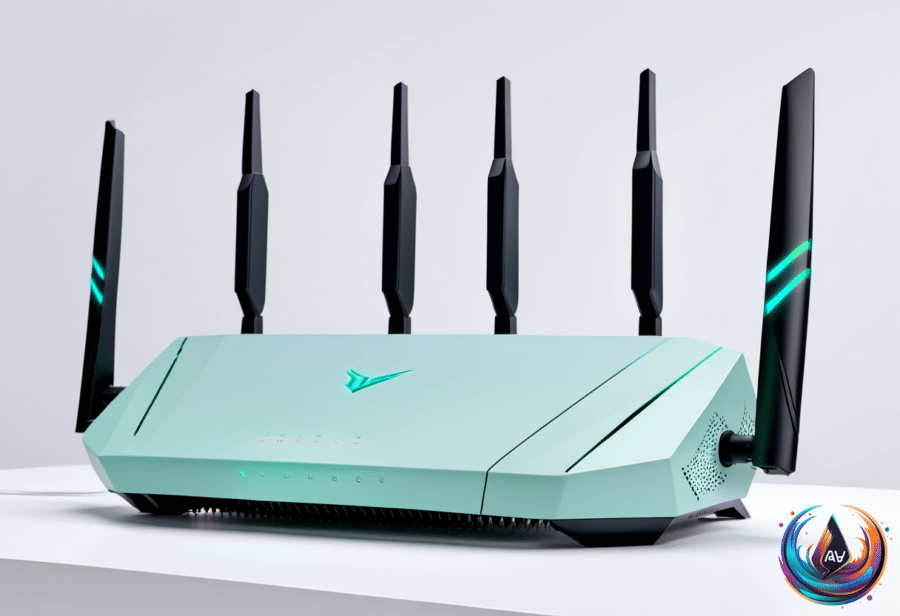
Netgear’s Nighthawk RAXE300 is a Wi-Fi 6E tri-band gaming router with a spaceship design and seamless Wi-Fi across its 2.4-GHz, 5-GHz, and 6-GHz bands. Fancy designs and customizable lighting remain common gaming-router features, but neither one lowers ping.
The practical verdict is less exciting than the product names. Choose a gaming router for useful traffic controls, QoS, SQM, stronger coverage, newer Wi-Fi standards, or faster ports—not because the branding promises a faster internet connection. In many homes, better placement, a capable ordinary router, or an Ethernet cable will solve the real problem.
Based on