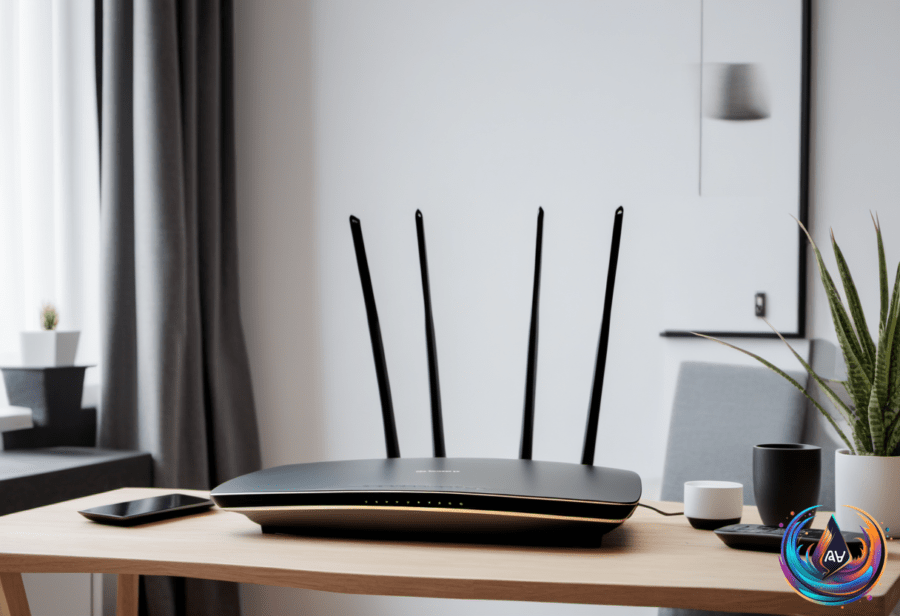
Where you live changes how you should position your router’s antennas. Most antennas are omnidirectional, sending signals in all directions. But how you angle them affects your Wi-Fi coverage.
A vertical antenna sends its signal outward horizontally. This covers the floor where your router sits. A horizontal antenna, on the other hand, pushes signals up and down. That helps when your home has multiple floors.
In single-floor homes or apartments, point all antennas straight up. This gives the best coverage across one level. But if your home has more than one floor, angle at least one antenna around 30 degrees. This helps the signal reach upstairs or downstairs.
Modern routers often broadcast on two or three frequency bands. Most use 2.4 GHz and 5 GHz, while newer tri-band routers add 6 GHz. Each frequency has different strengths. The 2.4 GHz band offers slower speeds but better range and wall penetration. The 5 GHz band delivers faster speeds but struggles with obstacles like walls.
Where you place your router matters too. Experts suggest placing it about 1 to 1.5 feet off the ground. Avoid placing routers near metal objects, mirrors, or thick concrete walls. These can block or bounce Wi-Fi signals, causing dead zones. Water containers like fish tanks and even water-dwelling pets can create Wi-Fi shadows too.
Microwave ovens often operate at 2.4 GHz, the same frequency as many routers. They can interfere with Wi-Fi signals, especially if they are old or leaking. Thomas Hills, a pioneer who led one of the first large Wi-Fi networks in 1993, said, “It’s one of the most significant sources of interference that people talk about.”
Weather’s Impact on Wi-Fi and Electronics
Wi-Fi signals can also suffer when the weather turns bad. Rain and snow can disrupt wireless connections. This is especially true for outdoor setups or during severe storms. Climate change may be shifting weather patterns, causing more frequent disruptions.
Severe weather can damage infrastructure and disrupt satellite signals too. Lightning is a major threat. It caused over $1.2 billion in property losses in the US in 2021 alone. Lightning surges can travel through electrical wiring, plumbing, and metal wires inside walls and floors.
Gabriela Vătu, who has written about lightning protection, warns, “Lightning can also travel through a building’s plumbing and any metal wires embedded in concrete walls or flooring.” She adds, “A single thunderstorm can fry your PC, TV, fridge, router, PlayStation and pretty much anything else you have plugged in.”
Protecting Your Devices from Lightning Damage
The best way to prevent damage is simple: unplug your devices during storms. Gabriela Vătu says, “Unplugging your devices remains a reliable and sustainable choice.”
If unplugging isn’t possible, use surge protectors. Look for ones with a Joule rating of 2,000 or higher. The Joule rating shows how much energy the protector can absorb before failing. Also, check the clamping voltage—it should be under 400 volts for good protection.
Plug large appliances directly into wall outlets to avoid overheating extension cords. For whole-home protection, you can install surge protectors in your electrical panel. Lightning rods or lightning protection systems can redirect electrical energy safely into the ground.
For devices that must stay on, consider a UPS. It offers battery backup and advanced surge protection. This keeps your equipment running during power flickers and guards against spikes.
Taking these steps helps keep your Wi-Fi strong and your electronics safe. Position your antennas based on your home’s layout. And always be ready to protect your tech when thunderstorms roll in.
Based on
- The correct way to position your router’s antennas depends on your home — engadget.com
- The weirdest things that mess up WiFi – and how to improve your signal — bbc.com
- I hate networking, aka: Sell me on a router/mesh network | Ars OpenForum — arstechnica.com
- Which USB Port Should You Use For Your Mouse And Keyboard? — engadget.com
- How To Protect Your Tech From Lightning Strikes — engadget.com