Netflix can make supported movies and shows look richer, sharper, and more cinematic through Dolby Vision, but the upgrade does not come from pressing play alone. You need the right subscription, compatible equipment, updated software, a suitable HDMI connection, and enough internet speed to carry the high-quality stream.
That checklist matters because Dolby Vision works across an entire chain. The subscription, source device, connected equipment, firmware, and software must all support the format before your screen can deliver its full effect.
Premium Access Opens Dolby Vision Streaming
Netflix requires a Premium subscription to watch content in Dolby Vision, and that plan costs $26.99 per month. Netflix offers titles in HDR10 and Dolby Vision, while HDR10+ streaming joined the service in March 2025.
Dolby Laboratories introduced Dolby Vision in 2014, and the technology now reaches many TVs, home theater devices, laptops, and game consoles. Netflix has nearly 150 million subscribers around the world, giving its picture-quality features a huge audience. The company also contributes $325 billion to the global economy and has created over 425,000 jobs for actors, writers, directors, researchers, and VFX artists.
Netflix titles that support Dolby Vision include Stranger Things, Bridgerton, The Crown, The Sandman, and Outer Banks. The movie lineup includes The Gray Man, Enola Holmes, and Glass Onion.
Look for the Dolby Vision logo beside a supported title. That mark tells you the content offers the format, but it does not guarantee playback unless your setup meets every requirement.
Check Every Link From Screen to Stream
Compatible TVs include models from LG, Sony, and TCL, along with Amazon Fire TVs. Supported set-top boxes and gaming consoles can also handle Dolby Vision. On computers, compatible Windows PCs need Google Chrome or Microsoft Edge, while Macs need Dolby Vision support and the Safari browser.
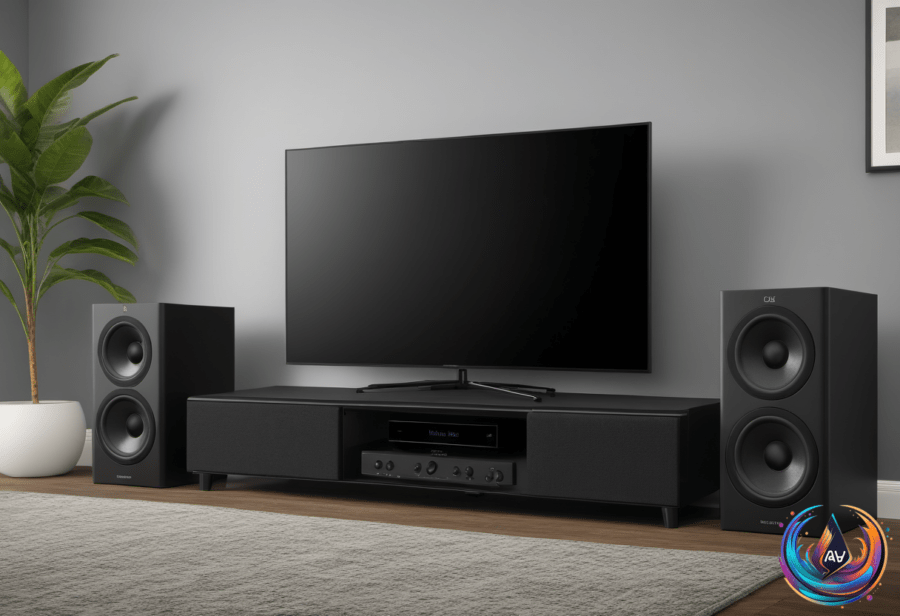
Home theater equipment must support the format too. Soundbars from Bose, Sony, Denon, and Hisense support Dolby Vision passthrough, allowing the signal to move through compatible equipment before reaching the display.
A high-quality HDMI cable that supports HDCP 2.2 is required when your setup uses an external device. Premium HDMI cables must connect to ports that support HDCP 2.2 or later, while every piece of firmware and software needs to be up to date.
That detail can decide whether the stream reaches your screen in Dolby Vision or falls back to another format. A compatible television alone cannot solve a limitation in a set-top box, soundbar, cable, port, operating system, or browser.
Netflix and Dolby recommend an internet connection of at least 15 megabits per second for Dolby Vision streaming. Once the subscription, gear, cable, and connection meet the requirements, the service can deliver the picture upgrade your display supports.
How Dolby Vision Changes the Picture
Dolby Vision scenes look richer and more cinematic, with more detail, expanded colors, and sharper contrast between dark and light visuals. Dark scenes in Stranger Things and the colorful costumes and backdrops in Bridgerton show the kind of visual range the format is designed to enhance.
Dolby Vision and HDR10+ use dynamic metadata, allowing the HDR effect to adjust scene by scene or frame by frame. That approach can shape brightness, color, and contrast for individual parts of a title instead of applying one setting across the entire presentation.
To confirm that Dolby Vision is active, check your app or device settings. On a smart TV, use the info button on the remote. On a mobile device, open the app settings and check Playback Specification.
Windows and Mac viewers can also inspect streaming details with the keyboard shortcut Ctrl + Alt + Shift + D. These checks show whether your setup is delivering the playback format you expect.
Netflix has made Dolby Vision available across a wide range of screens and devices, but the best result depends on matching every component. With a Premium subscription, compatible hardware, current software, an HDCP 2.2 connection, and at least 15 megabits per second, supported titles can move from ordinary streaming to a more detailed and cinematic experience.
Based on