Heat is the enemy of sustained phone performance. During intensive tasks, a phone can throttle performance to protect itself, turning smooth gameplay or demanding processing into a slower, less consistent experience. The question is not whether cooling works—it does—but whether your phone spends enough time under pressure to need extra hardware.
Most people do not push their phones hard enough, for long enough, for heat to become a serious issue. Short gaming sessions, ordinary apps, and routine use rarely justify carrying a fan, cable, and extra weight. For those users, a phone cooler is an accessory searching for a problem.
Active cooling can prevent heat from degrading sustained performance, and external cooling can make a measurable difference. A 3DMark test of the ASUS ROG Phone 8 Pro recorded stability scores of 77 percent and 79.2 percent without the AeroActive Cooler X. With the cooler attached, those scores rose to 92.7 percent and 90.8 percent.
Those figures show what a cooler can do when heat causes the slowdown. If thermal throttling creates lag, reducing the phone’s temperature can reduce that lag and help the device maintain performance for longer. It cannot make every problem disappear, because external cooling will not fix poor Wi-Fi, server lag, or hardware limitations.
When a phone cooler makes sense
A dedicated cooler has a case during long gaming sessions, livestreaming, video processing, or outdoor photography. Heat inside cars can also create a problem, especially when a phone is already handling demanding work. These scenarios combine sustained workloads with conditions that make it harder for the phone to shed heat.
Charging adds another source of heat, and wireless charging runs hotter than standard cable charging. Some Galaxy phones offer an option to pause USB PD charging during gaming, which can reduce heat while the device is under load. Avoiding charging during demanding tasks can help too, without adding another device to the setup.
Several simpler fixes deserve a trial first. Positioning the phone near an AC vent, removing a thick case, avoiding direct sunlight, and stopping charging during intensive tasks can reduce heat. Most people can solve overheating issues with these changes instead of buying a cooler.
The trade-off is more hardware
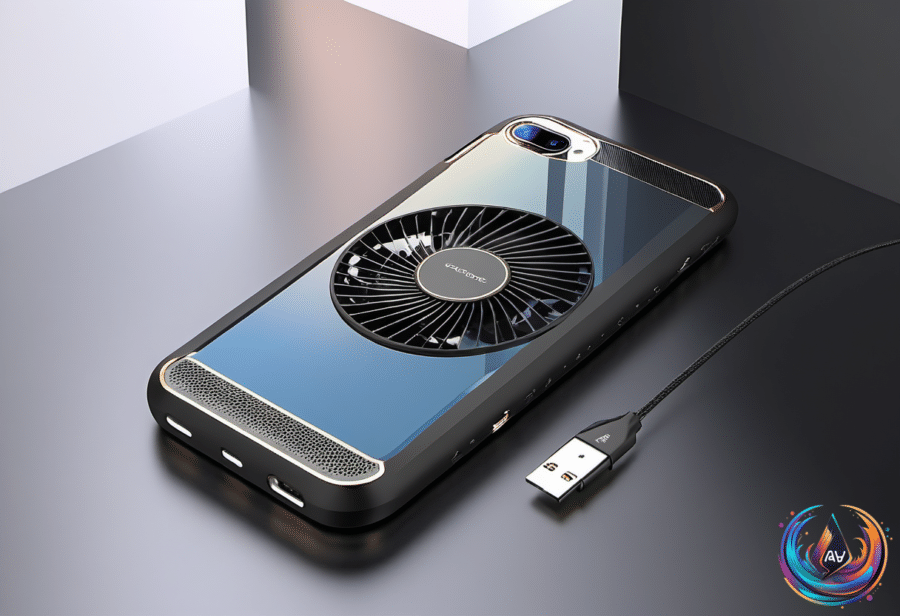
A phone cooler works by adding hardware to a device that already needs to remain comfortable in your hand. That hardware adds weight, fan noise, and cables, and it may interfere with grip. None of those costs matter much during a long gaming session if the alternative is sustained throttling, but they make less sense for ordinary phone use.
Cooling apps do not solve the physical problem. They cannot remove heat from hardware, so they cannot replace external cooling when the phone needs real temperature reduction. A software control can help manage charging on supported Galaxy phones, but it is not the same as extracting heat from the device.
The practical test is simple: does the phone throttle during extended workloads, and do basic changes fail to help? If the answer is yes, a dedicated phone cooler may be worth considering. If not, the cooler becomes another accessory to carry, charge, position, and tolerate for a benefit you may never notice.
Phone coolers are useful tools, not universal upgrades. They earn their place during long, demanding sessions where heat causes measurable performance loss; for everyone else, better airflow, less charging under load, and a little shade should do the job.