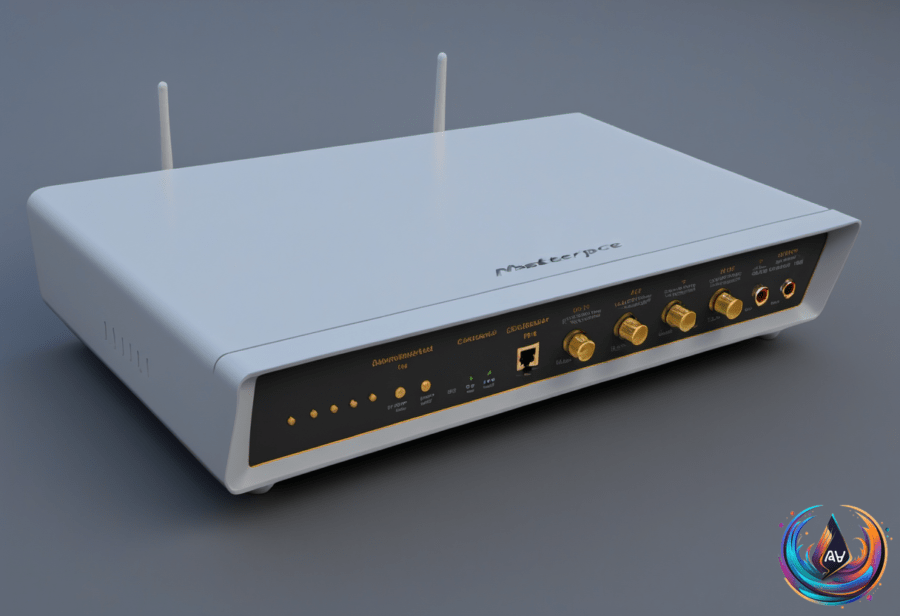
WAN and LAN ports do different jobs. The WAN port acts as the gateway to the internet, while LAN ports connect devices inside the local network and let them communicate with each other. Confusing the two is an easy way to make a router setup more mysterious than it needs to be.
The WAN port is where you plug in the cable from your internet service provider. The router receives an IP address from the provider’s upstream network, then assigns each connected device its own private IP address inside the local network.
LAN ports handle the devices on that local network, including TVs, gaming consoles, and PCs. A wired link can give those devices faster download speeds and a more stable connection than a wireless connection, which is useful when the device stays near the router and has a spare cable.
Wi-Fi Is Still Part of the LAN
Wi-Fi is another way to connect devices to the local network, or LAN. It gives devices a wireless link to the router, allowing them to communicate with the network without using a LAN port.
That local connection can remain useful even when the internet stops working. Devices may still communicate with the router through Wi-Fi, because the wireless link belongs to the local network rather than serving as the WAN connection itself.
Many modern routers also support a guest Wi-Fi login. It creates a secondary local network, allowing guest devices to access the internet without seeing or communicating with devices on the primary local network.
Mesh Wi-Fi systems and access points extend the LAN beyond the router’s physical ports. They connect to the primary network through a cable or a wireless connection, giving the local network more reach without turning every device into a cable-management project.
Wi-Fi 6 Still Works While Wi-Fi 7 Expands
The Wi-Fi Alliance launched Wi-Fi 7 in early 2024, bringing enhanced speeds and features such as 4K-QAM and Multi-Link Operation, or MLO. Wi-Fi 7 routers can reach a theoretical maximum of 46 Gbps—up to five times higher than Wi-Fi 6E.
MLO allows a router to send and receive data across the 2.4 GHz, 5 GHz, and 6 GHz bands at the same time. Supported Wi-Fi 7 routers can also use 320 MHz channel widths, double the width used in 6E, which improves data rates.
Wi-Fi 7 routers maintain a strong signal at longer distances than previous generations, and tri-band models perform significantly better than dual-band models. The distinction matters because cheaper dual-band Wi-Fi 7 routers, including the TP-Link Archer BE230, may lack support for the 6 GHz band and 320 MHz channels.
A Wi-Fi 7 label therefore does not tell the whole story. The number of bands and support for key features shape what the router can deliver, because a lower-cost model may leave out the capabilities that make Wi-Fi 7 interesting in the first place.
Wi-Fi 6, also known as 802.11ax, and Wi-Fi 6E remain reliable in 2026 and handle multiple devices well. Wi-Fi 6E operates on the 6 GHz band with high-bandwidth channels of 80 MHz and 160 MHz, giving it a clear technical difference from standard Wi-Fi 6.
Wi-Fi 7’s limited adoption also means the performance gap may be small in some cases. Connecting to a Wi-Fi 6 router or a Wi-Fi 7 router can produce similar results when the surrounding devices and network conditions do not take advantage of Wi-Fi 7’s features.
Device support is expanding: Apple’s iPhone 17 lineup supports Wi-Fi 7, as does Sony’s PlayStation 5 Pro. The practical choice remains simple—use the WAN port for the provider’s connection, LAN ports for wired local devices, and Wi-Fi when a wireless path to the same local network makes more sense.
Based on