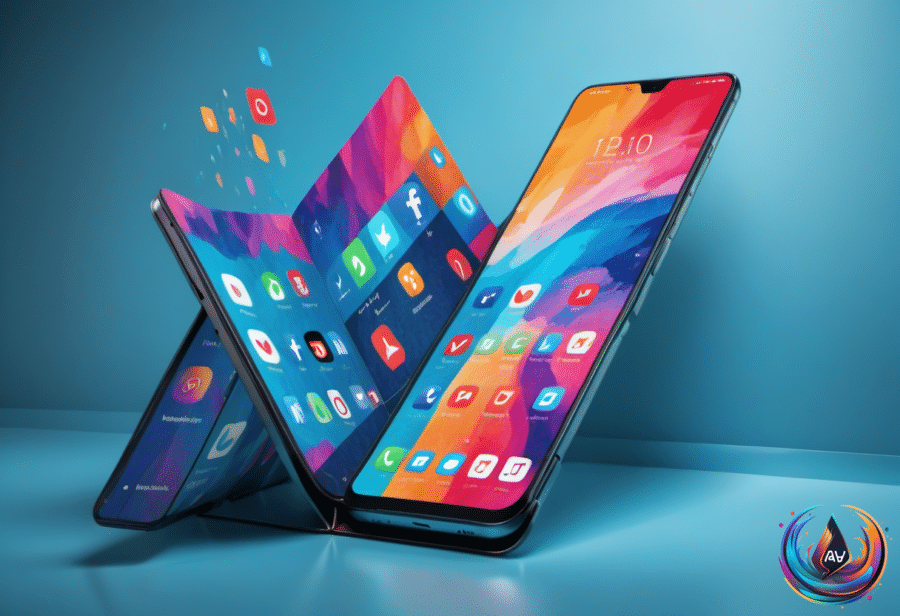
Instagram was built around tall vertical screens, but the iPhone Duo asks the app to work in a very different shape. Adam Mosseri, Instagram’s head, says making the app feel right on the foldable will be “pretty challenging,” especially as the company works through the device’s unusual layout.
Mosseri made the comments on Threads after looking more closely at the details of the device. He said Instagram needs to be designed “in a way that feels great” on the iPhone Duo, whose form factor is far from typical even when folded.
Reels exposes the Duo’s design problem
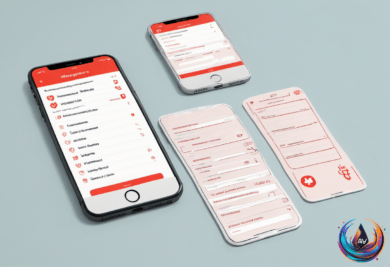
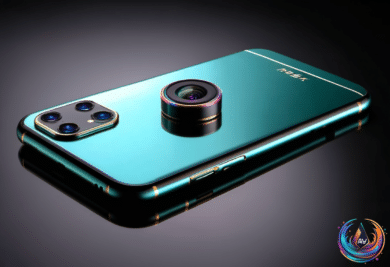
The iPhone Duo is wider and shorter than most smartphones. That creates a practical issue for Instagram’s Reels interface, where the Like, Comment and Share buttons sit on the right-hand side of the screen.
Mosseri said the navigation buttons belong on the right when the Duo is closed because that position makes sense from an ergonomic point of view. But the same arrangement creates trouble when Instagram’s Reels controls appear in the app.
“Now we’ve got this double stack of buttons that doesn’t feel great and that we need to reconsider,” Mosseri said. “It’s a lot of that kind of thing.” People have already mentioned the double stack of buttons he described, making it one of the clearest examples of how the Duo’s shape changes familiar Instagram controls.
One user told Mosseri that the best Instagram experience comes when the Duo is open in portrait mode. In that position, the larger screen gives the image most of the display. Mosseri agreed that this was the best experience for Reels on Duo, while adding that Instagram is working to make other orientations better.
The Instagram app designed for the iPhone Duo has been available globally since October 23. Its release gives users a version built for the device, but Mosseri’s comments show that a Duo-specific app still needs refinement across different positions and screen arrangements.
Meta tests a separate Instagram inbox
While Instagram works on the Duo experience, Meta is testing a separate messaging app called Direct. The test is available only in Turkey and Thailand for now, and Meta describes Direct as an experiment that could expand if it succeeds.
Direct brings Instagram’s inbox into a separate app, and its layout looks almost identical to Instagram’s inbox at first glance. Existing chats carry over when people sign in with their Instagram credentials, while personalization tools let users set custom backgrounds for individual threads. The app also includes Instagram’s Notes status feature.
Direct does not require an Instagram login. People can sign up with an email address or phone number and message friends without linked Instagram credentials. Those users must manually add contacts by entering an Instagram username or scanning a QR code before starting conversations.
Meta is also bringing safety features from Instagram to Direct. The app will not let people start chats with accounts they are not already connected with through their contacts. Parents who use the company’s parental control features will be able to monitor who their teen chats with and how much time the teen spends in the app.
Meta says it will “use technology to detect and act on potentially inappropriate interactions with young people,” adding another layer of protection to the test.
The standalone inbox raises a question about WhatsApp, especially in the countries where Direct is available. An Instagram-centered app is unlikely to replace WhatsApp for many people, but Direct could take some engagement from WhatsApp if people without Instagram accounts use it to message friends.
The test also sits beside Mosseri’s earlier concerns about creating separate inboxes. He has described giving Threads its own inbox as “redundant” when several apps can reach the same people, and he warned that mirroring the Instagram inbox could create “notification routing weirdness.”
Face unlock arrives in the latest Duo beta
The iPhone Duo is also gaining a new way to unlock the device. Apple released the second beta of iOS 27.3 to developers on Monday, and the update adds “Unlock with Front Camera,” a facial recognition option that uses the phone’s front-facing camera.
Users can enable the feature in Settings under Touch ID & Passcode. Engadget confirmed that it works on an iPhone Duo running the beta and found that it unlocks faster than Touch ID. Tests did not fool it with a photo of the user’s face, and it worked in certain low-light conditions, though not in complete darkness.
The feature has clear limits. The Duo lacks a TrueDepth camera, which Face ID uses to map a face in 3D, and its regular cameras sit on the outer and inner screens. Apple’s setup screen warns that the feature “provides convenience” but “isn’t as secure as Touch ID or Face ID.”
Unlock with Front Camera only bypasses the Lock Screen. Touch ID remains necessary for more sensitive actions, including unlocking apps, viewing passwords and using Apple Pay. The feature also stops working after the phone has not been used for more than 45 minutes.
It does not work through the Duo’s inner display, most likely because the under-display camera has a very low resolution. Apple has not said when iOS 27.3 will reach the public, though the update is likely to arrive sometime in mid-December. For now, access is limited to developers and beta testers.
Settings that make the Duo easier to use
The iPhone Duo has proven popular enough that Apple cannot keep it in stock, but the lack of Face ID means users must still press a finger on the side of the device to authenticate with apps, unlock it and use Apple Pay. Several settings can reduce that friction.
Users can register extra fingerprints through Settings > Touch ID & Passcode > Add a Fingerprint. Apple Watch unlock is another option, found under Settings > Touch ID & Passcode > Unlock with Apple Watch. The “Rest finger to open” setting can be enabled at Settings > Touch ID & Passcode > Rest Finger to Open.
Fixed volume controls can be turned off through Settings > Sounds & Haptics > Fixed Position Volume Controls. For screenshots, users can set up Back Tap through Settings > Accessibility > Touch > Back Tap, then choose a double or triple tap and assign the action.
Reachability is enabled by default, but it can be turned off under Settings > Accessibility > Touch > Reachability. There is no setting to lock the phone when it folds, “at least, not yet.” Users can create that behavior with the Shortcuts app by making an automation for “Opened or Closed” and searching for “Lock Screen” in the shortcut.
The Camera app also lets Duo owners rearrange the on-screen camera controls. Open the six-dot Camera Controls menu in the bottom right, tap the plus sign at the top of the menu—or to the right or left, depending on how the phone is held—and drag the options into a preferred order.
Smart Take is designed for hands-free group or solo photos without a self-timer. Flash behavior during automatic capture sessions can be changed through Settings > Camera > Flash During Capture by turning the switch off.
Based on
- Adam Mosseri thinks it will be ‘pretty challenging’ to design Instagram for the iPhone Duo — engadget.com
- Instagram’s CEO thinks it will be “pretty challenging” to make it feel great on the iPhone Duo. | The Verge — theverge.com
- Meta Is Testing Direct, A Standalone Messaging App For Instagram — engadget.com
- The iPhone Duo Gets Face Unlock With The Latest iOS 27 Beta. — engadget.com
- Got an iPhone Duo? These 9 settings make it easier to use | TechCrunch — techcrunch.com