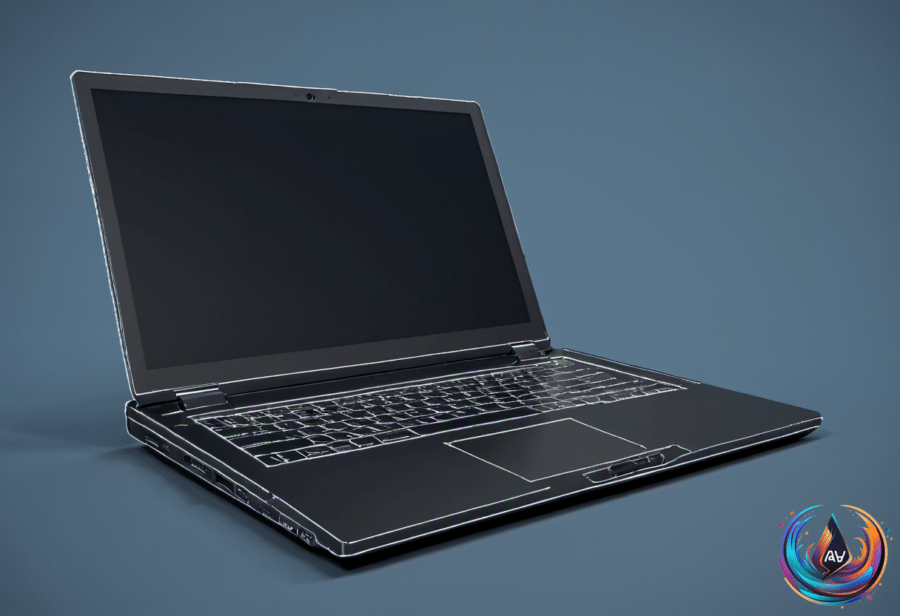
That loose trackpad is a warning. Modern laptop trackpads are usually flat, so a surface that starts popping out deserves immediate attention. The cause may be a swollen battery pressing upward from inside the laptop, creating a risk that extends far beyond an annoying change in how the device feels.
A battery relies on many chemical reactions to work. When it becomes overcharged or suffers physical damage, its internal chemical components can produce harmful gases. Those gases make the battery swell, and the expanding battery pushes against the components around it.
In laptops, the battery is usually located underneath the trackpad. As it expands, it can push the trackpad out of its normal position, making the surface look loose, raised, or detached from the laptop case. A trackpad that pops out is usually a sign that the battery is nearing the end of its life.
Why a swollen battery demands immediate action
A faulty battery can swell until it explodes, and the risk of it bursting into flames is very real. A swollen battery can ruin the laptop and even cause a fire, turning a hardware problem into a serious safety hazard.
If the trackpad is popping up or the laptop case seems bulging, stop using the laptop immediately. Turn it off and unplug it when you notice swelling or a popping trackpad; continuing to use the device gives a failing battery more opportunities to become a larger problem.
Do not treat the battery as a loose component that can be pushed back into place. Dealing with swollen batteries can be very dangerous, and mishandling one may cause it to catch fire. The fact that the trackpad still works does not make the situation safe—hardware rarely sends a more obvious warning than physically changing shape.
A loose trackpad does not always mean the battery has swollen. Other hardware malfunctions can also make it come loose, including an internal screw coming loose or impact damage. Even so, a popping trackpad or bulging case calls for immediate caution because the battery remains a possible cause.
Repair and prevention
Most laptops in this situation can be repaired by replacing the battery. Once the new battery is installed, the trackpad snaps back into place. That repair addresses the source of the pressure instead of trying to force the trackpad back down while the damaged battery remains inside.
Apple charges $149 to $249 to replace a MacBook battery, depending on the model. Most laptop makers will repair a bad battery for free if the device is still under warranty, so checking warranty coverage may spare you a repair bill.
Prevention starts with how the laptop is stored and charged. Avoid leaving it in extreme temperatures or direct sunlight for long periods, and use original, certified chargers to help prevent accidents. Neither step changes the need to stop using a laptop that already shows swelling, but both reduce conditions linked to battery problems.
If you store a laptop without using it for an extended period, keep it at about 50 percent charge. Check the laptop every three months to ensure everything is fine, paying attention to the case and trackpad. A flat trackpad is not exciting, which is precisely the point.