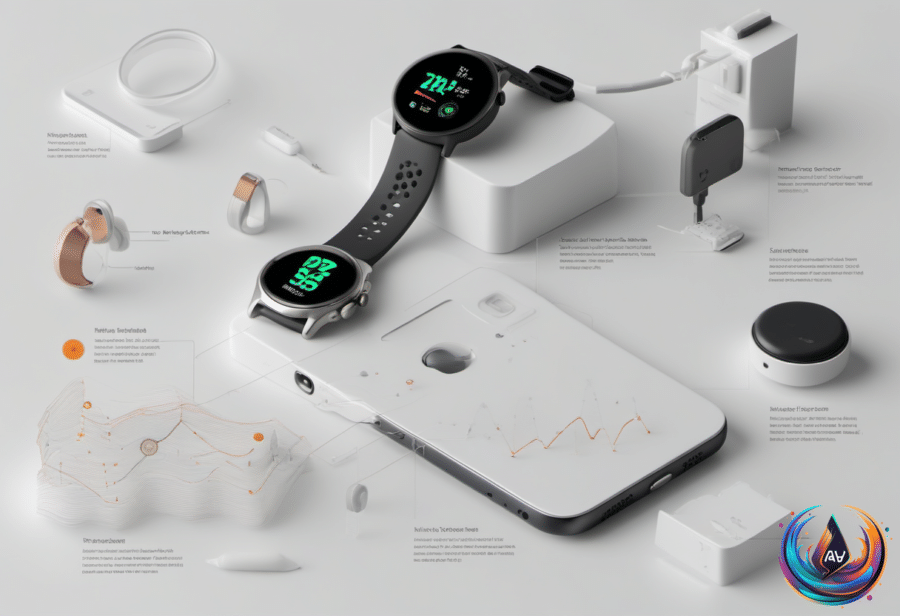
Apple Watch is about to become a much sharper listener. Audio Intelligence is now entering developer beta testing, bringing Live Rewind and Siri Recap to Apple Watch through the iOS 27.3 beta and watchOS 27.3 beta.
The bigger story is not only what these features can capture, but what they refuse to keep. Apple designed the system to detect sounds, identify songs and create high-level conversation summaries without word-for-word transcripts or speaker identification, while a broader public beta is planned before general availability.
Four Opt-In Features Build A New Audio Layer
Apple introduced Audio Intelligence during its September 9, 2026 Apple Watch Series 12 announcement, promising that the two conversation features would reach beta later in the year. Apple’s support guide defines the package as four opt-in capabilities, giving users control over which tools they want to use.
- Sound Recognition can notify wearers about sirens, alarms and doorbells, a feature designed to help deaf and hard-of-hearing users identify important sounds.
- Automatic Music Recognition with Shazam detects music playing in the background and displays the song title and artist in the Smart Stack.
- Live Rewind turns the previous 15 seconds of speech into text on the watch.
- Siri Recap creates a title, brief summary and key points from a conversation.
Live Rewind is built for the moment when a sentence slips past you. A deliberate double-press of the Digital Crown displays the previous 15 seconds of speech, then offers options to ask Siri about the content or save the snippet to the Siri app.
If you take neither action, the text disappears about 30 seconds after the watch display dims. The feature also makes its use visible: an audible chime plays even when the watch is silent or headphones are connected, while a full-screen animation and microphone indicator appear on the display. Those signals alert people nearby that Live Rewind has been used.
Siri Recap takes a wider view. It can run by hand or on schedules based on time and location, and Control Center can turn it off at any time. Instead of presenting a verbatim transcript, it creates a short title, a brief summary and key points, without attributing statements to identified speakers.
Privacy Controls Shape How Audio Intelligence Works
Apple says these features do not record or store audio. The S11 chip includes a Secure Exclave, a hardware-isolated compartment that processes sensor data separately from the rest of the system. Its rolling audio buffer cannot be accessed by watchOS, apps, the user or Apple, and old audio is continuously overwritten rather than accumulated as a recording.
For Siri Recap, a lightweight model on the S11 chip detects whether a conversation is taking place. The watch encrypts the audio and transfers it to the paired iPhone’s Secure Exclave, where on-device speech recognition creates a transcript and a language model condenses that transcript to less than half its original length.
The raw audio is then permanently deleted. The condensed text is encrypted and sent to Private Cloud Compute, where Apple Foundation Models generate the title, summary and key points. Apple says the results are deleted from the cloud service after they return.
Siri Recap also aims to omit financial data, government-assigned identifiers, financial and authentication data, certain personal identifiers and language that would promote self-harm. Apple warns that generated summaries and snippets may be incomplete or inaccurate, with important details omitted, misunderstood or summarized incorrectly.
Unsaved Siri Recaps auto-delete after seven days. Saved material can be edited, deleted or exported to Notes and Journal, while saved recaps and Live Rewind snippets can sync through iCloud with end-to-end encryption when two-factor authentication and a device passcode are enabled. Apple does not hold the encryption keys.
Requirements, Limits And The Road Ahead
Audio Intelligence supports Apple Watch Series 12 and Apple Watch Ultra 4, but the watch is only one part of the setup. Users also need a compatible iPhone with Apple Intelligence enabled: an iPhone 16 or later is required, while iPhone 16e is not compatible.
Siri Recap and Live Rewind will initially work only in English and will not be available in the EU. Both features also face daily usage limits, giving this first beta a clear testing boundary before broader access arrives.
Apple says the features should not affect the battery life of the watch or phone. Users can opt out of each Audio Intelligence capability, and the system does not identify or attribute speakers in conversation.
The developer beta marks the first hands-on stage for Apple’s attempt to make a smartwatch useful when attention has already moved elsewhere. A missed sentence can become a 15-second snippet, a long conversation can become key points, and a distant alarm can become a watch notification—provided users choose to enable the tools.
The broader public beta will reveal how these features perform beyond developer testing. For now, Apple Watch is moving toward a future where listening is not about keeping recordings, but about turning fleeting sound into short, controlled moments of understanding.
Based on
- Apple Watch Audio Intelligence Enters Developer Beta Testing — unite.ai
- Apple Watch’s AI features for rewinding and recapping conversations begin beta testing | TechCrunch — techcrunch.com
- Apple’s Latest watchOS 27 Beta Enables Siri Recap And Live Rewind Audio Features — engadget.com
- What Is AssistiveTouch On Your Apple Watch And When Should You Use It? — engadget.com
- Apple’s roaming home robot may do FaceTime, switch lights on, and yell at your cat | Page 3 | Ars OpenForum — arstechnica.com