Adding an Ethernet switch sounds simple until the number of ports, speed options, management features, and Power over Ethernet choices start piling up. The right model can add ports without slowing your network or saddling you with features you do not need.
The best approach is to match the switch to the network you have now while leaving room for future devices. That starts with two basic questions: how many Ethernet ports do you need, and how fast should those ports be?
Start With Ports and Network Speed
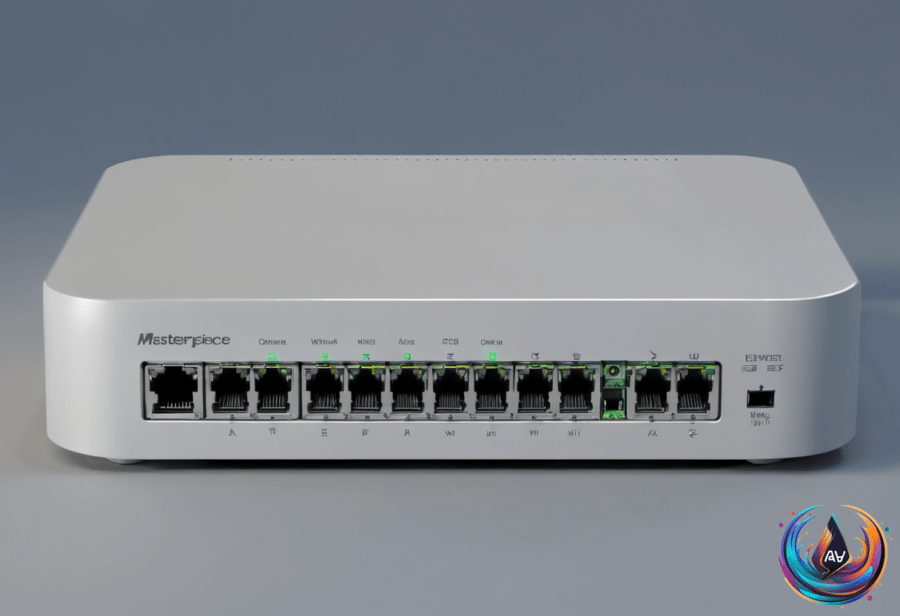
A switch uses one port to connect to your router, so a five-port model typically leaves four ports for other devices. That may be enough for a small setup, but an eight-port switch provides room for seven devices and gives you more space for future additions.
Port count matters because a switch can fill up sooner than expected. Choosing between five-port and eight-port models is a practical decision about how many wired devices the network needs to support. An eight-port switch offers more room without requiring a different kind of setup.
Speed is the next key choice. If your internet connection, router, and wired devices all max out at Gigabit speeds, a 1GbE switch is reasonable. It matches the limits of that network and adds ports without requiring a faster switch.
A 2.5GbE switch makes sense when the network includes multi-gig internet, a newer PC with 2.5GbE, or a fast NAS with multi-gig networking. The switch should not become the bottleneck between those devices and the rest of the network.
For example, a router with a 2.5Gbps port connected to a switch limited to 1GbE will limit that traffic to 1GbE. The faster router port cannot pass its full speed through the slower switch. On the other hand, connecting a device with a 1GbE port to a 2.5GbE switch does not increase that device’s speed.
Do You Need a Managed Switch?
Most homes do not need a fully managed switch. An unmanaged switch adds more ports without requiring configuration, which makes it a straightforward choice when the main goal is connecting more wired devices.
Managed and smart switches cost more, but they offer features such as VLANs, traffic monitoring, and quality-of-service controls. Those options matter when the network needs more control over how traffic is separated, watched, or handled.
The key question is whether those features solve a problem you actually have. If the goal is simply to add Ethernet ports, an unmanaged model handles that job without extra configuration. If the network needs VLANs, traffic monitoring, or quality-of-service controls, a managed or smart switch provides those tools.
When Power Over Ethernet Matters
Power over Ethernet, or PoE, sends power and data through the same cable. That makes it useful for devices such as security cameras and Wi-Fi access points, where one cable can handle both connections.
PoE switches have an overall power budget, and that budget limits how many PoE devices can operate at the same time. The number of available ports alone does not tell you how many powered devices the switch can run together.
That makes the PoE power budget an important part of choosing a switch for a network with security cameras or Wi-Fi access points. A switch can have enough physical ports but still have a PoE limit that affects simultaneous operation.
Do Not Forget the Physical Details
Speed and features get most of the attention, but the switch itself also needs to fit its intended location. Physical details such as size and cooling matter when you are deciding where to place it and how much noise the network setup can produce.
A switch with the right port count and speed still needs a suitable place in the network. Size can affect placement, while cooling affects noise considerations, so these details belong in the decision alongside Ethernet speeds and management features.
The choice does not need to be complicated. Count the ports, check the speeds of the router and wired devices, consider whether PoE is needed, and decide if management features have a real purpose. The right Ethernet switch adds capacity while keeping the network from being slowed by an avoidable bottleneck.