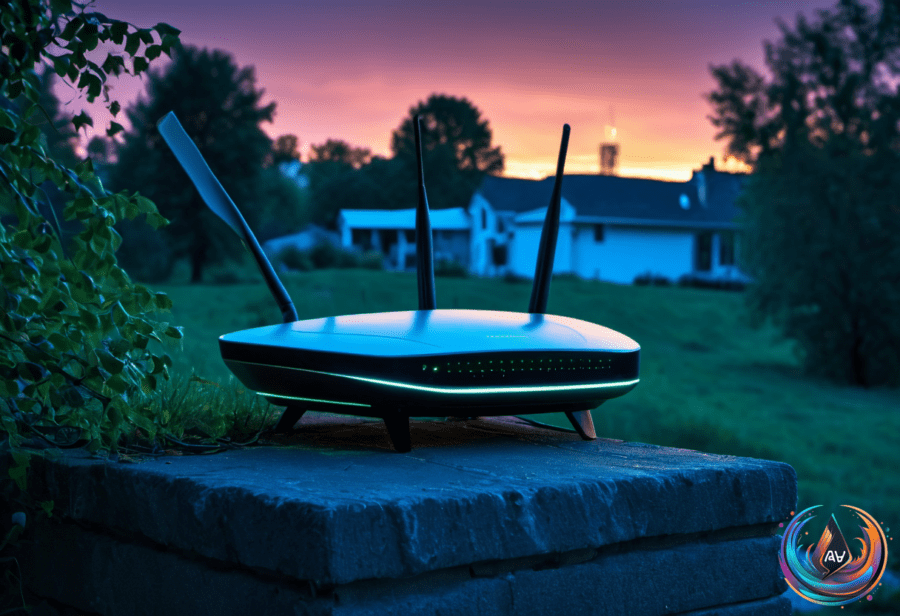
Router bands solve different problems. Dual-band routers use one 2.4GHz band and one 5GHz band, while tri-band models add another network band for devices that need more room. That extra capacity matters more than the label on the box — marketing departments will survive the distinction.
The 2.4GHz band reaches farther and passes through walls better, but it delivers slower speeds and faces more congestion. The 5GHz band runs faster and has less crowding, though its shorter range makes it less useful at the edges of a home.
Traditional tri-band routers use one 2.4GHz band and two 5GHz bands. Newer Wi-Fi 6E and Wi-Fi 7 tri-band routers replace the second 5GHz band with a 6GHz band, which offers the fastest speeds, less congestion, and little interference — along with the shortest range.
Most routers broadcast every available band at the same time, whether they use two bands or three. The main advantage of a tri-band router is capacity: more devices can download and upload at once without slowing the network down.
When a third band earns its keep
A tri-band router becomes more useful as the number of connected devices rises. Phones, computers, televisions, consoles, and other devices can share the network without forcing every connection into the same limited space.
Tri-band hardware also matters in mesh networks. The third band can handle backhaul traffic between mesh nodes, leaving the other bands available for connected devices. That arrangement gives the network a dedicated path between nodes instead of making every device compete for the same wireless capacity.
Band choice still involves a basic trade-off between range and speed. The 2.4GHz band covers more ground, 5GHz offers faster connections over shorter distances, and 6GHz provides the fastest option but needs devices to stay closer to the router.
Why restarting still helps
Routers are small computers with processors and memory, and those resources can fill up over time. A monthly reboot clears accumulated memory, refreshes connections, and can improve network performance when speeds dip or Wi-Fi becomes unreliable.
Restarting can also disrupt malware and suspicious temporary connections, which adds a security benefit. The FBI recommends rebooting routers when users notice suspicious activity, while the NSA recommends scheduling weekly reboots for all devices, including routers.
Common signs include slower internet speeds, spotty Wi-Fi, devices dropping off the network, and buffering. Rebooting takes about two minutes: unplug the router, wait 30 seconds to a minute, then plug it back in.
Many modern routers support scheduled automatic reboots and firmware updates, so the maintenance can happen without a regular reminder. A router that has been running for weeks is not displaying endurance; it may simply be overdue for a reset.
The Starlink Mini router question
The Starlink Mini combines a satellite dish and Wi-Fi router in one portable unit, making it suitable for campers, RV owners, and remote use. It can provide home-network speeds and latency comparable to traditional internet service providers, provided the dish has a clear view of the sky.
The integrated Wi-Fi supports Wi-Fi 5 and covers up to 1,200 square feet for as many as 128 devices. Trees, buildings, and hills can block the satellite signal, while the best position for maintaining satellite line of sight may not provide the strongest Wi-Fi coverage inside a home.
The Starlink Mini X kit includes a second router called the Router Mini. It supports Wi-Fi 6, covers up to 1,300 square feet, and supports up to 235 devices, giving users another way to address coverage or capacity limits.
The Router Mini can join the Mini’s integrated Wi-Fi in mesh mode, either wirelessly or through Ethernet. Users can place it closer to devices or in a better location, and it can also connect with third-party routers through Ethernet or mesh connections.
That extra router is not required when the built-in Wi-Fi provides enough coverage. It becomes useful when dish placement compromises indoor signal strength, when more capacity is needed, or when a larger area requires another mesh node. The Router Mini is an expansion option, not an admission that the original unit forgot how Wi-Fi works.
Based on