Your phone usually survives a SIM swap. Most smartphones let you change SIMs while the device stays on, so powering down is not required for the process. That convenience is useful, although a careful swap still beats treating the tiny card like disposable confetti.
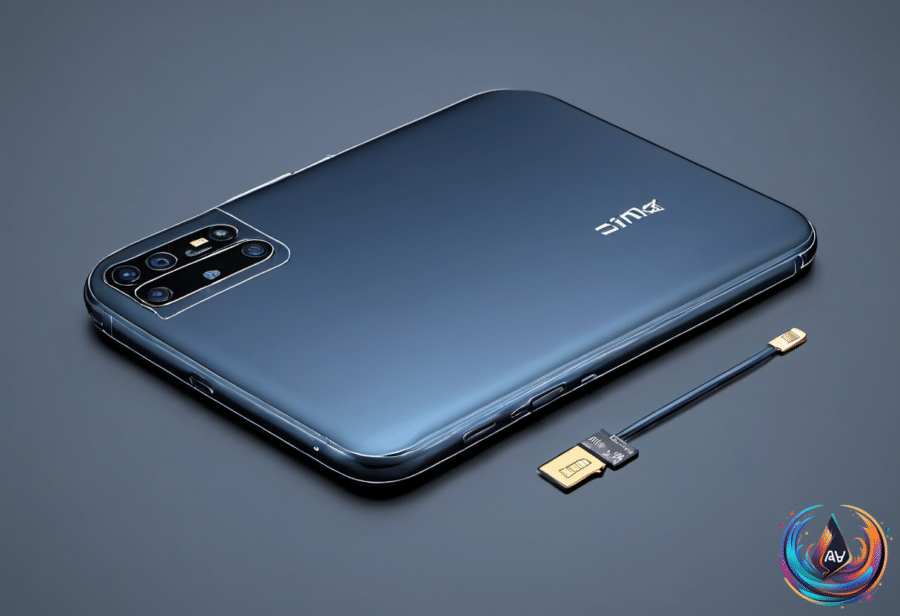
For a physical SIM replacement, you can optionally power down the phone or enable airplane mode before starting. Pop out the tray, replace the card, check that it has the correct size, and push the tray back into place; the phone may ask for a PIN or request a restart.
Some Android devices place a microSD card in the same tray as the SIM. If yours does, unmount the microSD card before removing the tray to prevent data loss.
Why turning the phone off still helps
The benefit of powering off before a SIM swap is minor, but it gives the phone a clean opportunity to read the new carrier settings when it starts again. That can help the device register on its new network more quickly—useful, even if it hardly qualifies as a technological breakthrough.
You do not need to shut down completely to refresh those settings. Turn on airplane mode, wait 30 seconds, swap the SIM, then turn airplane mode off again; this can prevent carrier hiccups while the phone recognizes the new card.
That advice was more important before the 2010s, when SIM slots usually sat underneath a phone’s removable battery. Reaching the card required powering down the device, but manufacturers later moved SIM trays to the outside of phones, making replacements easier to perform.
Early phones with external trays would often show a network error if someone swapped SIMs while the device was on. Those phones soon became hot-swappable, and most smartphones now let users complete the change without turning the device off.
The real risks are physical
SIM replacement does not carry a long list of hidden software dangers. The small potential problems come from dirt, grime, moisture, incorrect sizing, force, and careless handling: debris can enter the phone, a larger card can be forced into a smaller slot, the tray can break, or the SIM itself can suffer damage.
A damaged SIM or one inserted incorrectly can leave the phone trying to create a network connection. That can drain the battery and cause the device to overheat, turning a simple card change into a small exercise in regret.
Most people never encounter those problems. Slowing down, checking the card size, placing the SIM correctly, and avoiding force does the trick.
eSIM technology has a clear appeal because it removes the need to move a physical card and contains no moving parts. Others still value true SIM cards because they offer convenience and relative privacy, so the old-fashioned option has not vanished merely because newer hardware exists.
The practical rule is simple: leave the phone on if you want, but use airplane mode or power down when you want the cleanest network refresh. Keep moisture and grime away, never force the tray, and unmount a shared microSD card first. The phone can handle the swap; the person holding the tray remains the unpredictable component.
Based on