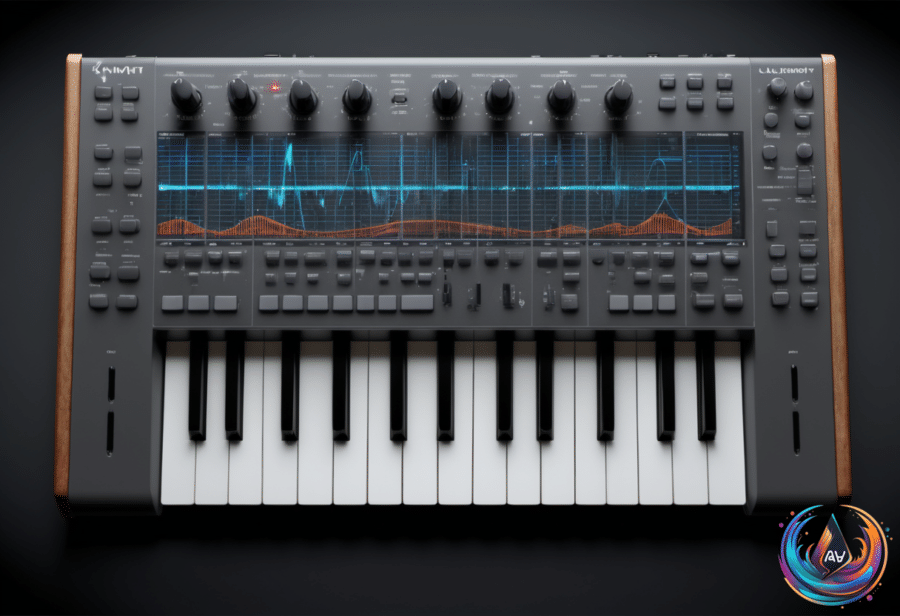
Suno is giving musicians a more exact way to begin AI-generated songs. On November 4, 2026, the platform announced that Pro and Premier subscribers can upload MIDI files to the Create page, then combine those files with natural-language instructions.
That means a user can start with written musical information instead of only a text prompt or recorded audio. Suno can follow the uploaded notes, develop them into new ideas or change the instrumentation, depending on what the user asks for.
The process is simple: drag a file onto Create or select MIDI from the page’s plus menu. Suno accepts the static formats .mid and .midi, giving subscribers another way to guide a song from its first musical idea.
Why MIDI gives Suno a more precise starting point
A MIDI file contains no audible sound. Instead, it stores musical information such as notes, rhythm and expression in a lightweight format, with up to 16 channels of pitch and timing data and as many as 120 controller lanes per channel for functions such as modulation, volume and sustain.
That data matters because MIDI tells a system exactly which notes appear and when they occur. Suno describes this as a more precise starting point than its other creation inputs, which gives users more control over the musical shape before the AI generates a finished track.
After uploading a file, a user can ask Suno to reproduce the part exactly, develop a top-line motif into new ideas or render it with different instrumentation. The prompt controls how literally Suno treats the supplied material, so the same MIDI file can support a faithful version or a more adventurous transformation.
A fixed composition can be auditioned without changing its notes. A smaller musical idea can become the basis for something new. This makes the feature useful for musical sketches, chord progressions and unfinished parts that need a fuller arrangement.
From work-in-progress scores to older sessions
One clear use is hearing a work-in-progress score with generated instrumentation. A composer can export a score as MIDI and request an orchestral arrangement with strings, brass, woodwinds and percussion. Students, teachers and band leaders can then audition their compositions while iterating.
The same process can produce very different results from the same source material. One example turns a file into a gospel choir with piano accompaniment, showing how the notes can remain while the sound changes around them.
MIDI also creates a path back to older material. A synth line from an old session can become a string quartet while retaining the notes and chord progression stored in the file. The original performance data stays useful even when the original instrument no longer fits the new idea.
This separates MIDI imports from Suno’s Remix and Cover modes, which adapt uploaded WAV or MP3 audio. Those modes begin with recorded sound, while MIDI conveys note and timing information without supplying the sound of a particular instrument. That separation lets users preserve a musical line or chord progression while changing its instrumentation.
There is a limit to what MIDI can describe. MIDI defines a performance but supplies no sound, and even carefully programmed files cannot express every articulation or timbre adjustment. Turning raw MIDI into full-sounding instrumentation can require time-consuming work, specialist programming and large sample libraries.
Suno presents its new Create option as a way to hear full instrumentation without assembling that production setup. The result still depends on the prompt and the generated interpretation, but the uploaded notes give the process a firm musical foundation.
How the Create feature differs from Studio 2.0
At launch, MIDI uses Simple Create with v6-wild, and Suno plans to expand its MIDI capabilities over time. Suno’s v6 release notes describe v6-wild as an exploration-oriented counterpart to the reliable, precise flagship v6.
That version is described as producing less predictable, more varied, unexpected, textured and ambitious results. For MIDI users, that points to a balance between preserving the supplied musical material and letting the system explore new arrangements around it.
The Create addition is separate from Studio 2.0, which launched on August 13, 2026. That release added MIDI import, recording and editing to Studio’s timeline, along with a wavetable synth and MIDI clips that could serve as prompts for new audio generations.
The distinction is useful. Studio 2.0 focuses on working with MIDI inside a timeline, while the new Create option lets Pro and Premier subscribers upload a MIDI file as the starting point for an AI song. Both features use MIDI, but they support different parts of the creative process.
For musicians, the practical change is simple: a saved musical idea can now travel into Suno with its notes and timing intact. From there, one instruction can keep the part close to the original, turn a motif into something larger or place the same composition inside a new instrumental world.
Based on
- Suno Adds MIDI File Uploads for AI Song Creation in Create — unite.ai
- CastReader Brings AI Explain and Full-Text Listening to Digital Reading for Work, Study and Personal Use | Currency News | Financial and Business News | Markets Insider — markets.businessinsider.com
- MusicMagic Starter Lifetime Deal: Create 100 AI Songs for $71.99 | National Post — nationalpost.com
- Spotify might launch its AI music remixing tool next year. | The Verge — theverge.com
- Flow AI Video Expands Scene-Based Workflows for Product and Short-Form Video Planning – USA Today — usatoday.com