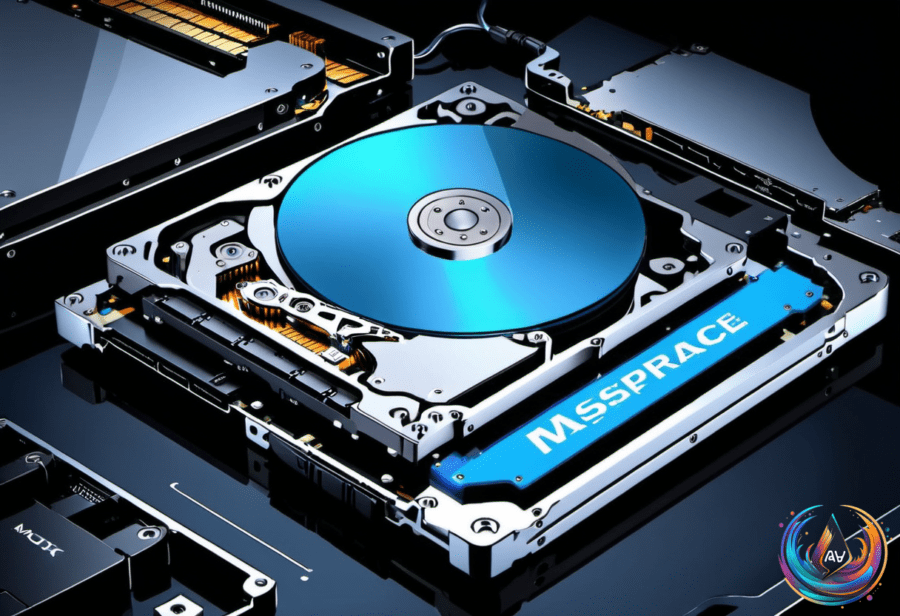
A 256GB solid-state drive and a 1TB hard disk drive may look like two versions of the same purchase, but they solve different problems. One prioritizes speed, while the other gives you much more room for files.
For a computer’s main drive, the 256GB SSD is usually the better choice if it provides enough space. SSDs are much faster than hard disk drives, and that difference affects startup times, application loading, and everyday responsiveness. A computer with an SSD can feel more responsive even when the drive holds less data.
The 1TB HDD takes the opposite approach. It gives you about 3.9 times the advertised capacity of a 256GB drive and usually costs less per gigabyte. That makes it a better trade when you need room for large game libraries, photos, videos, or backups.
Where a 256GB SSD makes sense
Windows 11 requires at least 64GB of storage, so a 256GB SSD clears the operating system’s minimum requirement. That leaves space for programs, updates, downloads, and personal files, but all of those compete for whatever remains on the drive.
That distinction matters because 256GB is not the same as 256GB of free working space. Windows, installed programs, updates, downloads, and your own files all draw from the same capacity. A drive can meet the operating system requirement and still become crowded once you use it as your main storage.
Large creative projects and modern games can require 1TB or more to stay comfortable. Large games can consume dozens or even hundreds of gigabytes, while RAW photos, video projects, and local media libraries can keep growing. In those cases, the SSD may deliver the speed you want, but the available space becomes the limit.
The type of SSD also depends on the computer. A 2.5-inch SATA model can be a straightforward option for an older PC, while most newer systems support much faster NVMe drives. The choice between those formats is separate from the choice between SSD speed and HDD capacity, but it still matters when you are replacing or adding storage.
When the 1TB HDD is the better fit
An HDD is slower than an SSD, but not every storage task needs fast access to every file. Playing a stored video or keeping an archive does not place the same performance demands on a drive as running an operating system or loading applications. That is why hard drives remain a solid choice for backups, photo and video archives, and older games.
Backups are a specific case. The goal is usually to preserve a lot of data, rather than open every file as quickly as possible. A 256GB SSD can perform backup jobs, but faster storage cannot compensate for files that do not fit. If the data set is larger than the drive, capacity becomes the deciding factor.
Hard drives also have drawbacks beyond speed. The platters and moving head inside an HDD can produce noise and make the drive more susceptible to shock. An SSD has no such moving parts, which helps explain why it is better suited to a computer’s main drive when the available capacity is enough.
Price has also become a more complicated part of this decision. The rise in drive prices is being driven by AI and the AI data center boom, affecting both SSDs and HDDs. A 2TB SSD that sold for around $120 to $200 last year can now approach or pass $400, depending on the model. A 256GB SSD that was once a $25 purchase now costs several times that.
Portable SSD pricing shows the same pressure. A 1TB portable SSD for macOS Time Machine backups cost $85 less than a year ago, while today that same drive carries a $160 price. HDD prices are higher too: the average for 4TB 3.5-inch SATA models is around $240, up from about $120 last year, and an 8TB HDD that once cost around $200 is now $400.
Those increases do not erase the basic difference between the two drive types. SSDs remain much faster and better suited to operating systems, applications, and similar everyday tasks. HDDs still offer more capacity for the money, even with higher prices, which keeps them useful for large collections and backups.
The practical answer is simple: choose the 256GB SSD when speed matters most and your files fit. Choose the 1TB HDD when storage space matters more than startup and loading times. If speed is not your top priority, an HDD might make more financial sense today, but a drive that cannot hold your files is never enough storage.
Based on