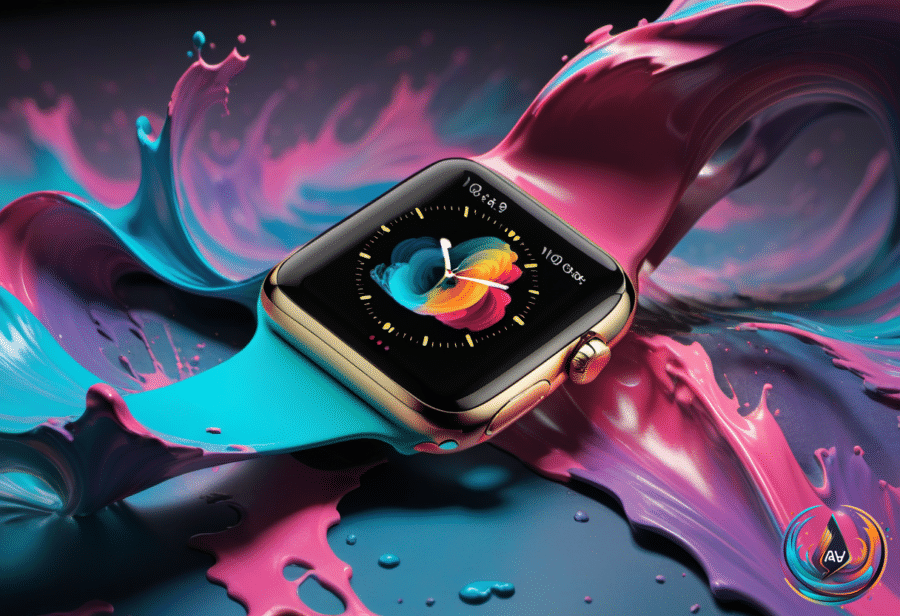
Your Apple Watch may soon remember the moment you missed. Apple’s watchOS 27.3 beta brings Siri Recap and Live Rewind to the Apple Watch Series 12 and Apple Watch Ultra 4, turning short bursts of ambient audio into summaries and text snippets.
The features are entering testing first, but the latest beta has not reached the U.S. market yet. Apple announced the update through a press release from Apple in India, and the features will later move to the public beta before becoming available to everyone.
A rewind button for real-world conversations
Live Rewind targets a familiar problem: someone says something, the moment passes, and you realize you missed it. With the feature enabled, you can double-press the Digital Crown to view a text snippet covering the last 15 seconds of a conversation.
The snippet appears on the watch, where you can read it, ask Siri about what was said, or save it for later in the standalone Siri app that shipped with iOS 27. An “Ask Siri” option appears below the text, giving you a way to ask about the snippet without repeating the conversation.
If you do nothing, the snippet disappears permanently after 30 seconds. Live Rewind also makes its activity visible: a chime plays even when the Apple Watch is set to silent, while the display shows an animation and a microphone indicator.
That design gives the feature a clear boundary. You get a short window to recover something you missed, but the text does not sit on the watch forever unless you choose to save it.
Siri Recap turns conversations into key points
Siri Recap takes the idea much further by creating high-level notes from conversations. Apple Intelligence generates a title, a short sentence, and bullet points that capture key ideas, allowing you to return to the Siri app when you need to jog your memory.
The system does not identify speakers, save raw audio, or provide word-for-word transcripts. It also does not create recaps while you listen to music with headphones or use their noise cancellation features.
Users can enable Siri Recaps manually or configure a schedule, and the feature can be turned off at any time from Control Center. Recaps that you do not save delete themselves within seven days, while reminders appear at the end of the day and when you first unlock the Apple Watch in the morning.
Those reminders let you decide what stays. You can save selected notes to the Notes app or export them to the Journal app when the conversation feels more personal.
Apple says the summaries omit sensitive information, including government-assigned identifiers, financial and authentication data, certain personal identifiers, and language that would promote self-harm. Siri Recap also will not show sensitive details such as financial information.
Privacy depends on the S11 chip and secure processing
The microphones on the supported Apple Watch models can constantly pick up audio from their surroundings, so Apple built the Audio Intelligence features around a privacy-focused processing system. The company says the features do not record or store audio, and the S11 chip processes audio in isolation before deleting it.
The always-on processor includes a secure enclave, a hardware-protected memory space that the rest of the operating system cannot access. A dedicated audio buffer handles the raw audio there, keeping it unavailable to apps, users, Apple, and the operating system.
Lightweight AI models on the S11 chip detect whether the wearer is part of a conversation, then transfer the relevant audio to the paired iPhone through a secure pairing mechanism. The iPhone converts that audio into condensed text with filler words removed, encrypts the text, and sends it to Apple’s Private Cloud Compute to create the recap.
Private Cloud Compute sends the recap back to the iPhone and deletes the recap and summarization data immediately afterward. The recaps remain accessible only to the user, and encryption protects them when they sync across Apple devices. Live Rewind uses a similar process, transferring audio to the iPhone to create its 15-second text snippets.
Apple says these features should not affect the battery life of the Apple Watch or iPhone. Users can opt out of each feature, and some require manual activation.
Audio Intelligence expands beyond conversations
Siri Recap and Live Rewind form part of a set of four opt-in AI features for the Apple Watch Series 12 and Apple Watch Ultra 4. The broader Audio Intelligence system also helps users detect important sounds, identify songs, catch up on conversations, and take notes.
- Sound recognition can help deaf and hard-of-hearing users identify sirens, alarms, and doorbells from their watch.
- Song recognition uses the Shazam app to identify music playing in the background, including the song name and artist.
- Live Rewind creates a temporary text snippet from the last 15 seconds of a conversation.
- Siri Recap produces high-level notes with a title and key points.
To use Audio Intelligence, owners need an Apple Watch Series 12 or Apple Watch Ultra 4, plus a compatible iPhone with Apple Intelligence enabled. That means an iPhone 16 or later, but not an iPhone 16e.
Siri Recap and Live Rewind will initially support English only, will not launch in the EU, and will have daily usage limits. The latest watchOS beta still needs broader testing before these conversation tools reach the public, but Apple is pushing the Apple Watch toward a new role: not just showing notifications, but helping users recover, organize, and remember the moments that happen around them.
Based on
- Apple’s upcoming watchOS 27 beta will enable Siri Recap and Live Rewind audio features — engadget.com
- Apple Watch’s AI features for rewinding and recapping conversations begin beta testing | TechCrunch — techcrunch.com
- What Is AssistiveTouch On Your Apple Watch And When Should You Use It? — engadget.com
- 5 iPhone Features You Should Be Using After Updating To iOS 27 — engadget.com
- You Can Easily Update Your AirPods Firmware In Just A Few Simple Steps — engadget.com