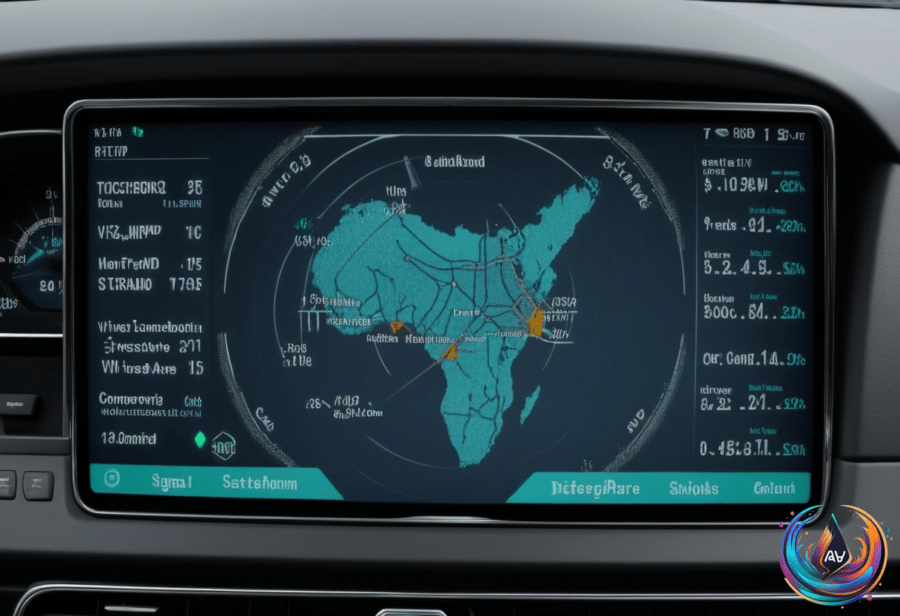
Wireless Android Auto feels like magic. You get your favorite apps, maps, and calls right on your car’s dashboard—without plugging in a cable. But behind the scenes, it’s a clever dance between two wireless technologies: Bluetooth and Wi-Fi. Why both? Because neither can handle it all alone.
Bluetooth Starts the Party
Bluetooth kicks off the whole process. It handles the initial handshake between your phone and your car. Think of it like a quick introduction that gets them talking. “The handshake is what kicks off the whole process,” explains the tech behind the scenes.
Bluetooth is perfect here because it uses very little power. Your phone can quietly scan for your car’s system in the background. Once they find each other, Bluetooth pairs them and exchanges the credentials needed to launch a Wi-Fi connection.
Bluetooth also takes on a second job: handling hands-free calls. This means you can chat without fumbling your phone, all thanks to Bluetooth’s steady, low-energy connection. But if you turn off Bluetooth during the drive, the whole connection dies. No Bluetooth, no Android Auto.
Wi-Fi Takes Over for Heavy Lifting
Once Bluetooth finishes its job, Wi-Fi steps in. Your phone jumps onto a local, peer-to-peer 5GHz Wi-Fi Direct network with your car. Why 5GHz? Because Bluetooth’s data speed tops out at around 2-3 Mbps, which just isn’t enough for the rich Android Auto experience.
Wi-Fi provides the bandwidth needed to stream high-quality audio, display crisp maps, and handle sensor data that keeps your interface smooth and responsive. This network runs fast enough to support continuous video projection and high-resolution content on your dashboard.
Google’s documentation is clear: the 5GHz Wi-Fi requirement is strict because Bluetooth can’t handle the heavy data load. This means older phones without 5GHz Wi-Fi support simply cannot run wireless Android Auto. The technology demands more than Bluetooth alone can deliver.
What You Need to Go Wireless
- Your phone must support 5GHz Wi-Fi and run Android 11 or newer.
- Many vehicles still only support wired Android Auto, but dongles like Carlinkit, AAWireless, and Motorola MA1 can unlock wireless.
- Using these dongles can drain your phone’s battery faster and add connection delays.
- Bluetooth keeps the connection alive and manages calls while Wi-Fi handles the data flood.
It all comes down to teamwork. “The short answer is that neither technology can do the job alone,” sums up the system perfectly.
Looking Ahead
Wireless Android Auto is a smart mix of tech. It leverages Bluetooth’s low-power efficiency for pairing and calls while unleashing Wi-Fi’s power for data-heavy tasks. This combo lets your phone and car communicate seamlessly without a cable.
As phones evolve and more cars adopt wireless support, expect this system to get faster and more reliable. But remember, the key is both Bluetooth and Wi-Fi working in sync. One without the other just won’t cut it.
Next time your dashboard lights up wirelessly, you’ll know the secret: a perfect wireless handshake powered by two technologies playing off each other to keep you connected and entertained on the road.
Based on
- Why does wireless Android Auto use both Bluetooth and Wi-Fi? — engadget.com
- Jess Weatherbed Profile and Activity – Page 149 | The Verge — theverge.com
- Victoria Song Profile and Activity – Page 34 | The Verge — theverge.com
- Allison Johnson Profile and Activity – Page 5 | The Verge — theverge.com
- Joanna Stern Profile and Activity – Page 25 | The Verge — theverge.com