Imagine running 300 AI agents side by side on your own laptop. No cloud needed. No data leaves your machine. Kimi Work just made that real. Moonshot AI dropped a game-changer this June 2026. It’s not just another chatbot or cloud tool. It’s a powerhouse desktop AI that thinks, acts, and multitasks like a swarm of digital coworkers.
Meet the Swarm: 300 Agents Working Together
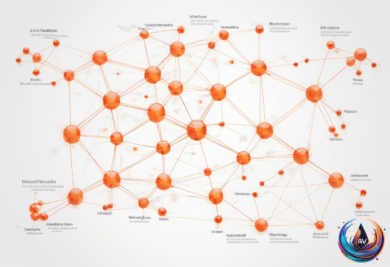
What if one AI assistant isn’t enough? Kimi Work breaks tasks into hundreds of small jobs. Then it sends out up to 300 mini-agents to tackle them all at once. They race through your files, browse the web, write code, and gather data in parallel. This isn’t multitasking—it’s a full-on swarm doing complex, coordinated work.
Each sub-agent acts independently but shares memory with the others. They don’t repeat each other’s work. Instead, they review, analyze, and build on each other’s findings. The system can handle thousands of steps in one big project. That means deep research, long reports, or multi-file edits happen fast and clean.
The brain behind this swarm is Kimi K2.6, a massive AI model with a trillion parameters and a context window of 256,000 tokens. This lets it hold huge amounts of information in memory. The model decides which agents do what, orchestrates their actions, and merges results into polished outputs.
Local Powerhouse: Real Files, Real Browsers, Real Control
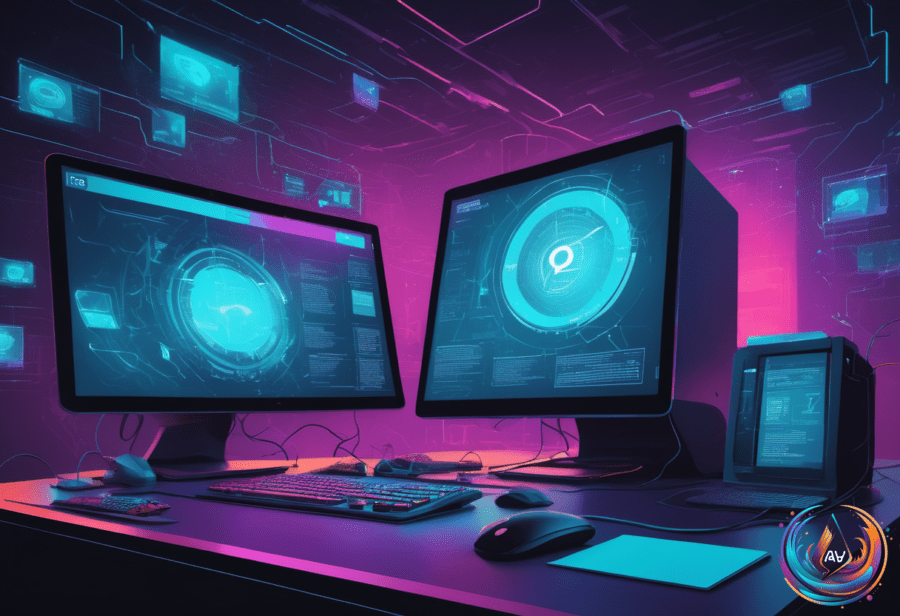
Kimi Work runs entirely on your desktop—on macOS or Windows. It mounts your local folders. It reads your real files without uploading them anywhere. That means your sensitive data stays private. No cloud servers see your documents or code.
Its secret weapon: WebBridge. This browser extension lets the AI drive your actual Chrome or Edge browser. The agent clicks, scrolls, fills forms, and scrapes data inside the browser session you’re already logged into. No sandboxed virtual browsers here. It uses your cookies and sessions. This unlocks workflows that cloud agents can’t touch.
Want to pull pricing data from your subscription services? Kimi Work can open tabs, set date ranges, and extract tables—just like you would. Need to check internal dashboards or automate report downloads behind a login? It handles that seamlessly. You don’t share passwords. The agent simply acts as you, inside your browser.
Built for Knowledge Workers and Automation Junkies
Kimi Work targets analysts, marketers, researchers, and anyone drowning in files and repetitive tasks. It automates everything from summarizing piles of PDFs to scheduling daily briefings. A built-in cron engine runs jobs on your schedule—hourly, daily, or on conditions you set.
Here are some killer uses:
- Document Triage: Point Kimi Work at a folder of quarterly reports. The swarm reads each file in parallel, then merges summaries into one digest without changing originals.
- Web Data Collection: Automate scraping stock prices, sales figures, or competitor info from logged-in websites. The agent navigates, extracts, and writes clean Excel sheets.
- Scheduled Briefings: Set a 7 AM job to gather headlines and market trends. The agent drafts markdown reports overnight, keeping your computer awake to finish the work.
- Office Deliverables: Need a market brief deck fast? The swarm drafts slides in parallel and assembles a polished PowerPoint ready to present.
Kimi Work even comes preloaded with financial data on A-shares, Hong Kong stocks, and US equities. No more API headaches. Just ask, and it fetches, analyzes, and compiles.
Why Local Beats Cloud for Serious Work
Cloud agents are popular for quick chats and lightweight tasks. But when you work with confidential files or complex workflows, cloud models hit walls. Upload limits, security risks, and sandboxed browsers slow you down.
Kimi Work’s local-first approach flips the script. Your files stay on your device. Your browser sessions stay yours. The AI acts inside your environment. You keep full control over data and credentials. That’s a huge win for privacy and compliance.
Still, local AI isn’t magic. It depends on your hardware and network. The massive K2.6 model can run inference locally or via Moonshot’s API, balancing power and speed. But the key is that actions happen where your work lives. That changes the game for professional automation.
The Future of Desktop AI Is Here
Kimi Work shows what AI agents can do when unleashed on real-world tasks. It’s not a toy or a chatbot. It’s a digital coworker that gets things done. Three hundred agents working in harmony, driving your browser, managing files, and running code. All on your machine.
This is the next wave of AI productivity. Local, powerful, and deeply integrated into your workflow. Moonshot AI is pushing the boundary of what desktop agents can be. The question is: Are you ready to put 300 AI agents to work for you?
Based on
- Moonshot AI Launches Kimi Work, a Local Desktop Agent Reportedly Running on Kimi K2.6 With a 300-Sub-Agent Agent Swarm — marktechpost.com
- Kimi for Work: the Desktop AI Agent with 300 Parallel Agents, Browser Use and Memory — pasqualepillitteri.it
- Kimi Work: Moonshot’s Local AI Agent Guide | Lushbinary — lushbinary.com
- Kimi Work Turns Moonshot K2.6 Into a Full AI Workspace – Top AI Product — topaiproduct.com
- Moonshot AI Announces Kimi Work Desktop Agent With Swarm Architecture | Gate News — gate.com