Getting a new device does not always mean the old one belongs in a drawer or a landfill. An aging Chromebook can become a useful screen, smart home controller, file server, or retro gaming machine. Older graphics cards and PlayStation 3 consoles also have practical second lives, even as newer hardware takes over.
That matters as Google moves toward its new Googlebook era. Google has confirmed that ChromeOS is done in 2034, while keeping its 10-year-support promise. Nearly 100 different Chromebook models are supposed to receive support until 2035 or later, and Google says many newer commercial Chromebook models will be capable of upgrading to Googlebook OS.
What an old Chromebook can still do
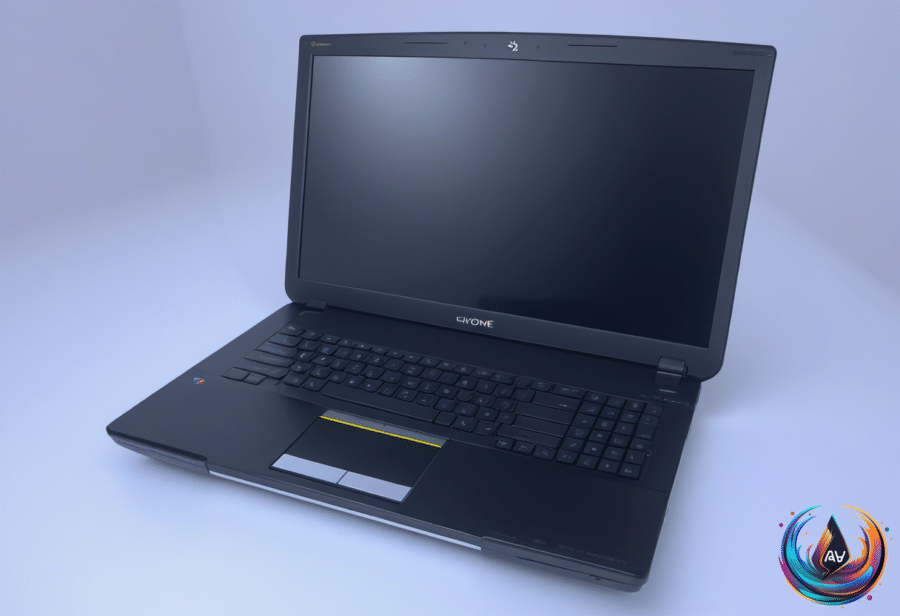
Even when a Chromebook is out of date, its screen may remain perfectly serviceable. Duet can connect it to a PC or Mac, allowing the Chromebook to mirror or extend another display for a small subscription fee. That can add screen space without requiring another monitor.
A digital photo frame is an easier option. Load the Chromebook with selected photos, set the screen to stay on, and open an image or slideshow in fullscreen mode. The same screen can also serve as a smart home control panel, since Google Home works through a browser or the Android app.
For more control, Home Assistant can run on a separate PC or Raspberry Pi while the Chromebook displays its browser-based interface. This creates a dedicated control center, possibly with a touchscreen, for managing the entire smart home from one place. An even older Chromebook can handle that role.
Running Home Assistant directly on the Chromebook takes more work but avoids installing it on another device. The process involves installing Linux, then installing the Home Assistant app. Chrultrabook and MrChromebox offer guides for turning a Chromebook into a Linux machine, though neither process is beginner friendly.
Linux also opens the door to file serving and media streaming. A Chromebook with Linux can store files, run Plex or Jellyfin, and stay on while other devices access that content. Batocera can turn the machine into a portable retro gaming system, with emulators that can run on low-powered Chromebook hardware. Emulators are legal, but using them to run pirated games is not.
There is a less demanding route through Linux on ChromeOS, also known as Crostini. This official feature provides access to a Linux virtual machine, which is intended for developer tools but can run other apps too. The tradeoff is performance: a virtual machine places more strain on the machine, so older Chromebooks may face limited compatibility.
Older graphics cards still have useful jobs
Graphics cards also hold value after an upgrade. A common GPU upgrade cycle is every three to five years, but prices have changed the calculation. The Nvidia GeForce RTX 5070 appears in 6.15 percent of surveyed systems, launched at $549, and can now cost more than $800 because of memory and silicon price inflation.
Used cards can still bring money back. Some RTX 3060 models on eBay sell for almost as much as they originally cost, while the 10-year-old $249 GTX 1060 is often listed for $50 to $100 in good condition. Prices fluctuate, and the resale value will drop over time, but selling remains one option.
An old GPU can also join a home media server to handle hardware-accelerated video encoding and decoding through Nvidia’s NVENC or AMD’s AMF. Both Jellyfin and Plex support hardware-accelerated streaming. Another option is a TV-connected PC for light indie games and emulation, older DirectX 9-era titles, or software built around legacy code libraries.
A second card can drive extra HDMI or DisplayPort screens, capture in-game video, or run Lossless Scaling, which costs $6.99 on Steam. It can also support a separate video capture, encoding, or editing PC running DaVinci Resolve or Blender. Older cards may help with local AI workloads because those tasks rely heavily on VRAM.
Dual-GPU setups need planning. The power supply and motherboard must support both cards, and PCIe lane limits can become a problem. If the processor uses lane splitting, the second card may reduce the primary GPU’s performance. Check the motherboard manual first, and store an unused card in an antistatic bag.
The PlayStation 3 has more uses than streaming apps
The PlayStation 3 is now two decades old, with 87 million units sold, and several third-party services have left the platform. Crunchyroll removed its app in 2022, Plex followed in 2023, and Netflix ended support in March 2026. Still, the console can play games, CDs, DVDs, and Blu-rays without extra hardware.
Its built-in upscaler can improve standard-definition DVDs to HD, up to 1080p, through HDMI. The setting is found under Settings, Video Settings, and BD/DVD Upscaler, with options for Normal, Double Scale, Full Screen, and Off. A BD Remote can replace the DualShock 3 for playback. Blu-ray viewing requires current updates because of Advanced Access Content System copyright protection, and Sony still issues an update about once a year.
The console can stream content from another device through Digital Living Network Alliance, or DLNA. Enable Media Server Connection under Network Settings, then shared libraries appear under the Photo, Music, and Video columns. Windows Media Player works with supported formats, while Universal Media Server converts unsupported files in real time on Windows, MacOS, and Linux.
A FAT32 USB drive offers a simpler option. Create root folders named VIDEO, MUSIC, and PICTURES, then connect the drive to the PS3. FAT32 limits individual files to 4GB and video quality to 1080p.
Every PS3 model supports PS1 games, but only early “fat” consoles play PS2 discs. Other models can use Digital PS2 Classics from the PlayStation Store, which remains available but requires a PlayStation gift card because credit cards and PayPal no longer work there. Jailbreaking can add emulators for systems such as Super Nintendo and Sega CD, but it requires technical knowledge, violates Sony’s licensing terms, and can brick the console.
The PS3 can also rip CDs to its hard drive without custom software. By default, tracks save as 128 kbps AAC files, but the setting can change to MP3 320 Kbps or AAC. Tracks can be organized into playlists, played during supported games, and copied to a FAT32 USB drive.
These devices do not need to become waste. A PS3 can be sold through GameStop, Facebook Marketplace, or BuyBackWorld, while an old graphics card can be sold or recycled. Before selling a PS3, back up the data, deactivate the PlayStation Network account, and use Full Format to reset it. Electronics should not go in the trash; recycling companies can recover materials such as gold, copper, and aluminum.
Based on