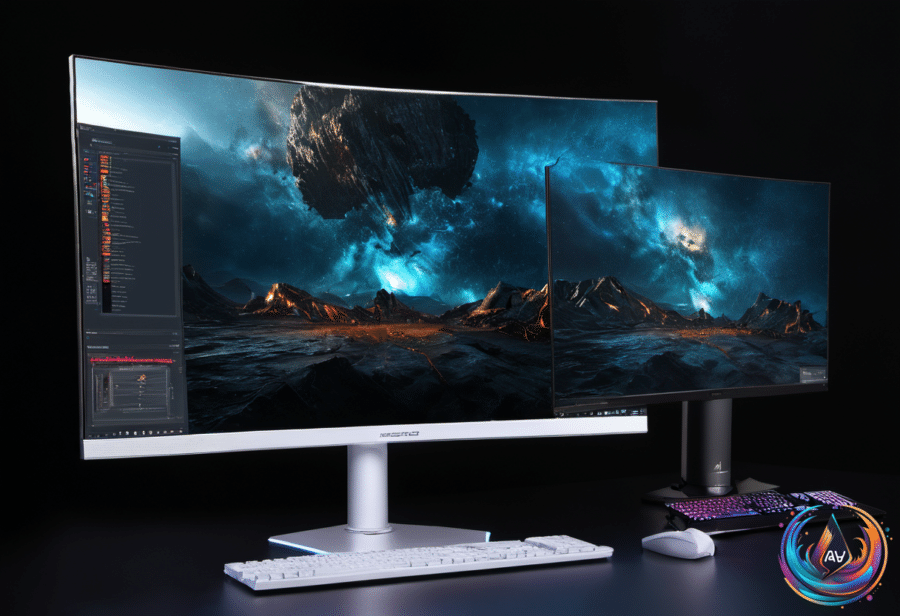
OLED has not conquered esports. That does not make it a bad gaming monitor.
Big tournaments still favor LCD monitors, especially smaller LCD or IPS screens. The reason is less glamorous than panel technology: sponsors usually choose the hardware, tournament organizers supply it, and money makes many of the decisions.
At the time of writing, 24-inch, 1080p displays remain the preferred size for pro gaming events because their compact view lets players scan their surroundings quickly. There are also far more LCD monitors available at that size than OLED models. In 2026, most OLED monitors start at 27 inches and up, so their larger footprint likely keeps them off tournament desks.
OLED is still a superb choice for normal gaming. Its self-emissive pixels produce their own light and do not illuminate when an image is truly black, creating technically infinite contrast, accurate colors, excellent HDR performance, wide viewing angles, and near-instant response times. On a good OLED monitor, fast-paced shooters show very little ghosting.
OLED has not been ignored by competitive gaming. In early 2025, Sony developed its 480Hz M10S OLED display for the Apex Legends Global Series Year 4, which is a mighty high refresh rate for OLED. Many IPS models can exceed 600Hz, but OLED monitors are not worse than IPS displays for esports gaming. They simply have not become the standard.
Pick the panel for your games, not the marketing sheet
For most gamers, the two best choices are OLED and Fast IPS, in that order. OLED delivers the stronger picture, while Fast IPS offers excellent colors, great viewing angles, consistent performance, and better brightness for rooms filled with sunlight. Regular IPS can introduce significant motion blur; Fast IPS reduces it.
OLED displays are normally more expensive, though they have become more affordable over the past few years. You can often find 27-inch OLED gaming monitors for comfortably less than $500, while even entry-level OLEDs start around $400 in late 2026. OLED still costs more, but the premium is no longer reserved for people who confuse spending with a personality.
Burn-in remains the main concern. Leaving a static image on screen for too long can leave a permanent ghost, although newer OLEDs use pixel-shifting and pixel-cleaning cycles to spread wear across the display. OLEDs are also dimmer than LCDs, look best in dim or dark rooms, and can show text fringing or motion flicker. The latest generation has reduced those issues, but gamers who work with documents and spreadsheets should still consider them.
Refresh rate, resolution, and size need to match your hardware. If you are not routinely seeing more than 90 fps, a 240Hz monitor has little value; for the average gamer, the sweet spot is likely 144Hz to 240Hz on a 1440p or 1080p panel. The September 2026 Steam Hardware Survey puts the average PC gamer around an RTX 5070, 5060, 4060, or even a 3060.
Competitive shooters such as Valorant reward higher frames, even if that means sacrificing pixels. Players focused on visually rich titles such as Control: Resonant can trade some speed for 1440p or 4K resolution. Console buyers should remember that the PlayStation 5 Pro and Xbox Series X do not exceed 120 Hz, so a larger or higher-resolution display may be a better use of the budget.
Ignore simple verdicts on the rest of your hardware
Bottleneck calculators compare a chosen CPU and GPU at 1080p, 1440p, or 2160p, then produce a percentage score. A result around ten percent or less suggests both components can handle the target benchmark, while a high percentage points to a bottleneck. The lower the percentage, the better.
That score is a planning tool, not a diagnosis. These calculators rely on specification sheets and theory, so they miss drivers, background apps, game engines, and differences between individual graphics cards. A Ryzen 9 7950X, for example, will not perform like many X3D Ryzen chips in games because those chips have smaller L3 caches. Performance monitoring software, Steam, NVIDIA, Xbox overlays, 3DMark, and Cyberpunk 2077’s built-in benchmarks offer more reliable evidence.
The same rule applies to laptops and phones: buy for the task, not the novelty. Touchscreen laptops add convenience, but a physical keyboard, trackpad, full desktop operating system, stronger ports, and access to Windows, macOS, or Linux matter more. Tablets are lighter and often hundreds of dollars cheaper, yet keyboards and hubs become paid add-ons, while Android and iPadOS retain more barriers than laptop operating systems.
If an iPhone keeps dimming with auto-brightness off, heat, power-saving settings, a screen timeout under one minute, Attention Aware Features, a dirty proximity sensor, or Always-On Display may be responsible. Remove the case, close demanding apps, clean the top of the phone with a microfiber cloth, and check Settings > Accessibility > Face ID & Attention. Persistent flickering, light surges, ghosting, bright spots, or permanent dimming suggest internal damage — at that point, price a repair or replacement.
Based on
- Pro Gamers typically don’t use OLED monitors, but you most definitely can — engadget.com
- How To Choose The Right Gaming Monitor For You — engadget.com
- How A Bottleneck Calculator For Your GPU And CPU Works — engadget.com
- What’s The Point Of Buying A Touchscreen Laptop When You Could Just Get A Tablet? — engadget.com
- The Reason Your Phone Keeps Dimming Even With Auto-Brightness Off — engadget.com