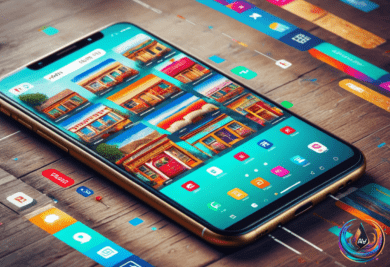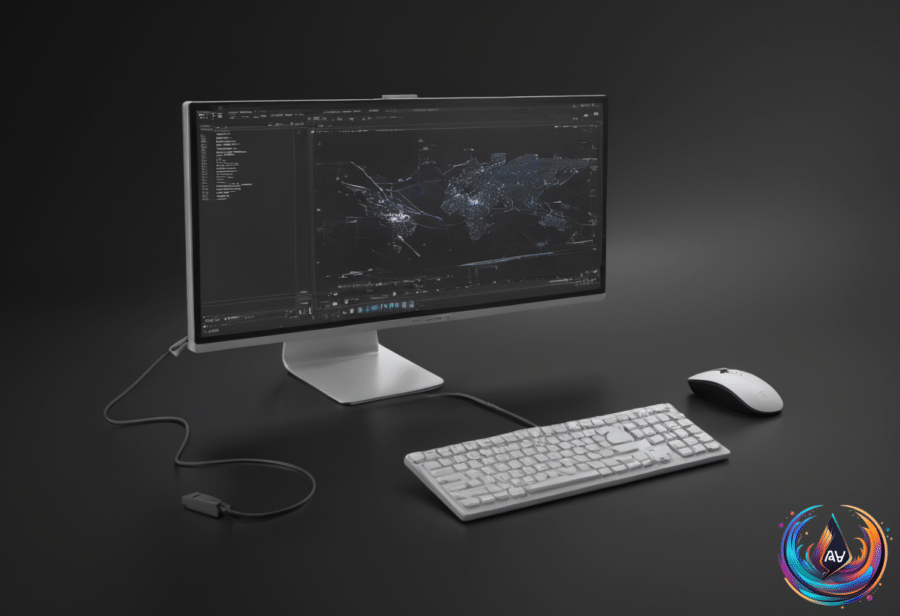
Your Pixel phone can now stretch beyond its handheld screen and become a desktop-style workstation. With the right cable, monitor, keyboard, and mouse, Android Desktop Mode gives recent Pixel phones a larger workspace built around floating app windows.
The feature arrived after months in beta, when the Android 16 March Pixel Drop update brought Android Desktop Mode to the Pixel 8 and newer Pixel phones. That makes Google’s phone software more flexible, but the experience still comes with clear limits around apps, gaming, display quality, and heat.
How to turn a Pixel into a desktop
Start with a Pixel 8 or newer Google phone and an external monitor. Connect the phone to the monitor with a high-speed USB-C cable, and a pop-up will prompt you to switch to Android Desktop Mode or use the phone as a mirror. Select the Desktop option to begin.
Next, attach a mouse and keyboard through Bluetooth or a USB hub. The phone then becomes a mobile workstation with a desktop-style interface, giving you controls designed for a larger screen instead of a standard phone display.
Apps open in windows that you can size based on your needs, and a start menu opens the App Drawer. Pulling down from the top brings up your notifications, so familiar Android controls remain close at hand while you work inside the desktop view.
The setup also remembers how you arranged your workspace. If you disconnect the phone and reconnect it, Desktop Mode preserves your active window layout, saving you from rebuilding the same arrangement each time.
What Android Desktop Mode handles well
Desktop Mode ran smoothly with no hiccups while running multiple applications. Simple document editing and watching YouTube videos also run smoothly, making the feature useful for basic tasks that benefit from a larger display and physical input devices.
The experience is not limited to traditional productivity apps. Content creator leepspvideo managed to run Steam games natively through Desktop Mode with help from apps like GameNative, showing how the setup can reach beyond ordinary phone software.
Still, gaming support depends on the game. Most games built for phones do not support keyboard inputs, so connecting a keyboard will not automatically make every mobile title work like a desktop game.
There is another small change in how you launch software: you cannot add apps to the desktop’s home screen. Instead, open them from the start menu, which leads to the App Drawer.
The limits you need to know
Android Desktop Mode caps the frame rate at 60 Hz, and users noted its lack of 4K support when connecting with large monitors. The phone also will not run Chrome extensions in Desktop Mode, which limits how closely the setup can match a traditional computer.
Photo editing may bring more trouble than document editing or video watching. The software can manage basic desktop-style tasks, but the experience does not promise that every demanding app will behave well on a larger screen.
Heat is the most important hardware concern. Running a desktop interface with floating windows pushes the phone’s thermal limits, and testing found the phone turned hot to the touch after 30 minutes of light usage in Desktop Mode.
Longer sessions can also weaken the phone’s battery endurance faster than regular usage. That makes the feature more practical for focused sessions than for leaving the phone connected to a monitor all day.
Android Desktop Mode gives Pixel 8 and newer phones a compelling new role: one device can handle a phone screen on the move and a desktop-style setup at a desk. The interface, preserved window layout, and support for a mouse and keyboard create a strong foundation, but the 60 Hz cap, missing 4K support, limited game controls, Chrome extension gap, heat, and battery cost define where it fits best.
For document editing, YouTube, and running several applications, the phone can now feel like a compact computer. The next question is how far Google can push that experience without asking the phone to work harder than its hardware can handle.