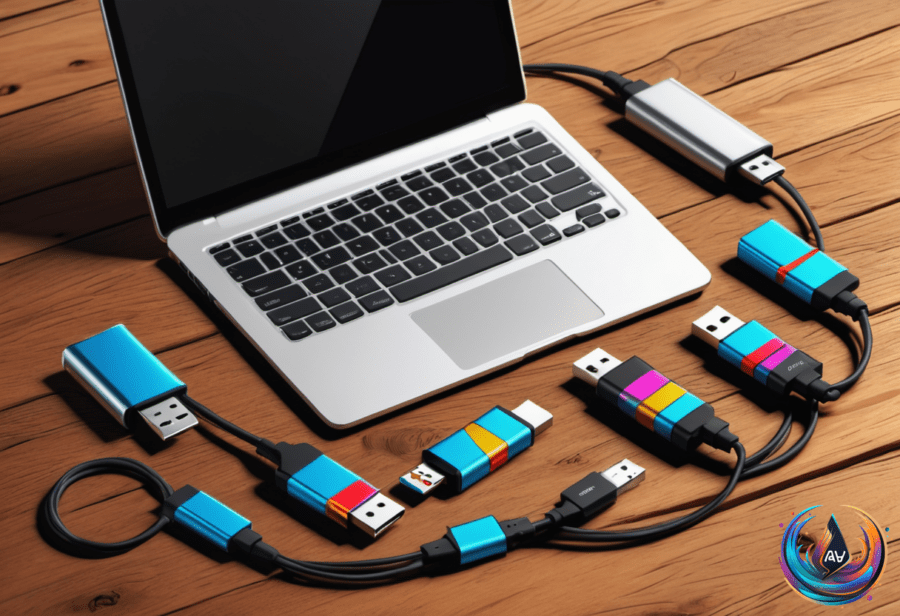
USB flash drives have been around since the early 2000s. Many still keep them tucked away in backpacks or desk drawers. Despite the rise of newer storage options, USB drives remain popular because they are affordable and easy to use.
Before reusing a USB drive, it’s smart to format it first. Formatting wipes all previous data and resets the drive to a like-new state. It also sets up a fresh file system and scans for bad sectors. Even if you deleted files, formatting clears leftover bits that might cause problems.
Most USB drives come preformatted with FAT32. This format works on almost any device but has limits. FAT32 can’t handle files larger than 4GB. It’s also more prone to fragmentation, which can slow down your drive over time. On Windows 11, FAT32 may cause compatibility issues depending on your tasks.
Picking the Right File System
When formatting on Windows, you’ll usually pick between exFAT and NTFS. Plug your USB drive into a fast USB port, open Windows Explorer, right-click the drive, and select Format. Then choose the file system that fits your needs.
Choose exFAT if you want to use the drive with different devices. It works well on Windows, Mac, Linux, and even Android phones. It handles large files smoothly, making it great for 4K videos or disk images you might share.
If you plan to use the USB drive only on Windows, NTFS is better. It offers extra security features like file permissions, encryption, and journaling. That makes it a solid choice for storing backups or sensitive data.
The Smallest USB Drive and the Future of Storage
SanDisk recently introduced what they call the smallest USB flash drive in the world. The SanDisk Extreme Fit measures just 0.73 by 0.54 by 0.63 inches and weighs 0.1 ounces. It fits almost flush inside your USB port, which is great for tight spaces.
It offers fast speeds too. The models from 128GB to 1TB read data at up to 400 MB/s. The 64GB version reads at 300 MB/s. Write speeds range between 100 and 250 MB/s. The Extreme Fit also works with iPhones that have USB-C ports, like the iPhone 15 and newer.
Deepesh Singh, SanDisk’s Principal Engineer of Systems Design, said, “This is the smallest SiP (System-in-Package) we have and the first time we created a vertical type C connector ever.” He added, “We built several prototypes, but they kept breaking,” showing the challenge behind the design.
Still, USB flash drives face competition. SSDs offer bigger storage, faster speeds, and more durability. But their prices have shot up. For example, a 4TB Samsung 990 Pro SSD cost $318 in November 2025 but now sells for about $1,100. Meanwhile, a five-pack of 64GB USB 3.0 flash drives from PNY costs $43. This price gap keeps USB drives relevant.
Google Trends shows a spike in searches for terms like “USB flash drive portable” and “USB drive 128GB” starting early 2026. This suggests people still want affordable, portable storage options.
USB-C’s Growing Role in Mobile Devices
Most smartphones this decade come with USB-C ports. USB-C does a lot more than charge phones. It can power another device using a USB-C to USB-C cable. Phones can also work with portable memory card readers for SD and microSD cards.
USB-C can connect wired keyboards, external monitors, and TVs with adapters. You can add high-quality microphones for better audio recording. Wireless headphones often include USB-C cables for wired use. Gamers benefit too. Wired game controllers connected by USB-C reduce latency, improving gameplay.
Popular mobile gaming controllers like Backbone One and Razer Kishi turn smartphones into handheld consoles. Even powerful tools like endoscope cameras and ultrasound devices can run through USB-C, powered by smartphones.
USB flash drives may seem old, but they still fill a useful role. Formatting them correctly and choosing the right file system makes them work better. Meanwhile, USB-C’s versatility keeps expanding what phones and drives can do together.
Based on
- Here’s how to format a USB drive on Windows — engadget.com
- exFAT Vs NTFS: What’s The Difference Between These Formats? — engadget.com
- The World’s Smallest USB Drive Has More Storage Than An iPhone 17 — engadget.com
- Are USB Flash Drives Becoming Obsolete? — engadget.com
- Your Phone’s USB-C Port Does A Lot More Than Just Charge – Here’s What Else It Can Do — engadget.com