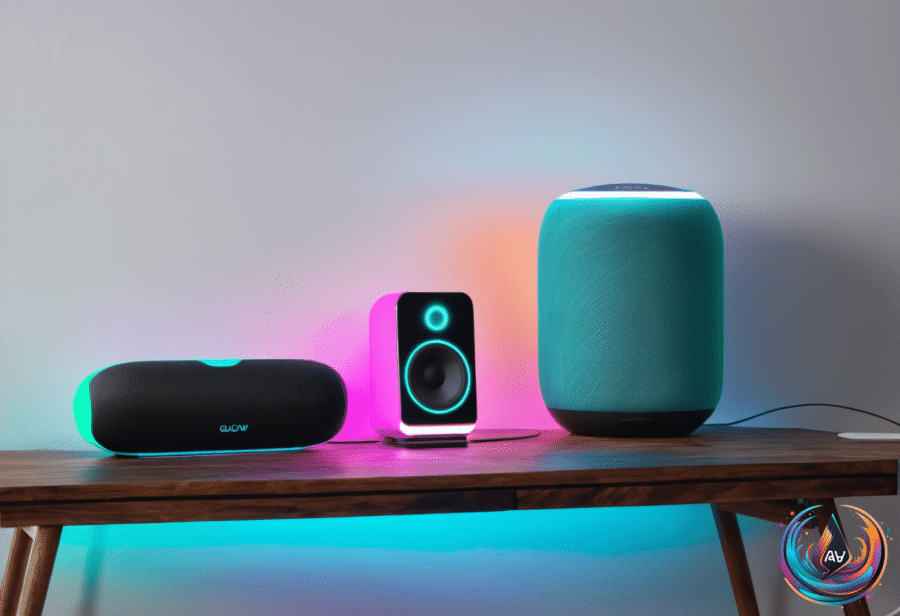
Your smart speaker can understand plenty of requests, but it still misses the mark when the conditions get in the way. Proximity, noise, echoes, and distance can turn a simple command into a frustrating exchange, even as smart speakers get better at comprehending users.
The good news? Several practical changes can improve understanding without replacing the device. Alexa users also face a separate change: Amazon announced that voice commands can no longer control the aux input on select Echo devices.
Why Your Speaker Keeps Missing Commands
Where you place a smart speaker can shape how well it understands you. Distance can make commands harder to recognize, while nearby walls can contribute to problems. Amazon recommends keeping an Echo device at least one foot away from walls.
Noise and echoes create another challenge. Background noise can interfere with your request, and echoes can make spoken commands harder for the speaker to process. Moving the speaker to another spot and avoiding background noise can give your voice a clearer path.
Start with the simplest check: make sure the speaker is clean. Then move it away from walls and test it in a spot with less noise and fewer echoes. These changes address the common conditions that can cause a smart speaker to misunderstand you.
Device names matter, too. Make sure devices have unique names so your commands do not create confusion. A clear setup gives the assistant a better chance to connect your request with the correct device.
Give Alexa, Google Assistant, and Siri A Better Voice Profile
Voice recognition can improve how smart speakers understand different users. Alexa, Google Assistant, and Siri each offer a way to set up recognition for your voice, giving your devices more information about who is speaking.
On Alexa, open the Alexa app and navigate to More > Settings > Account Management > Your Profile > Voice ID. Echo owners can also change the wake word and lower sensitivity, two settings that can help when the device responds to the wrong sound or reacts too easily.
For Google-powered speakers, open the Google Home app and go to Settings > Google Assistant > Voice Match. Voice Match supports up to six distinct voices per home, allowing multiple people to set up voice recognition.
On an Apple HomePod, open the Home app and tap the More button. Access Home Settings, open your user profile, and turn on Recognize My Voice.
These tools do not eliminate every misunderstanding, but they give each platform a clearer way to recognize users. Pair voice recognition with a clean speaker, a better location, less background noise, and unique device names for a stronger setup.
What Changed With Alexa’s Aux Input
Amazon announced an important change to voice control on October 6th, 2026, at 7:03 PM UTC. Alexa can no longer control the aux input on select Echo devices when users ask it to play or pause audio from that input.
Amazon confirmed the change after a Reddit post and a message from Amazon reached a user. The message did not explain why the feature was removed. Amazon spokesperson Claudia Chavira Velez described the change this way:
“We recently notified the very small number of customers using voice requests to play or pause audio from the aux audio input on select Echo devices that this functionality will no longer be supported.”
The aux connection itself still works on the Echo Plus (2nd gen), Echo (3rd gen), Echo (4th gen), and Echo Studio (1st gen). Owners can still control the aux port from within the Alexa app, and they can pair Bluetooth speakers.
That means the change affects voice commands for play and pause, not the physical connection on those Echo models. Users who rely on the aux input can continue using the port, but they must use the Alexa app or another available control method instead of voice requests for those actions.
When A Restart Is The Next Move
If your smart speaker still misunderstands commands after you clean it, move it, reduce background noise, and adjust its settings, restarting the speaker is a troubleshooting step. A factory reset is another option when the problem persists.
A reset comes with a bigger change than moving the device, so try the simpler fixes first. Check the speaker’s location, keep it at least one foot from walls, use unique device names, and set up voice recognition before moving to a factory reset.
Smart speakers are getting better at understanding people, but good results still depend on the environment and the device settings. With a cleaner setup and the right voice profile, everyday commands can become easier to hear and easier to follow. For Echo owners, the aux change adds one more detail to remember as Alexa’s controls continue to evolve.
Based on