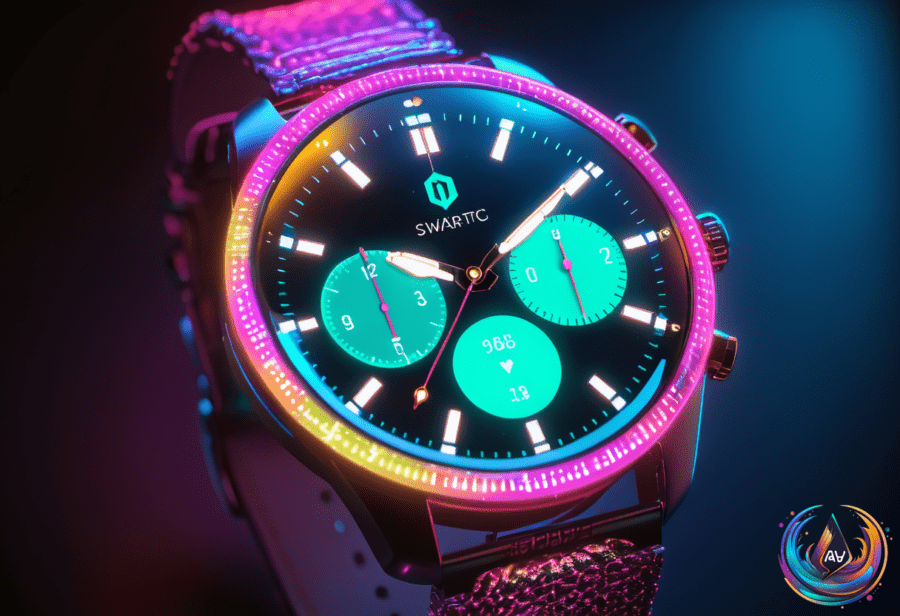
Ready to make your Apple Watch truly yours? It’s time to unlock the full power of customization! Apple isn’t just about telling time anymore. It’s about style, function, and personal flair—right on your wrist. The options? Hundreds of watch faces, features, and color choices await. Let’s dive in and discover how to transform your Apple Watch into a unique tech companion.
Unleash Creativity with the Watch App
Your iPhone holds the secret to Apple Watch magic. The Watch app comes preloaded and is the hub for all face customization. But first, your watch and iPhone must be paired. That connection unlocks endless personalization possibilities.
Once paired, open the Watch app and tap the Face Gallery tab. Here, you’ll find hundreds of watch faces ready to join your collection. Tap Get, follow the prompts, and boom—new styles on your wrist.
Want something even more personal? Add your own photos! Head to the Photos category in the Watch app, select a collection, and Apple will shuffle up to 16 photos daily. You can also handpick photos by choosing the Choose Photos option. Your watch face can become a rotating gallery of your favorite moments.
Switching Faces Is a Breeze
Feeling indecisive? No problem. Tap and hold your watch’s display until it shrinks. Then swipe left or right to breeze through your saved faces. Switch from a bold, colorful design to a sleek, minimal look in seconds.
Customization is more than just looks. You can tweak colors, complications, and features on each face. This lets you tailor what info you see at a glance—weather, fitness stats, calendar events, and more.
Water Resistance: What Your Apple Watch Can Handle
Wondering if your Apple Watch is ready for water? The short answer is no, it’s not waterproof. But it can handle plenty of wet situations. Apple Watches are water resistant, not waterproof, and their ratings show what they can endure.
- Series 2 and later models have a 50-meter water resistance rating.
- Apple Watch SE models share this 50-meter rating.
- Apple Watch Ultra models step it up to 100 meters of water resistance.
A 30-meter rating means light splashes and rain only. But with 50 meters, you can swim or shower safely. The Ultra model can handle intense water activities like water skiing or scuba diving up to 130 feet deep.
Keep in mind, damage, soap, and steam can affect water resistance. Apple also includes a Water Lock feature. It activates automatically during water workouts or can be turned on manually from the control center. Water Lock stops phantom touches and uses vibrations to clear water from the speaker.
Bonus: Stickers and More on Your iPhone
Customization doesn’t stop at the watch. Your iPhone lets you create stickers from photos and Live Photos. Just press and hold on an element in a photo and select Add Sticker. Manage your stickers in the Messages app—rearrange or delete them with a tap and hold.
Send stickers by tapping or dragging them into conversations. They work best in iMessage chats but may not function properly in SMS or RCS. You can also use them in apps with Markup mode like Mail and Notes. Plus, all created stickers sync across devices tied to your Apple account.
Budget Smartwatches to Consider
Not ready to jump into Apple’s ecosystem? There are solid budget smartwatch options too. Here’s a quick look:
- Nothing CMF Watch 3 Pro: $73, 47 mm case, 1.43-inch AMOLED display, up to 13 days battery, IP68 durability, iOS and Android compatible.
- Garmin Forerunner 165: $209, 43 mm case, 1.2-inch AMOLED display, up to 11 days battery, 50-meter water resistance, iOS and Android compatible.
- Fitbit Versa 4: $175, 40.5 mm case, 1.58-inch AMOLED display, up to 6 days battery, 50-meter water resistance, iOS and Android compatible.
- Apple Watch SE 3: $250, 40 mm or 44 mm case sizes, always-on Retina display up to 1,000 nits, up to 18 hours battery, 50-meter water resistance, iOS only.
Each offers unique strengths in display, battery life, and water resistance. Pick the one that fits your lifestyle and budget.
Ready to Own Your Watch Experience?
Apple’s watch faces and features give you more than just time. They let you express yourself, keep you informed, and even protect your device underwater. From hundreds of styles to personal photo galleries, your wrist becomes a canvas.
Pair your watch with your phone, explore the Face Gallery, and experiment with photos and colors. And don’t forget to activate Water Lock for water-based fun. This tech is made to keep up with you.
Whether you go Apple or budget, the smartwatch world is buzzing with options. Dive in and customize like a pro today. Your perfect watch face is waiting!
Based on
- How to change and customize your Apple Watch face — engadget.com
- Is The Apple Watch Waterproof? — engadget.com
- How To Create And Delete Stickers On Your iPhone — engadget.com
- 4 Best Budget Smartwatch Models for Less Than $250 (2026) | WIRED — wired.com
- Slot Machine Symbols and Icons: Beginner’s Guide For August 2026 — ftw.usatoday.com