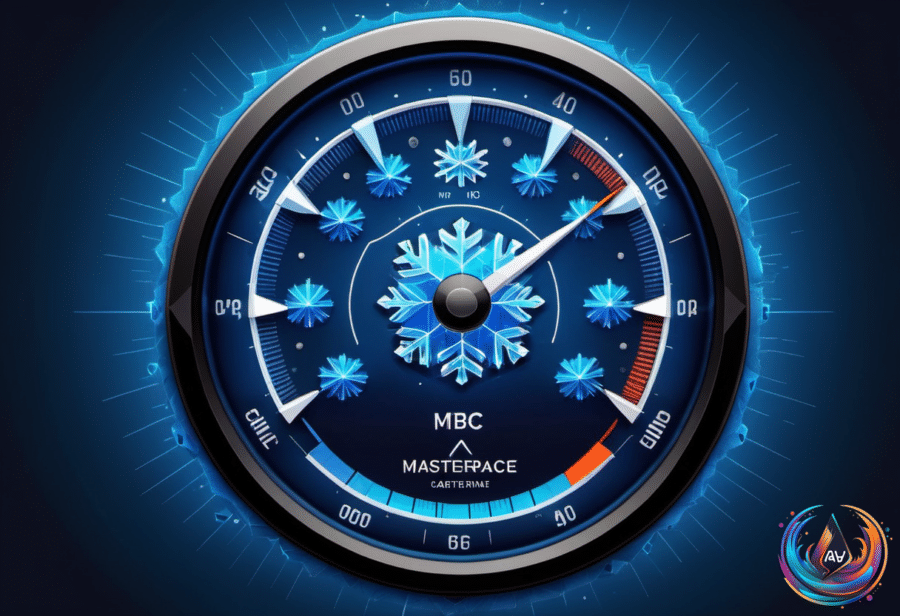
Tesla isn’t sending you a little Easter egg for the holidays when a tiny blue snowflake appears beside the battery indicator. The symbol is a warning that the battery feels the cold, and some of its stored energy is temporarily unavailable.
That can affect more than the number shown on the battery meter. Less available range, weaker regenerative braking, slower charging, and different acceleration are all possible when the blue snowflake appears. Tesla marks the unavailable portion in blue, so the energy shown in that color is temporarily out of reach because of the cold.
What the blue section means
The blue portion does not mean the battery has permanently lost capacity. That energy becomes usable again once the battery warms up as you drive around. Charging the car can also help raise the battery temperature, but Tesla does not let you remove the warning manually.
The icon disappears only when the battery warms up again. There is no real indicator showing the exact temperature that triggers it, and Tesla has not given a fixed timeframe for when the symbol goes away. That means the warning may remain until driving or charging brings the battery back to a warmer condition.
Even after the battery warms up, cold weather can still reduce range. Keeping the cabin warm takes more power than usual, and cold-weather terrain can add to that demand depending on where you are driving. The result is less distance from the same charge than you might expect in normal conditions.
Why braking feels different
Cold temperatures can also change how a Tesla slows down. Regenerative braking sends energy back into the battery when the car decelerates, but a cold battery cannot absorb that energy as it does in normal conditions.
So, if you are used to slowing down by lifting your foot from the accelerator, the regen effect may feel much weaker as you approach a red light. Your Tesla may also show a separate warning when regenerative braking is not fully available. That symbol looks like a broken green brake disc with an electricity symbol inside.
Either way, keep your foot ready to use the brakes yourself. Model 3 owners can check whether their version includes a setting that adds stronger deceleration when regenerative braking is limited. Look under Controls > Dynamics for Apply Brakes When Regenerative Braking Is Limited.
When enabled, that function tells the car to use its normal mechanical brakes to mimic full regenerative braking. The option depends on the Tesla model and the software version running on the car, so it may not be available to every Model 3 owner.
How to warm the battery before leaving
The easiest way to avoid starting a trip with limited battery performance is to precondition the car before departure. You can set this up through Controls > Schedule on the touchscreen or through the Tesla app.
Remotely turning on the cabin climate controls helps warm the high-voltage battery. If possible, leave the Tesla plugged in while preconditioning runs, so the car receives power continuously instead of using part of its stored charge before you leave.
That detail matters. If the car warms itself while unplugged, you may begin the day with less charge than expected, which defeats the purpose of preparing the battery. Tesla recommends activating the car’s climate settings at least 30 to 45 minutes before leaving.
Charging location can matter too. If you want to fill the battery faster at a Tesla Supercharger, set the Supercharger as your destination before driving there. This warms the battery and prepares it for fast charging, which can reduce delays once you plug in.
The blue snowflake is easy to misunderstand, but its message is simple: part of the battery’s energy is temporarily unavailable because the battery is cold. Range, charging speed, acceleration, and regenerative braking may all feel different until the battery warms up.
There is no need to treat the icon as a permanent battery problem. Give the car time to warm through driving or charging, and prepare it ahead of time when possible. The warning will clear when the battery reaches a warmer condition.
Based on
- What does the blue snowflake icon mean for your Tesla battery? — engadget.com
- Tesla Bioweapon Defense Mode: What it can and can’t do — usatoday.com
- How To Set Up EV Routing On CarPlay And Android Auto — engadget.com
- Here’s What Actually Happens If Your Laptop Battery Is Completely Drained — engadget.com
- What Causes A Sudden Drop In Phone Battery Percentage? — engadget.com