Smart bulbs are easy to install, relatively cheap, and colorful. Within minutes of opening the box, you can have one glowing in a lamp. That easy start explains why they are all the rage for people building up a collection of smart home gadgets.
But smart bulbs have one awkward weakness: they need power all the time. “Smart bulbs are clever until someone flips the wall switch,” Gabriela Vătu writes. When someone turns off the familiar wall switch, the bulb loses its Wi-Fi connection and stops responding to the app or voice assistant until the switch goes back on.
Why smart bulbs can leave people stuck
The problem is easy to create because flipping a wall switch is normal behavior. A houseguest, a grandparent, a child, or anyone else in the home may turn off the switch without thinking about the bulb’s network connection. Once that happens, automations stop running, voice commands fail, and the bulb will not respond again until someone manually restores power at the switch.
Smart bulbs also require an app, a smart speaker, or both to unlock their full functionality. Kids, aging parents, roommates, and guests do not always want to search for an app just to turn on the kitchen light. A smart bulb can offer color changes and app control, but those features do not help if the physical switch has cut its power.
Power outages create another frustration. After an outage, many smart bulbs turn back on at full brightness, which can make the lighting experience less predictable. “The biggest drawback of smart bulbs is the power dependency,” Vătu says.
Why smart switches make a better foundation
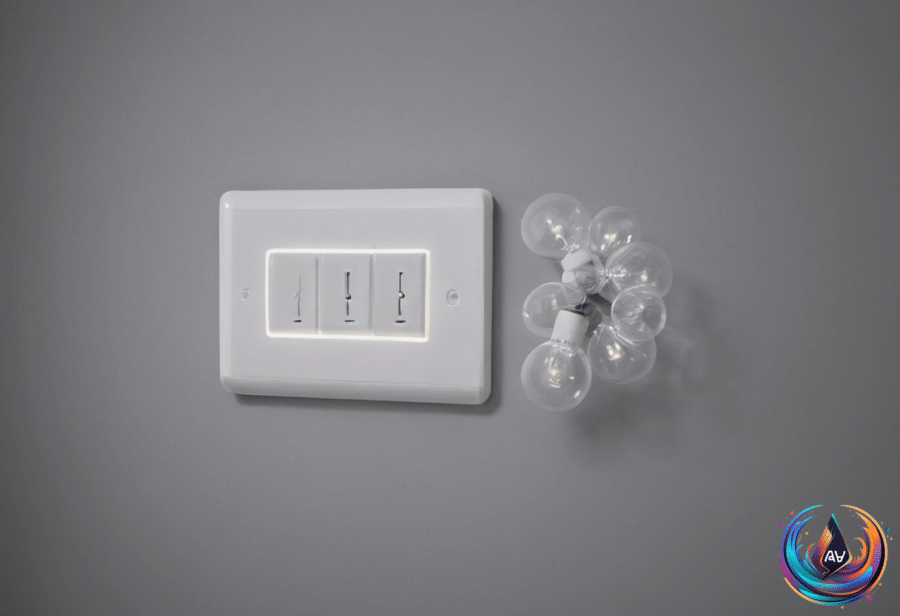
Smart switches solve both problems by replacing the wall switch itself. They keep that switch wired directly into the home’s electrical system, so anyone can turn the lights on the way they always have. Turning on a light with a smart switch does not require downloading an app or learning a new interface.
That familiar control matters in homes with mixed levels of comfort with technology. Smart switches preserve a traditional, tactile experience for everyone in the house, from a houseguest to grandparents to a toddler. For shared spaces, that practical access matters more than the ability to change a light’s color.
“A smart switch just controls power to the light or fixture,” Vătu writes. That simpler job gives the switch a strong role in primary overhead lighting, especially in kitchens, hallways, bathrooms, and living rooms. Smart switches also avoid the problem of someone accidentally cutting power at a standard light switch.
The result is more dependable automation and fewer moments spent troubleshooting why a scheduled routine did not run. Smart switches draw their connection from the home’s wiring instead of relying on the bulb itself to stay powered and networked, so they tend to hold up better over time.
Fixtures and costs change the calculation
Smart switches also fit multi-bulb fixtures better. Consider a six-light chandelier: one switch can manage every bulb on that circuit, while individual smart bulbs require each bulb to be smart and configured on its own.
The cost tells a similar story. Outfitting that chandelier with individual smart bulbs means buying, pairing, and replacing six separate smart devices. Those devices can cost anywhere from $5 to $50, depending on the brand and whether they change color. A single smart switch controlling the same fixture is a one-time investment and can cost as little as $11 a piece if bought in a bundle.
Smart switches do have a compatibility detail to check before buying: many models require a neutral wire. That requirement belongs in the planning stage, especially when choosing a switch for a fixture already using smart bulbs or a smart fixture.
Using smart switches and smart bulbs together
This is not a case for ditching smart bulbs altogether. Their chameleon character is impressive, and a smart bulb can still add color and dimming to a room. You can use both a smart switch and a smart bulb, but the setup depends on keeping power available to the bulb.
If the smart switch cuts power to a smart bulb, the bulb loses its smart functionality until power returns. “Basically, the bulb loses the ability to turn on and off by app or voice commands,” Vătu says. When the bulb is on, however, the app and voice commands can still control its color or dim its brightness.
There is one important warning: smart dimmer switches should not control fixtures with smart bulbs. The smart switch and the bulb need to work together without the switch cutting the power that the bulb needs to stay connected.
The practical choice is clear. Smart bulbs make sense when color and flexible lighting effects are the priority, while smart switches offer a more inclusive foundation for the home’s main lighting. They let everyone use the lights in the familiar way and still leave room for smart control when the power stays on.
“Smart switches, however, solve both of these problems.” For primary overhead lighting and busy shared rooms, that makes the wall switch a better place to begin a smart home upgrade than the bulb alone.
Based on
- Smart bulbs are easy to install, but this smart home upgrade is more inclusive — engadget.com
- Common Mistakes You Should Avoid When Setting Up Your Home Network — engadget.com
- Router And Modem Or Gateway: What’s Actually In Your Home Network? — engadget.com
- What’s The Point Of The 2.5G Ethernet Port On Your Router? — engadget.com