USB4 cables have finally stopped being just another confusing accessory. They can push data at up to 80 Gbps symmetric speeds. The newer USB4 Version 2 spec even offers 120 Gbps downstream and 40 Gbps upstream asymmetrically. That’s a lot of bandwidth packed into a single cable.
But don’t confuse USB-C with USB4. USB-C only describes the plug shape. It says nothing about speed or power delivery. You could have a USB-C cable that barely manages basic charging or one that handles Thunderbolt 4 and 5 speeds. Those Thunderbolt standards use the same USB-C connector but come from Intel and offer their own performance tiers.
Quality USB4 cables cost between $20 and $60. The price depends on length and power rating. If you want the full 80 Gbps or asymmetric speeds, expect to pay closer to the top end. Cheap cables might look the same but won’t deliver the specs.
Apple’s iPhones and iPads are finally catching up to this tech. The iPhone 15 Pro Max has a 10 Gbps USB-C port. The iPhone 17 series charges at up to 40W. The iPhone Air maxes out at 20W. Meanwhile, the base iPad released in 2025 can charge at 45W, and the latest M5 iPad Pro hits 60W. Oddly, every iPad still ships with a 20W charger, forcing you to buy faster bricks separately.
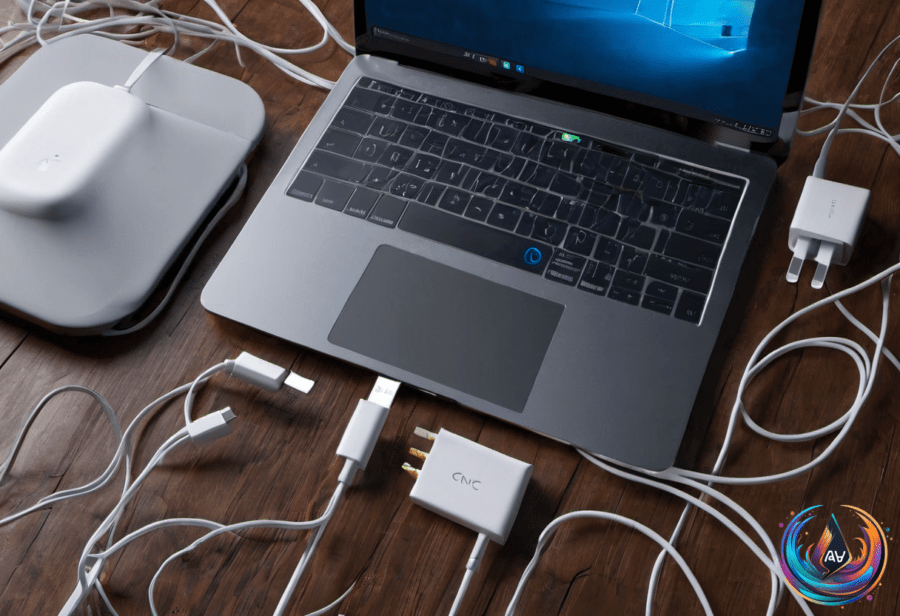
Speaking of chargers, GaN technology has thinned the bulk of laptop chargers. Accessory makers like Anker, Ugreen, and Satechi now offer compact chargers that rival or beat Apple’s stock power bricks. Expect less desk clutter and more juice in smaller packages.
Display tech is also confusing, but here’s the gist. DisplayPort is king for gaming monitors and PC graphics cards. It supports 80 Gbps with its 2.1 version and can run over USB-C using DisplayPort Alternate Mode. TVs rarely use DisplayPort. HDMI is more common on TVs and offers higher bandwidth overall—up to 96 Gbps with HDMI 2.2. The more typical HDMI 2.1 caps out at 48 Gbps.
So, when should you pay more? If you want guaranteed bandwidth for high-res monitors or ultra-fast data transfer, invest in a certified USB4 cable. For charging, pick a cable that supports your device’s max wattage. Don’t trust USB-C branding alone. And if you’re stuck with a tiny power brick, GaN chargers from third parties offer a neat upgrade.
The tech has matured. USB4 cables are no longer a gamble. But buyer beware: not every USB-C cable matches the specs under the hood. Spend wisely or settle for slower speeds and longer waits.
Based on
- USB4 cables: When and why it’s worth paying more — engadget.com
- Why Bulky Laptop Chargers Are A Relic Of The Past — engadget.com
- What’s The Fastest Charging Speed Your iPad Or iPhone Port Can Handle? — engadget.com
- HDMI 2.1 Vs USB-C Vs DisplayPort: Which Connection Is Better For Your Monitor? — engadget.com