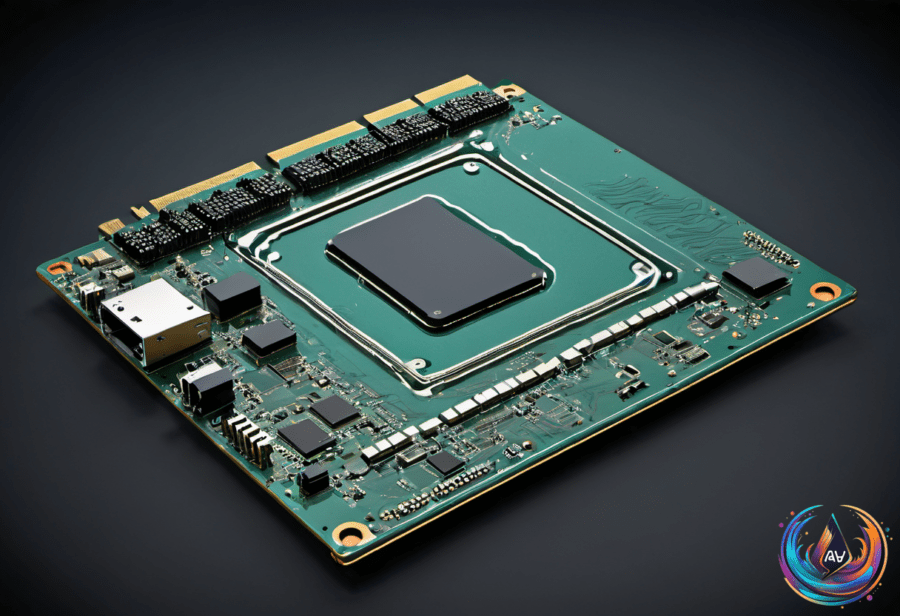
Power decides what memory remembers. Volatile memory loses stored data when power disappears, while non-volatile memory keeps it after the device shuts down. That distinction sounds simple, but modern computers move information through several memory types before a program can use it.
Conventional system RAM shows the difference in familiar terms: shut down a computer and its RAM is cleared, but files saved to an SSD remain available the next time the machine starts. As Novak Božović puts it, “The difference comes down to what happens when the power goes off, but that’s only part of how modern memory works.”
Volatility describes only what happens to data when power goes away. It does not tell you how fast a memory type is, how much it can hold, or what job it performs. Those details depend on the type of memory and where it sits in the system.
What volatile memory does
Volatile memory needs continuous power to retain its contents. The main types are DRAM and SRAM, and both support active computing rather than long-term file storage.
DRAM means dynamic random-access memory. It holds data while programs are running, but it must refresh that data again and again while the system remains powered. “DRAM has to refresh its contents repeatedly while the system is running,” Božović writes.
Those refreshes are not optional maintenance. Once power is removed and the refreshes stop, the stored data disappears. In Božović’s words, “Once power is removed and those refreshes stop, the stored data disappears.”
DRAM can take forms beyond removable memory sticks. Unified memory in AMD’s Ryzen AI Max chips can work with as much as 128GB of memory, showing how DRAM can serve as part of a broader chip design rather than appearing only as a separate module.
SRAM means static random-access memory. It can retain its state without refresh cycles if power remains available, but it uses latching circuitry with several transistors per bit. That design provides faster access than DRAM, although volatility still applies: remove power and the stored state does not remain.
What non-volatile memory does
Non-volatile memory handles information that needs to remain available after a device loses power. The most familiar example in current consumer hardware is NAND flash, which appears in SSDs, tablets, USB drives, and memory cards.
An SSD has two main parts: flash memory and a controller. The flash memory stores the data, while the controller manages how data is written and read, corrects errors, and distributes write operations across different memory cells to prevent wear.
That controller is not decorative plumbing. “The controller also helps correct errors and distributes write operations across different memory cells, rather than repeatedly writing to the same cells,” Božović says. Without that work, the drive would not manage storage operations in the same way.
NOR flash serves a different purpose. It is used for code storage rather than large files, and it fits embedded devices because the processor can run code directly from the flash chip. NAND flash is the familiar choice for storage in consumer hardware, while NOR flash supports code access in embedded devices.
Non-volatile does not mean “the fastest memory.” It means the data survives power loss. Volatile does not mean “slow,” either: SRAM is volatile and provides faster access than DRAM. Treating the labels as speed ratings is a neat shortcut—and a wrong one.
How the memory hierarchy fits together
Computers use a memory hierarchy in which data moves from non-volatile storage to DRAM, then to processor caches. Each stage has a different role, so the system does not treat every piece of memory as interchangeable.
Storage keeps information available between power cycles. DRAM holds data while programs are running, and processor caches keep data close to the processor for access. The hierarchy explains why a computer can preserve files on an SSD while losing active program data from RAM during shutdown.
Cache also shows why capacity and volatility are separate questions. The Ryzen 9 9950X3D has 144MB of combined L2 and L3 cache, while a computer may have 16GB or 32GB of RAM. Those figures describe capacity, not whether the data survives a loss of power.
The useful question is simple: what happens when power disappears? If the stored data vanishes, the memory is volatile; if the data remains, it is non-volatile. Everything else—capacity, access speed, refresh behavior, and system role—requires looking at the specific memory technology.
Based on