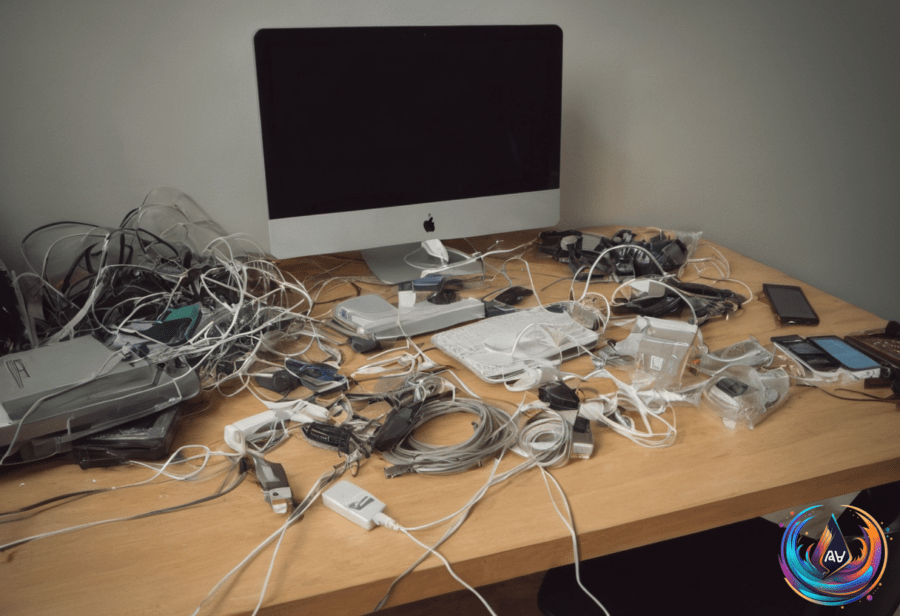
Got a drawer packed with old USB adapters and cables? You’re not alone. Most of us stash these relics, thinking someday they’ll come in handy. But in 2026, it’s time to rethink what you keep and toss. The tech world has shifted. USB-C has taken center stage. Old iPhones still have life. And managing your gear smartly can save space and help the planet.
USB-C: The Standard That Changed Everything
USB-C went mainstream back in 2015. Devices like the 12-inch MacBook and Chromebook Pixel led the charge. Since then, USB-C has become the go-to connector for laptops, phones, and gadgets. If your adapter isn’t USB-C, ask yourself: do you really need it?
“It’s time to stop collecting USB adapters like they’re Pokémon,” says tech experts. That box of cables gathering dust? It’s probably full of outdated connectors. Most laptops, desktops, and even gaming handhelds now favor USB-C or wireless connections.
Despite wireless rising, don’t ditch all your adapters just yet. Some devices still rely on old ports. But here’s the catch: iPhones older than the 2023 iPhone 15 series use Lightning ports, not USB-C. So, if you have those older iPhones, keep a Lightning adapter handy.
Old iPhones: More Useful Than You Think
Think an old iPhone is useless after it stops getting updates? Think again. iOS 27 can run on iPhones as old as the iPhone 11. That means devices from 2019 are still supported and powerful enough for many tasks.
Even phones that no longer get updates serve great purposes. Use an old iPhone as a music player, alarm clock, or dedicated navigation device. It can become a content creation tool or smart home control hub. Hand it down to kids or grandparents and watch it shine.
Tech pros warn, “The last thing you should ever do with an old iPhone is throw it away.” Instead, find ways to reuse or donate it. Organizations like the National Coalition Against Domestic Violence and Cell Phones for Soldiers accept old phones. You can also trade in old iPhones for some cash or credit. Retailers like Best Buy and Staples offer recycling kiosks to keep devices out of landfills.
Cleaning and Caring for Your USB Ports
Dirty USB ports can cause trouble. But cleaning them needs care. Always power down devices before starting. Use a plastic or wooden toothpick to gently remove debris. Blasts of compressed air can also dislodge dirt and dust.
Never use WD-40, household sprays, bleach, cotton buds, or metallic tools like paper clips. These can damage ports or leave residue that ruins connections. Treat your USB ports like delicate tech parts. A little care helps them last longer.
USB Tethering and Headphone Ports in 2026
USB tethering remains useful but tricky. Android phones can share their cellular connection with a computer over USB. But they can’t tether via USB to a Mac. This makes USB tethering less universal than you might expect.
Usually, tethering works best for one device, not as a full hotspot replacement. Keep an eye on your laptop’s data use—background tasks can burn through data fast when tethered.
Meanwhile, most laptops, desktops, and gaming handhelds still have headphone ports. Wired headphones and aux cables remain relevant for smartphones that lack headphone jacks. So don’t toss those cables if you still use wired audio gear.
What Should You Keep and What Should You Toss?
- Keep USB-C adapters. They’re the future and the present.
- Hold on to Lightning adapters if you have older iPhones (pre-iPhone 15 series).
- Keep headphone cables if your devices lack headphone ports.
- Donate or recycle old iPhones instead of tossing them.
- Throw away or recycle adapters for obsolete connectors you never use.
Managing your cables and old devices smartly saves space and helps the environment. It also keeps you ready for whatever tech you use next. So, clean those USB ports safely, trim your adapter collection, and repurpose your old devices. Your future self—and the planet—will thank you.
Based on
- Which USB adapters should you actually keep in 2026? — engadget.com
- How To Safely Recycle Your Old USB Cables — engadget.com
- How To Safely Clean Your USB Ports — engadget.com
- What Is USB Tethering And How Do You Enable It For Mobile Hotspot? — engadget.com
- Here’s Why You Shouldn’t Throw Away Your Old iPhone — engadget.com