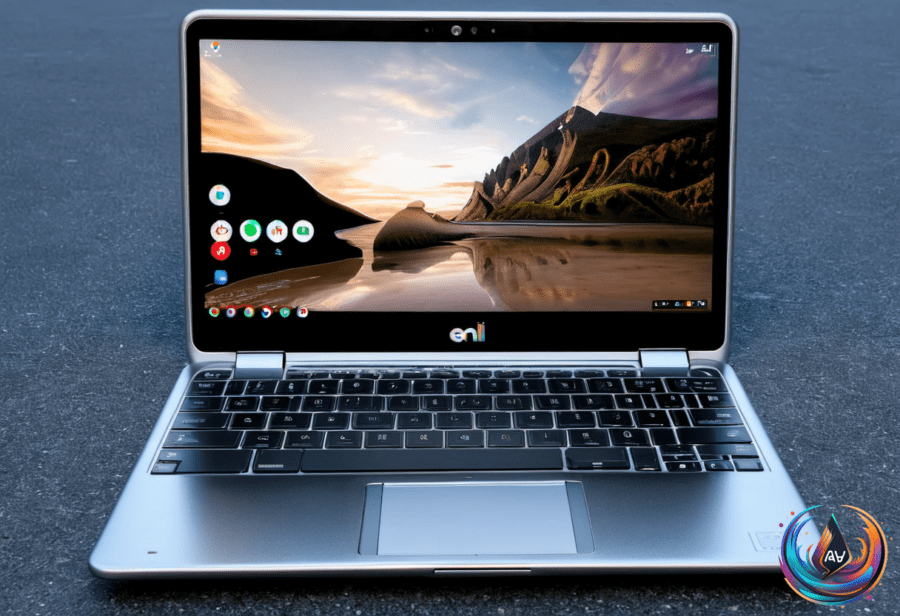
Chromebooks are annoyingly versatile. You can work, game, stream movies, and now sideload Android apps not found on the Play Store. But don’t expect Google’s blessing when you stray off the official path.
Installing unverified APKs means accepting risks. “Google hasn’t verified apps that you obtain outside of the Play Store.” If you want to proceed, you have two main options: enable developer mode or use Android Debug Bridge (ADB). Developer mode wipes all your data — no exceptions. ADB only works on Chromebooks released after 2020.
To enable Linux and ADB debugging, open Settings, click “About ChromeOS,” scroll to “Developers,” then set up the Linux environment. Toggle “Enable ADB debugging” in Linux settings, and your Chromebook will restart. When connecting via ADB, authorize USB debugging to proceed.
Install the APK by running adb install filename.apk from the Linux terminal. Once installed, launch the app through the Chrome OS launcher. Alternatively, you can run the APK inside an emulator using Android Studio.
Installing Android Studio on your Chromebook involves moving the DEB package to Linux Files and running sudo apt install ./android-studio-panda2-cros.deb. The IDE lets you create an Android Virtual Device to simulate a phone or tablet. Drag and drop the APK onto the emulator’s screen to install it. It’s a workaround, but it works.
Chrome Updates: Faster, Silent, and Potentially Problematic
Chrome updates just got more aggressive. The last two Chrome versions included more patches than the previous 23 combined. Google implemented a new update mechanism in Chrome 150, borrowing macOS’s approach to app management.
This system pushes patches dynamically, sometimes without a restart. Apps often run in the background even if their windows close. The new method supports dynamic roll-back, but users who prefer manual or QA testing before deployment might feel uneasy.
Chrome’s silent auto-update can cause headaches if it misbehaves. It’s efficient but leaves you with little control. Prepare for Chrome to change under your feet without warning.
Other Tech Tidbits: Android Chrome Backgrounds and Lenovo’s Googlebooks
Chrome for Android now lets you customize new tab page backgrounds with colors and images. You can upload your own photos and set backgrounds to refresh daily. A small step toward personalization, but it beats staring at the same dull page.
Lenovo leaked two new Googlebooks devices—a laptop and a 2-in-1. Both feature a white finish and a “Glowbar” light strip. Google announced Lenovo, ASUS, Dell, and HP as official hardware launch partners for the Googlebooks lineup. The lineup aims to blend ChromeOS with new hardware flair.
Chromebooks keep evolving. They’re no longer just budget laptops. Whether sideloading risky apps, dealing with Chrome’s stealthy updates, or eyeing fresh Googlebooks hardware, the platform demands attention. Just don’t expect it to play nice with every idea you throw at it.
Based on
- How to sideload Android APKs on your Chromebook — engadget.com
- How To Use Screen Mirroring On Roku With Your Android Phone — engadget.com
- Chrome may get faster updates with no restart required | Ars OpenForum — arstechnica.com
- Chrome for Android has custom new tab page backgrounds now. | The Verge — theverge.com
- Lenovo’s First Googlebooks Have Leaked — engadget.com