CarPlay is one of the most underrated features on your iPhone, but long drives can reveal an unwelcome trade-off: a battery that drains before you reach your destination. Why does a dashboard feature demand so much power? The answer comes down to where the processing happens.
CarPlay now works with more than 800 vehicle models, giving drivers access to navigation, music, and other iPhone features through the car’s screen. The expanded CarPlay Ultra can even handle settings like climate control, though it remains exclusive to ultra-luxury vehicles. Behind the convenience, your iPhone still carries much of the workload.
Your iPhone Powers the CarPlay Experience
The interface shown on your car’s screen is not rendered there. Your iPhone renders the CarPlay interface and streams it to the dashboard, so the phone keeps working even when the display looks like part of the vehicle. That processing demand becomes the central reason CarPlay can drain the battery.
CarPlay’s battery drain comes down to where the processing happens. Bluetooth audio barely uses the device’s processor, but CarPlay does more than send sound from one device to another. It connects the iPhone to the car’s display and keeps the experience running as you drive.
Wireless CarPlay adds another cost because there is no cable supplying power to the iPhone. Your phone powers CarPlay solely on its battery, and demanding apps can increase that drain during a long trip.
Apple Maps and Waze ping your location continuously, making them demanding choices on extended drives. Streaming music also uses battery, so navigation and entertainment can pull power at the same time. If you drive through areas with poor mobile coverage, the phone works harder to power its tools as it searches for a signal.
The Best Ways To Keep Your Battery Charged
The simplest solution is also the strongest: plug your iPhone into the car with a cable. The connection keeps your phone charging while CarPlay runs, making it the best option for battery life, especially on lengthy trips where having enough juice matters.
CarPlay respects the charging limit you have set under Settings > Battery > Charging. That means connecting the phone does not ignore the charging preference already set on the device.
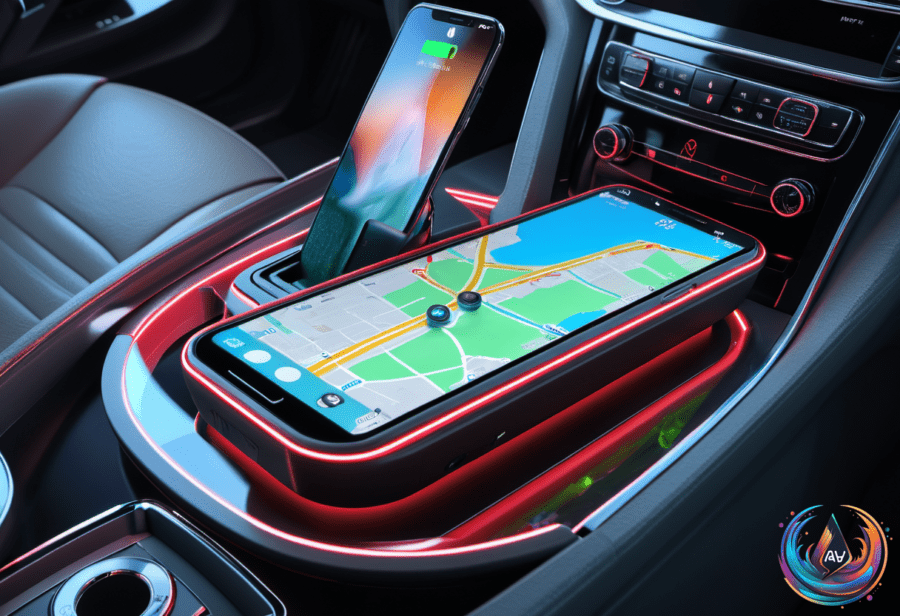
Wireless charging pads can help when a cable is not convenient, but wireless charging is not as efficient as wired charging. A pad can support the phone during a drive, yet a cable remains the stronger choice when the trip is long or the battery is already low.
Wireless CarPlay users can also take several steps to reduce the workload on the phone:
- Turn off the iPhone’s screen to help save battery while wireless CarPlay continues running.
- Enable Low Power Mode to avoid unnecessary background processes while driving.
- Download playlists or podcasts before leaving, which reduces mobile data usage and reliance on changing cell towers.
- Avoid navigation apps when the route is known, preventing GPS from staying on all the time.
- Keep iOS updated because new operating system versions bring battery usage improvements.
These changes target the main sources of battery use: display activity, background processes, location checks, mobile data, and streaming. They also give drivers more control when a charger is not available inside the car.
Making Wireless CarPlay Work Better
Wireless CarPlay offers a clean, cable-free start to every drive, but that convenience moves the power demand to the iPhone’s battery. The phone renders and streams the dashboard interface, handles location tools such as Apple Maps and Waze, and supports music or podcast playback while searching for mobile coverage when needed.
That does not make wireless CarPlay a bad option. It means drivers need to match the setup to the trip. For a short journey, the battery cost may not matter. For a lengthy drive, connecting a cable, downloading audio, turning off the screen, and avoiding unnecessary navigation can preserve the charge that matters later.
Turning the iPhone off every now and then can also help save battery life, especially when you have a long day ahead and no charger in the car. Used alongside Low Power Mode and downloaded content, that break can reduce the demands placed on the phone during the trip.
CarPlay turns an iPhone into the engine behind a powerful in-car interface, which explains both its appeal and its battery cost. As more than 800 vehicle models support the feature, knowing how to manage that demand becomes part of getting the best experience. Keep iOS updated, use wired charging when battery life matters, and let wireless CarPlay shine when its convenience outweighs the extra power draw.
Based on