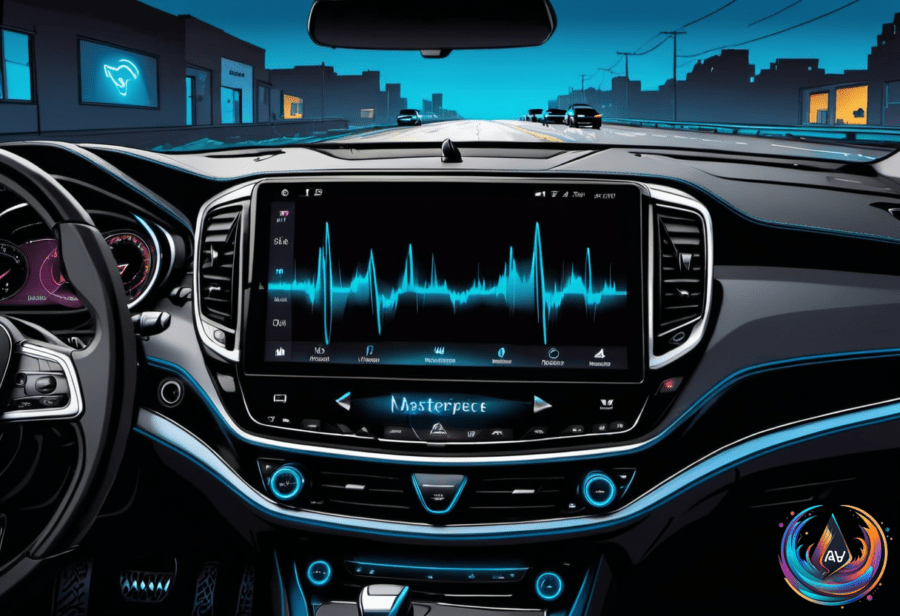
Siri should make CarPlay feel effortless, but a silent voice assistant can turn a simple drive into a troubleshooting session. The problem may sit in the iPhone, the CarPlay connection, or the car’s infotainment system—and screaming “HEY SIRI!” louder will not solve every failure.
At the same time, Android Auto is moving toward a clearer split for YouTube: audio while driving and HD video while parked. These two dashboard battles point to the same challenge: drivers want hands-free access, but the car, phone, connection, and software must all cooperate.
Start With How Siri Wakes Up
CarPlay offers two direct ways to activate Siri. Hold the car’s voice-command button, or press and hold the CarPlay Home button on the display. Some cars also support “Hey Siri” for voice activation, but that feature depends on the vehicle.
That difference gives drivers an important clue. If the button wakes Siri but the wake phrase does not, the car may not support voice activation. As Husain Parvez put it, “Screaming “HEY SIRI!” even louder isn’t fixing the problem, surprisingly.”
When neither method works, start with Siri’s settings on the iPhone. Turning Siri or “Hey Siri” off and on can clear a setup problem, and repeating the voice-recognition setup can restore the wake phrase. Siri can also be disabled when the iPhone is locked, which may block access when the phone is not being handled.
CarPlay itself can be restricted through Settings > Screen Time > Content & Privacy Restrictions > Allowed Apps. If CarPlay is turned off there, Siri cannot work through the car connection. Checking that setting may reveal the problem before any cables or wireless settings are changed.
Trace the CarPlay Connection
Siri needs an internet connection to function in CarPlay, and some VPN profiles may prevent it from working. Disconnecting CarPlay and testing Siri on the iPhone can separate a phone problem from a vehicle problem. If Siri works on the phone but not in CarPlay, the connection becomes the main suspect.
Wired CarPlay users can try a different USB cable or a compatible port. A cable that charges the iPhone may not provide a stable CarPlay connection, so changing both the cable and the port can narrow the issue.
Wireless CarPlay depends on two links: Bluetooth and Wi-Fi. Both must be active, and Auto-Join must be turned on for the CarPlay network. If one of those settings blocks the connection, Siri may fail even though the vehicle still appears ready to connect.
A full reset can also bring the system back together. Restart the iPhone and the vehicle, forget the car under Settings > General > CarPlay, then pair the devices again. If the problem remains, checking with the vehicle manufacturer for infotainment firmware updates is advised.
Sometimes Siri is responding, but the driver cannot hear it. Adjusting the volume may restore the answer, while enabling “Prefer Spoken Responses” can make Siri’s replies easier to catch through the car’s speakers.
Android Auto Draws a Line Around YouTube
Android Auto has its own dashboard limitation: YouTube streams audio while driving, but full video playback is limited and does not work while the vehicle is moving. Antony Terence described YouTube as “a curious middle child on Android Auto,” a fitting label for a service that can provide sound without opening the full video experience.
Google promised an Android Auto update that will support HD YouTube videos while parked and an audio-only mode while driving. Most Android Auto users currently can stream only audio from YouTube, with full video support coming in that update.
There is also a subscription boundary. “Listening to YouTube videos while driving is exclusive to YouTube Premium users,” Terence said. That means audio access while driving does not apply to every YouTube viewer.
GM is the manufacturer with unlocked full YouTube compatibility, creating a different experience from the limits most Android Auto users face. For everyone else, the current setup keeps video playback away from a moving vehicle while leaving audio available in supported cases.
Two Systems, One Driver-Focused Future
The Siri troubleshooting path starts with simple checks, but it reaches across the entire in-car technology chain: voice settings, lock access, restrictions, internet service, VPN profiles, cables, Bluetooth, Wi-Fi, volume, and infotainment firmware. Testing each link matters because the symptom alone does not identify the cause.
Android Auto’s YouTube update follows the same safety-focused pattern from another direction. Video belongs when the vehicle is parked, while audio remains the driving option. As these systems evolve, reliable voice access and clear limits around moving vehicles will shape how much technology drivers can use without taking attention from the road.
Based on