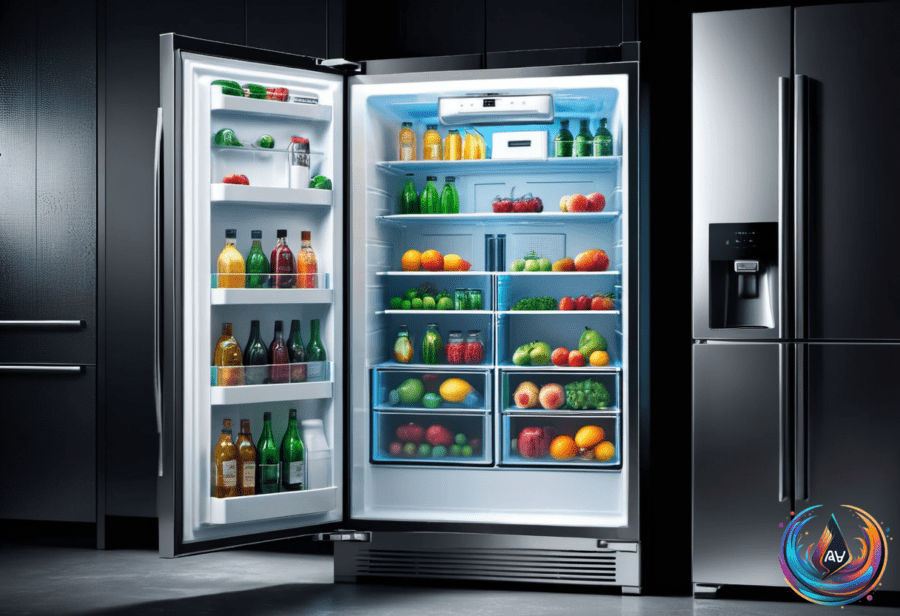
It might sound like a clever trick to cool down a hot phone, but putting your phone in the fridge can cause serious damage. The biggest risk is condensation. When your phone goes from warm to cold quickly, moisture can form inside. This moisture can harm the delicate electronic parts and even break the phone entirely.
Besides moisture, rapid temperature changes cause thermal shock. Thermal shock happens when phone components expand and contract too fast. This can crack screens or damage internal parts. So, the fridge is not a safe place for your phone.
Phones also overheat in other everyday situations. Leaving a phone in a car under direct sunlight is a common cause of overheating. Charging a phone wirelessly in a hot car can make the problem worse. Heat can hurt battery life and crack screens. Removing your phone case in these situations helps it cool better.
To avoid overheating, skip heavy tasks like streaming video or playing demanding games for long periods. You can also use thermal pouches or portable cooling fans. If your phone does get hot, turning it off and placing it somewhere sunny can help it cool down safely.
Charging Your Phone the Right Way
Using your phone while charging usually does not hurt the battery unless it causes overheating. Most modern phones will stop charging once the battery hits 100 percent. This helps protect battery life.
Experts recommend plugging in your phone when the battery is between 20 and 80 percent. This range helps improve battery health over time. Some brands like Samsung, Google, Xiaomi, and ZTE offer a feature called bypass charging. It lets your phone run apps while charging without heating the battery. Apple iPhones do not support this feature yet.
The Case for Restarting Your Phone Regularly
Restarting your phone once a week can clear its cache and improve how it responds. Android phones tend to benefit more from regular reboots than iPhones. Restarting also provides small security perks. It clears volatile memory, which can protect against certain cyberattacks.
Rebooting your phone before unlocking it makes it harder for thieves or officials to extract data. The NSA recognizes this as a marginal security benefit. Most smartphones automatically reboot after 72 hours of inactivity, but a weekly restart is recommended by many manufacturers.
In the end, keeping your phone cool and healthy is about simple habits. Avoid extreme temperatures, manage charging wisely, and restart regularly. Your phone will last longer and work better.
Based on