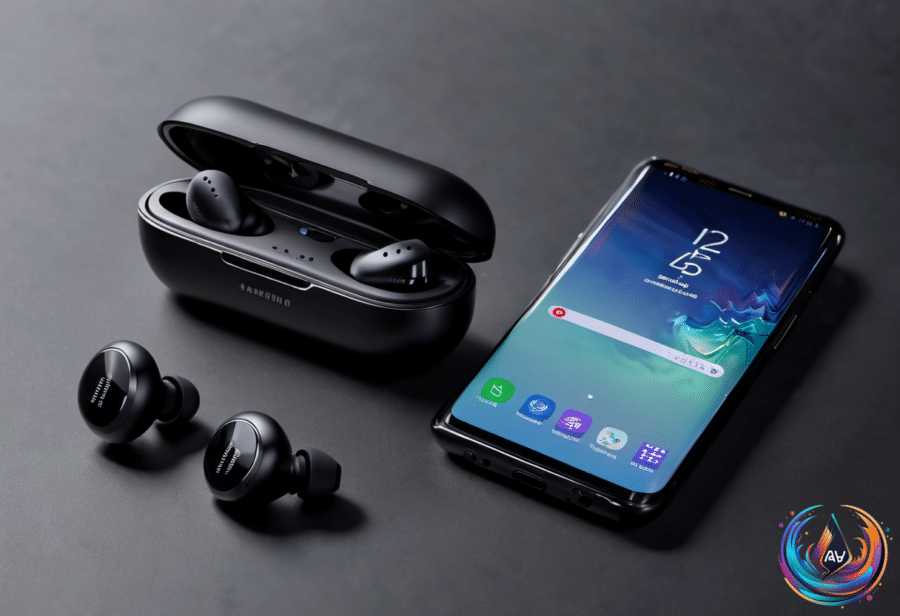
AirPods work with a Samsung Galaxy phone, but the experience is not the same as using them with an iPhone. They pair through Bluetooth like other wireless earbuds, yet many of Apple’s smartest features depend on an iPhone, iPad, or Mac.
That means a Galaxy owner can listen and talk through AirPods, but may lose the easy setup, automatic controls, tracking tools, and health features that make the earbuds feel tightly connected to Apple devices. Apple puts it plainly: “you can’t use Siri, but you can listen and talk.”
Pairing works, but the easy setup disappears
With an iPhone, opening an AirPods case nearby brings up a card showing the earbuds and their battery levels. One tap connects them. Open the same case next to a Samsung Galaxy phone and nothing appears.
Instead, you must put the AirPods into pairing mode and connect them through the phone’s Bluetooth settings. On AirPods 4, AirPods 5, or AirPods Pro 3, double-tap the front of the case until the light flashes white. On older models, hold the button on the back.
Once connected, the basic controls still work. Pressing the stem while the AirPods are connected to a Galaxy can play, pause, and skip tracks, but you cannot customize those controls without an Apple device. The same restriction applies to the press-and-hold action on the stem.
Automatic ear detection also depends on Apple-device settings. Without access to those settings, AirPods may not pause music when you remove an earbud, and you are stuck with the default controls or whatever settings were last saved.
The biggest missing features
Automatic device switching only works between devices signed in to the same Apple Account. Apple uses that system instead of standard Bluetooth multipoint, so AirPods cannot stay connected to two non-Apple devices at the same time.
Galaxy users also lose Spatial Audio head tracking, the Ear Tip Fit Test, Adaptive Audio, Conversation Awareness, and Personalized Volume. Live Translation requires an Apple Intelligence-compatible iPhone, which means an iPhone 15 Pro or newer. Hearing Test, Hearing Aid, and Hearing Protection features on AirPods Pro 2 and AirPods Pro 3 must be set up on an iPhone or iPad.
The heart rate sensor on AirPods Pro 3 is tied to Apple’s Fitness app, so those readings do not become part of the Galaxy experience. Firmware updates and Find My also depend on Apple hardware in important ways.
Apple says firmware updates happen “automatically while your AirPods are charging and in Bluetooth range of your iPhone, iPad, or Mac that’s connected to Wi-Fi.” If you do not have one of those devices, Apple directs you to book an appointment at an Apple Store or with an Apple Authorized Service Provider.
That matters because firmware 9A348 added a custom EQ to AirPods 4 and later, as well as AirPods Pro 2 and later. You can adjust that EQ only in the AirPods settings menu, which exists on Apple devices but not on a Samsung Galaxy phone. Apple offers an Android app for its Beats headphones that installs firmware updates, but there is no equivalent AirPods app.
Sound, tracking, and possible workarounds
AirPods stream audio over Bluetooth using the AAC codec. Older testing found that Android phones performed worse with AAC than an iPhone, although noise cancellation on AirPods Pro 2 was about the same on Android and iOS.
Find My has another major limitation. AirPods must first be paired with an iPhone or iPad signed in to your Apple Account before they can appear there. If they have never been paired with one, you cannot track them at all. Even the web version can only show a location and play a sound; it cannot make the charging case play a sound.
So if you use only Android and lose the AirPods, you are largely on your own. Apps such as CAPod, a free Google Play download with optional in-app purchases, can restore some convenience. CAPod adds a battery pop-up when you open the case and supports automatic play and pause based on ear detection.
The bottom line is simple: AirPods remain usable earbuds with a Galaxy phone, and core listening controls still work. But the setup, customization, automatic switching, firmware updates, tracking, translation, and health tools are built around Apple’s ecosystem. If those features matter to you, the phone you use matters almost as much as the earbuds themselves.
Based on
- What features do you lose if you use Apple AirPods with a Samsung Galaxy phone? — engadget.com
- Why Are Earbuds Usually Cheaper Than Headphones? — engadget.com
- Here’s What You Need To Know Before Buying A Wireless CarPlay Adapter — engadget.com
- How To Extend The Battery Life Of Your Apple AirTags — engadget.com