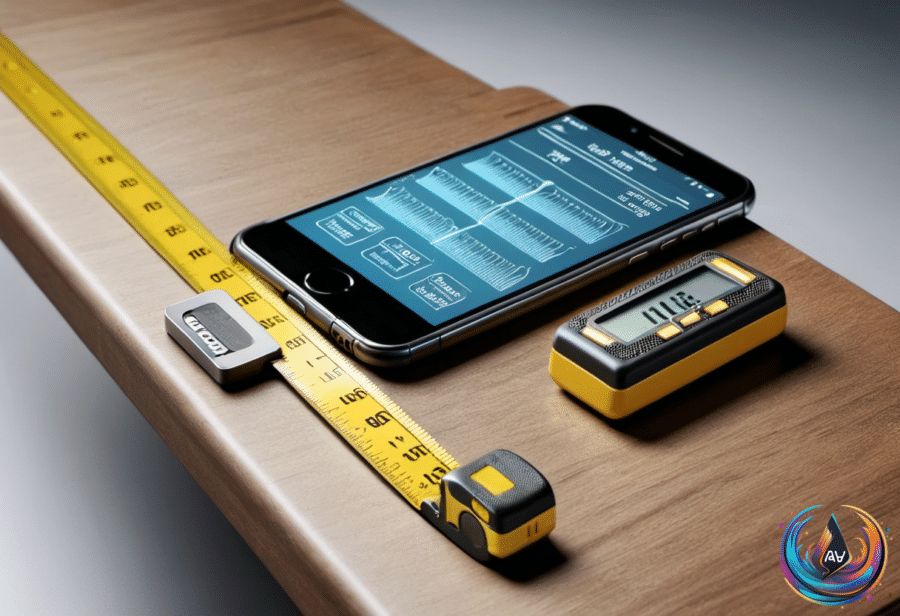
Your phone can measure a room. If you have an iPhone, the Measure app turns its camera into a digital tape measure, with LiDAR support on Pro models adding depth data to the process. Apple launched the tool in 2018, then tucked it into the Utilities folder as if measuring furniture were an obscure hobby.
Unless your iPhone is truly ancient, you should have it. Measure came preinstalled on every model from the iPhone 6s and first-gen iPhone SE onward; if you deleted it, you can redownload it from the App Store. Apple added a LiDAR scanner with 2020’s iPhone 12 Pro, and every later Pro-series iPhone kept it.
LiDAR fires invisible lasers to judge depth, making Measure more useful. The app can show a person’s height, snap guide lines to edges, display a ruler with tick marks when you move close, and keep measurements from the current session—though Pro models lose that list when you close the app.
Using it takes a short setup ritual. Open Measure and move the iPhone around slowly so it can map the surroundings; then aim the dot at one end of an object, tap the + button, move to the other end, and tap + again. Presto: the length appears on screen, and the shutter button saves a screenshot to Photos.
The undo button reverses a measurement, while the clear icon—the trash can—starts over. Measure can also detect rectangles and place a white box around them; tap the box or the + button to see the dimensions. For anything you need later, copy the results into another app or save a snapshot to Photos.
The app includes a Level tab too. Lay the phone flat on a shelf or hanging picture frame to see how many degrees it is off, or tap the screen to capture one angle before placing the iPhone on another surface and rotating it until the display turns green.
That makes Measure useful at airports, in shops, and beside furniture you want to bring home. Apple says it works best with objects that have clear edges about 2 to 10 feet away, but it remains a quick check—not a definitive tool—so expensive or dangerous projects still deserve a real tape measure.
Android users face a less tidy situation. Google abandoned its equivalent in 2021, Samsung’s Quick Measure app for some Galaxy phones is shutting down at the end of 2026, and Samsung says it should keep working after the cutoff date before returning at an unspecified future date “with improved services.” Third-party Play Store apps remain, but ads and subscription prompts are common, and no mainstream Android phone has a built-in LiDAR scanner like the Pro-series iPhones.
Make an older iPhone feel less tired
Storage is a common reason an older iPhone slows down. iOS needs free space for cache, temporary files, updates, and the wear-leveling process used by flash memory, so keeping at least 10 percent free is a useful target—about 12.8GB on a 128GB iPhone.
Go to Settings > General > iPhone Storage to review recommendations, delete unused items, or move older data to a computer or external drive. You can also use iCloud Photos: tap your name in Settings, open iCloud and Photos, then choose Optimize iPhone storage so the phone keeps lower-resolution copies and downloads full-resolution versions when needed.
Safari data can go through Settings > Apps > Safari > Clear History and Website Data. The iPhone Storage screen also shows when apps were last used, making it easier to remove anything untouched for over a year or choose Offload App, which removes the app but keeps its data and settings.
To automate that cleanup, go to Settings > Apps > App Store and turn on Offload Unused Apps. Turning off Background App Refresh under Settings > General > Background App Refresh also stops apps from fetching new content while suspended, while Reduce Motion, Reduce Transparency, and Fast under Haptic Touch can make an older iPhone feel more responsive.
If performance remains poor, check Settings > Battery > Battery Health. Batteries are designed to retain 80 percent of their original capacity after 1,000 charge cycles; below 80 percent, replacement may help, with Apple charging $69 to $129 depending on the iPhone, or $229 for the iPhone Duo.
Two other useful corners of iOS
Image Playground uses Apple Intelligence to create images that can be saved, shared, or turned into Genmoji. Apple launched it in December 2024, and the iOS 27 version adds natural-language style prompts through “Any Style,” touch edits, Contact Posters, and Lock Screen wallpapers.
It works on an iPhone 15 Pro or Pro Max, an iPhone 16 or later with Apple Intelligence turned on, iPads with an M1 chip or later, the iPad Mini (A17 Pro), and Macs with at least an M1 chip. Image Playground also appears inside Messages, Keynote, and Freeform, because apparently opening another app was the final obstacle to making an image.
Battery life needs no app-closing ritual either. Lower brightness or use auto-brightness, keep Wi-Fi on, disable Always-On Display, use Dark Mode on an OLED screen, and consider Limit Frame Rate, which changes ProMotion from 120 Hz to 60 Hz.
Turning off Background App Refresh and limiting location access to times when apps are in use saves power. Adaptive Power adjusts brightness and background data to reduce drain, while Low Power Mode makes stronger changes and engages at 20 percent when Adaptive Power is enabled. Optimized Charging can stop at 80 percent, and keeping the battery between 20 percent and 80 percent helps limit wear.
Based on