Android Auto has become a major link between Android smartphones and car displays, with over 250 million cars using it worldwide. Yet many of its most useful details sit behind compatibility requirements, connection settings, permissions, and troubleshooting steps that can decide whether the experience works smoothly.
“Android Auto has a surprisingly large number of settings and features,” Gabriela Vătu wrote. Understanding those features starts with one important question: does your phone, car, and Android setup support the kind of connection you want to use?
Check Your Phone and Car Before Changing Settings
Android Auto supports over 500 vehicles, and 28 different car manufacturers pledged to support it in their cars. Most modern Android smartphones built over the last decade include support for Android Auto, while almost all Android smartphones sold since 2018 running Android 9 or later support it.
Android 10 is the first Android version to come with Auto pre-installed. Most wired connections will work with Android Auto on Android 9 or higher, so a USB connection can remain an option for phones that do not meet the requirements for wireless use.
Wireless Android Auto has stricter requirements. “Wireless Android Auto is only available for phones running Android 11 or later,” and the phone must support Wi-Fi connections using the 5 GHz band. The requirements also include Android 11 or later and support for Wi-Fi 5 or later.
That makes the connection method important. Android Auto can work through USB or wirelessly, depending on the phone and car, but a phone that supports wired Android Auto may not support the wireless version. Checking the Android version and Wi-Fi support can explain a connection problem before any other troubleshooting begins.
Android Software Can Change the Experience
Android Auto support does not depend on the phone alone. “Support for Android Auto depends on the device and the flavor of Android installed,” which means custom ROMs and missing Google Play services can affect whether the feature works.
GrapheneOS does not include Android Auto by default. CalyxOS supports Android Auto with release 6.4.2 and later, giving the Android version and release number a direct role in compatibility.
Other phone settings can also hinder Android Auto. VPNs, battery-saving modes, and faulty cables can interfere with the connection, turning a supported phone and vehicle into a setup that still fails during use.
A VPN can interfere with Android Auto unless split tunneling is used. That detail matters when the phone connects to the car but Android Auto does not behave as expected, because the network setup can stand between the phone and the vehicle display.
Reset the Connection and Understand What You See
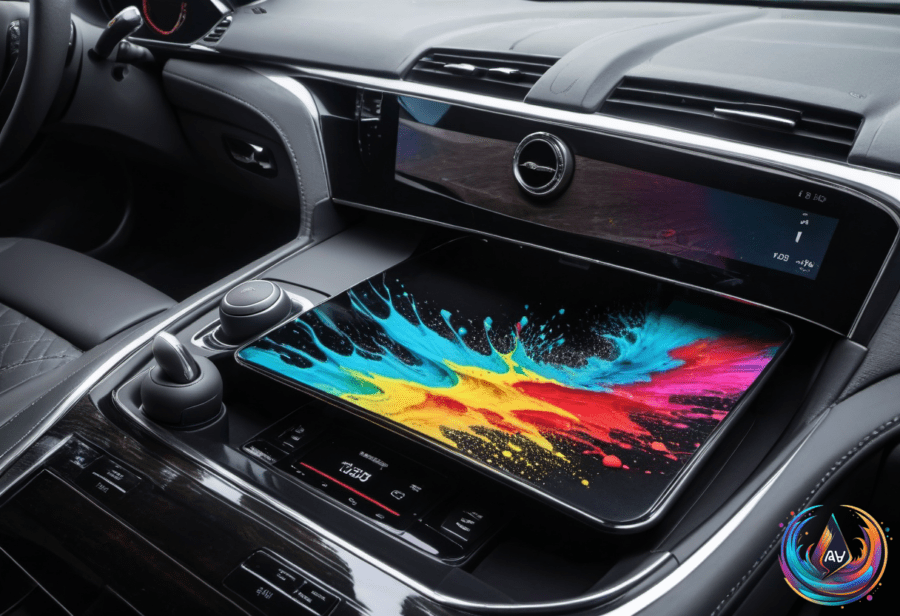
Android Auto is a mirroring app for your phone. It displays a specialized interface from the phone on the car’s screen, allowing the use of compatible apps through that vehicle display.
When the connection breaks, the fix can begin with the connection settings. Restarting the devices, removing and reconnecting them, and clearing the app cache are all part of the troubleshooting path for Android Auto.
Permissions matter too. Android Auto needs certain permissions to work properly, including access to contacts, so a permission setting can block part of the experience even when the phone and car connect.
- Check whether the phone runs Android 9 or later for wired Android Auto.
- Check whether the phone runs Android 11 or later for wireless Android Auto.
- Confirm support for Wi-Fi 5 or the 5 GHz band when using a wireless connection.
- Review connection settings, VPN use, battery-saving modes, and app permissions.
- Restart the devices, remove and reconnect them, and clear the app cache.
- Check the USB cable when a wired connection fails.
Android Auto is also different from Android Automotive OS, a distinction that can prevent confusion when comparing car systems. “Android Automotive OS operates directly on the car’s hardware, not requiring a phone,” while Android Auto displays the phone’s interface on the car’s screen.
Android Automotive OS is open source and installed in the vehicle itself, allowing integration with vehicle functions. Rivian and Polestar are manufacturers associated with vehicles supporting Android Automotive OS, while Android Auto connects a supported phone to a supported car.
Google built-in relies on a separately licensed collection of Google Automotive Services and can provide native Google Maps, Google Play, and Google’s voice assistant. That is a vehicle-based system, not the same phone-mirroring experience delivered by Android Auto.
With over 250 million cars using Android Auto worldwide and support spanning over 500 vehicles, the feature has become a broad part of the Android driving experience. The best results come from matching the phone’s Android version, wireless requirements, operating system, permissions, and connection method to the car, then using the available troubleshooting steps when something goes wrong.
Based on