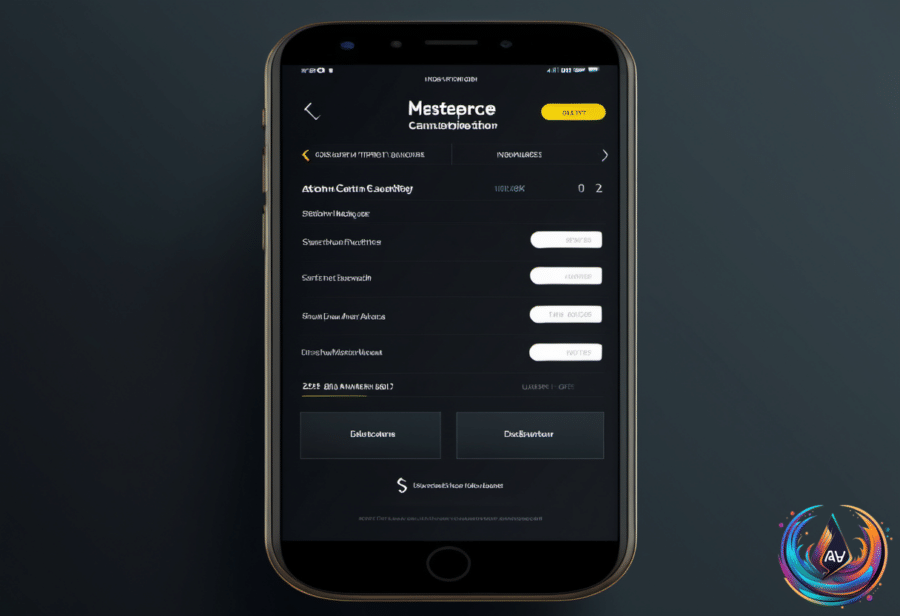
Canceling an Apple-billed subscription may now bring up one last choice before the process ends. Some apps can show a message, an image, or even a discount when you try to cancel an auto-renewing subscription.
Apple introduced these subscription retention messages earlier this month. They give developers a way to convince you to stay, whether by reminding you what you will lose or by offering a lower price for a limited time.
What appears when you cancel
Apple Retention messages appear when you try to cancel an auto-renewing subscription billed through your Apple Account. You can begin the process through the app you used to subscribe, or by opening Settings > Your Account > Subscriptions.
After you choose a subscription to cancel, the app may display a retention message if its developer has added one. Developers can use custom text, an image, or a retention offer. A message might highlight exclusive in-app content or explain what you will miss if you leave.
The offer can take different forms. If you qualify, an app might give you a free trial or reduce the price of your next monthly payment. Messages and offers can vary between users of the same app, so another person may see a different option—or no offer at all.
You remain in control of the decision. The screen includes Cancel Subscription and Keep Subscription buttons. If an offer is available, you will also see a Redeem button.
What to check before accepting
A discount can make sense if price was the reason you planned to leave. If you were going to cancel because the subscription cost too much, a retention offer may let you keep the same service for less, at least for a while.
Read the offer before selecting it. Check how long the discount will last and what the price will be after the offer ends. A lower payment now does not mean the regular price has disappeared.
If you truly want to cancel, choose Cancel Subscription. You will not be asked about the offer again, and the cancellation process stays the same for you.
An app that keeps urging you to stay is not breaking App Store rules. These messages only appear when you try to cancel a subscription, so they will not pop up out of nowhere while you use an iPhone or iPad. There is no way to turn them off, but they are limited to the cancellation process.
Why developers and Apple want this option
Developers are the clear winners because many people cancel subscriptions over price, and a last-minute discount may persuade them to stay. For apps that depend entirely on recurring revenue, even a small drop in subscribers can cost a lot.
Apple benefits too. It takes a cut of up to 30 percent of these subscriptions, so keeping a subscriber benefits both the app developer and Apple.
Developers must set up retention messages themselves, which means not every app will show one. They can create messages through App Store Connect, and each app can have up to 10 different retention messages.
Developers can also create a specific offer for people who have paid for a minimum subscription period. Those who want more control can request access to the Apple Retention Messaging API, though Apple must review and approve those requests.
Apple has also tested other subscription discount options for developers, including contingent pricing. Retention messages give developers another way to present those choices at the moment a user decides whether to leave.
Which devices support the messages
These retention messages require iOS 15.1 or later. They are also available on the latest versions of macOS and visionOS.
If you are reviewing your subscriptions, this may be a useful time to find services you no longer use and cancel them. A message or discount can change your decision, but it does not remove your ability to leave.
Based on
- What to do if your Apple apps start showing subscription retention messages — engadget.com
- These iOS Settings Will Help You Control Your Mobile Data Use — engadget.com
- Why You Should Never Reply With STOP When You Receive Spam Texts — engadget.com
- 5 iOS 27.3 Changes Coming To Your Apple Devices By 2027 — engadget.com
- Why AirDrop Isn’t Working On Your Apple Devices (And How To Fix It) — engadget.com