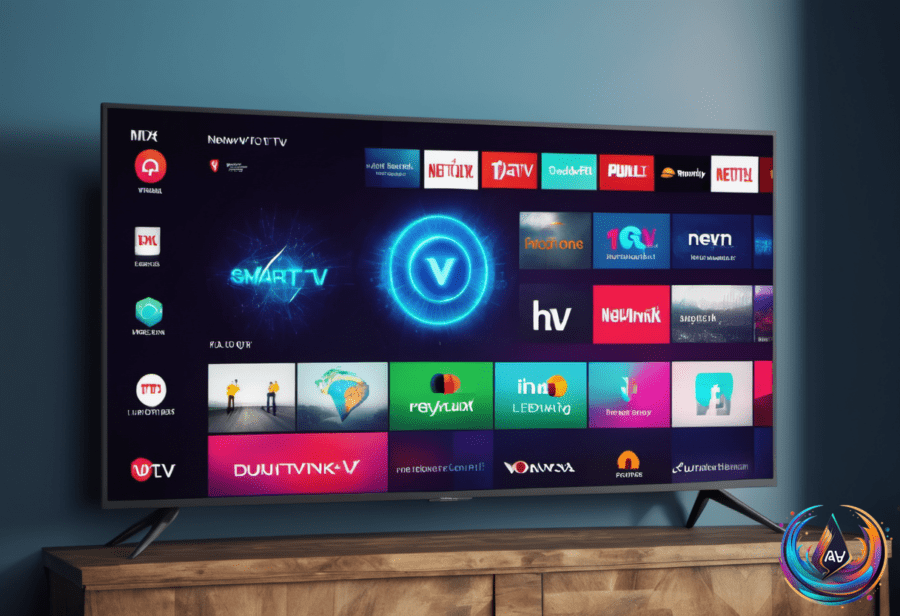
Roku devices track a lot more than you might expect. Their privacy policy shows they collect detailed data about what you watch, when, and how you use their products. This includes device info like your MAC and IP addresses, operating system, Wi-Fi network name, and Bluetooth connections. They also use cookies, pixel tags, and other identifiers to follow your online activities over time and across services.
Beyond just tracking your streaming habits, Roku collects metadata from your picture, video, and music files accessed via their Media Player. They and their advertising partners analyze this data to learn about content viewed, visit times, and your interactions with websites, apps, and devices. They also gather info about ads you see, how often they appear, and whether you engage with them.
All this data helps Roku keep their services running smoothly, secure devices, and offer targeted ads. But it raises privacy flags for many users who want more control over what gets shared.
Smart TV Platforms Taking Steps Against Privacy Risks
Samsung discovered a serious issue with some apps on its smart TV platform. These apps could route your web traffic through your home internet. That effectively turns your TV into a “residential proxy,” which can expose your internet connection to outsiders. A cybersecurity company called Mnemonic found this problem and warned about apps like the Pac-Man app acting as proxy exit nodes.
Samsung responded quickly. They said they are making their smart TV platform more secure. They plan to ban any apps that share users’ internet connections. Samsung also aims to block residential proxy software development kits from their app store. Following Samsung, LG announced it would suspend apps that turn TVs into residential proxies. These moves aim to protect users from hidden risks and misuse of their internet connections.
Hidden Modes and VPN Options for Better Privacy
Many new TVs come with store or demo modes enabled by default. These modes boost brightness and contrast to look good in showrooms. They also loop ads or display model info. Worse, they may reset your settings every few minutes. This can hurt your viewing experience at home.
Turning off store or demo mode is simple. You just go to your TV’s settings and switch from Store Mode to Home Mode. Some models call it Demo Mode or Retail Mode. Doing this stops the annoying resets and lets you set your picture preferences freely.
If you want to go further with privacy, using a VPN on your streaming device helps. For Fire TV Stick users, the top VPNs in 2026 include Surfshark, Proton VPN, NordVPN, ExpressVPN, and CyberGhost. Surfshark offers a kill switch, ad and tracker blocking, and supports unlimited devices. Proton VPN has split tunneling and a strong privacy reputation but fewer features on Fire TV. NordVPN includes Threat Protection, split tunneling, and Meshnet but lacks a kill switch.
Speed tests show Surfshark delivers 39Mbps on UK servers and 33Mbps on US servers from a 208Mbps baseline. Proton VPN runs at 35Mbps on UK and 32Mbps on US servers from 121Mbps. NordVPN hits 34Mbps on UK and 35Mbps on US servers from 130Mbps. These VPNs use modern protocols like WireGuard-based NordLynx to balance speed and security.
The takeaway is that Roku and smart TV platforms collect a lot of your data and track your habits. Some apps pose security risks by exposing your internet connection. Smart TV makers are acting to block these risks. You can improve your privacy by disabling store modes and using a trusted VPN. That way, you get better control over your viewing and online data.
Based on
- How to stop Roku from tracking everything you watch — engadget.com
- How To Connect Your Roku Streaming Stick Or TV To Wi-Fi Without The Remote — engadget.com
- Samsung Says It’s Banning Smart TV Apps That Expose Users’ Internet Connections — engadget.com
- Don’t Forget To Turn Off This Setting After Buying A New TV — engadget.com
- Best VPN for Fire Stick and Fire TV in 2026, tested by an expert | The Independent — independent.co.uk