Android apps do not have to stay on a phone or tablet. Windows users have several ways to bring them onto a computer, whether they want to run mobile games, mirror a phone, or use an older Android tablet as part of a car’s infotainment setup.
Pretty much any computer made in the past decade can run an Android emulator, according to Max Miller. That gives Windows users a way to access Android software directly from a PC, while Microsoft’s Phone Link offers a separate route that does not require running the apps inside an emulator.
Android emulators bring mobile apps to Windows
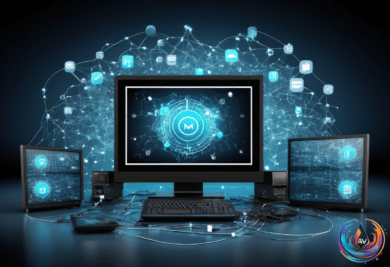
An Android emulator creates a software version of Android on a Windows computer. It gives users a place to run Android apps without needing an Android phone or tablet connected to the PC. Miller puts the learning curve this way: “Pretty much any computer made in the past decade can run an Android emulator, and as long as you’re at least somewhat familiar with Android, you’ll quickly get the hang of it.”
One option is MuMuPlayer, which NetEase develops. The emulator recently received an update to Android 15, giving it a newer Android foundation than it had before. NetEase also publishes Destiny: Rising, and MuMuPlayer is designed as a PC portal for NetEase games.
That connection shapes the experience. Miller describes MuMuPlayer as less reliant on ads than Bluestacks, another legitimate Android emulator. “Bluestacks is a legitimate app, but it’s chock full of ads that it seems to prioritize over all else, and they clutter up nearly every corner of the interface,” Miller wrote.
MuMuPlayer is not presented as a general replacement for every Android app. Its connection to NetEase makes it especially relevant to people interested in NetEase games, including Destiny: Rising. Still, its Android 15 update gives Windows users another way to work with Android software on a PC.
Google Play Games and Phone Link take different paths
Google offers another option through Google Play Games for PC. Google develops the service, but it only works with a select band of titles from developers who have opted in. That means it is focused on supported games rather than serving as a complete Android app platform for Windows.
The difference matters when choosing a method. An emulator provides an Android environment on the computer, while Google Play Games for PC is limited to participating titles. Users looking for one specific supported game may find that limitation clear and easy to understand, but it does not cover every Android app.
Windows 11 users also have Phone Link. Microsoft planned to make Android apps compatible with Windows 11 through this connection, and Phone Link lets users cast their Android phone’s apps or screen to the desktop wirelessly. In this setup, the phone remains part of the process while the Windows computer displays the apps or the full phone screen.
That makes Phone Link different from an emulator. It does not describe a separate Android system running inside Windows; it casts content from an Android phone to the desktop. For someone who already has an Android phone nearby, that can offer a direct way to view its apps or screen without installing an emulator.
An older tablet can also become a car infotainment screen
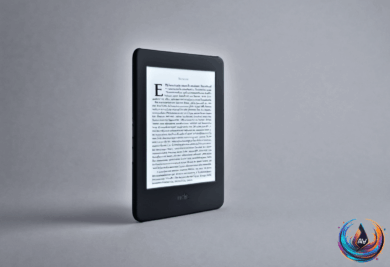
The same Android hardware that runs apps at home can serve another purpose in a car. Max Miller tested both a high-end Samsung Galaxy Tab S10 Ultra and a Nexus 7 from 2013 while looking at ways to repurpose Android tablets for car infotainment.
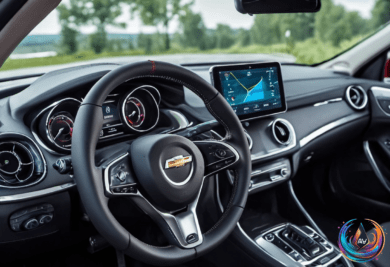
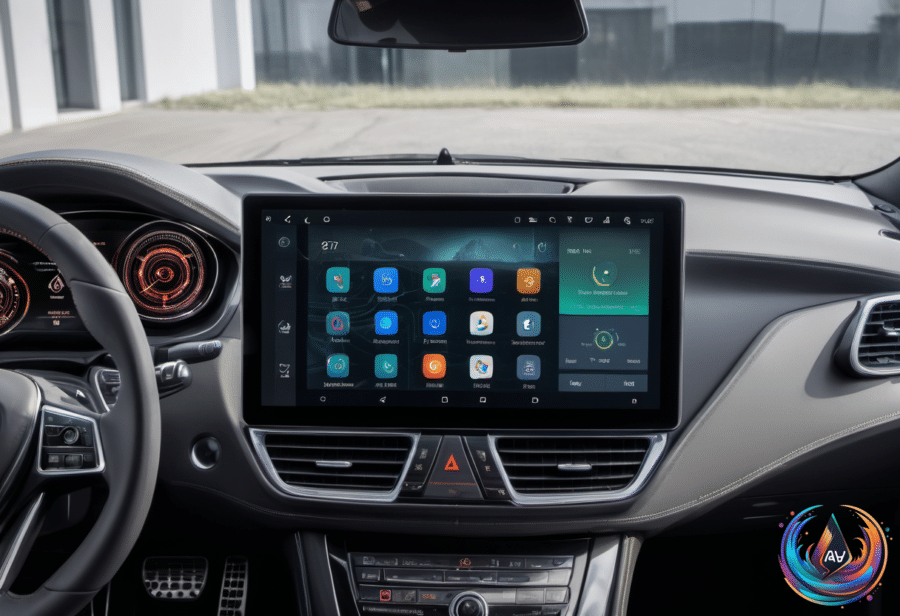
The idea connects to Android Auto, which Miller describes as “a service that connects your phone with your car and displays a driving-friendly version of Android on your car’s touchscreen infotainment system.” He also calls it “a wonderful perk for drivers lucky enough to have a car that supports it, but many do not, especially older vehicles.”
That limitation is important for older cars. The head unit in Miller’s 2015 Subaru failed a couple of years ago, and replacing it would cost over $2,000. Instead of treating the failed system as the end of the car’s infotainment options, an Android tablet offers another path for displaying Android software inside the vehicle.
The Open Headunit app costs just shy of $4 on the Google Play Store. Together with an Android tablet, it provides the central pieces of this alternative setup. The testing included both the newer Samsung Galaxy Tab S10 Ultra and the older Nexus 7 from 2013, showing that the idea was examined across very different tablet hardware.
These options solve different problems. MuMuPlayer runs Android on a Windows PC, Google Play Games for PC supports selected games, and Phone Link casts an Android phone to a Windows 11 desktop. An Android tablet paired with Open Headunit takes the idea out of the office and into a car, which can matter when an older vehicle lacks support for Android Auto.
The articles from Max Miller were dated Sept. 21, 2026 8:00 am EST and Sept. 27, 2026 8:15 am EST. Together, they outline a simple point: Android apps can reach a Windows computer through emulation or casting, while older Android hardware can find a second life as a car infotainment system.
Based on