Switching from iPhone to Android can be a mixed bag. There are things Android handles better, but you also lose some Apple perks. Android phones from Google and Samsung promise up to seven years of operating system updates. That’s more than twice what most Android makers offer, which is usually three to four years.
Apple also has a proven history of long-term software support. So, if you want your phone to stay updated for years, both Apple and top Android brands deliver. But many Android brands lag behind on updates.
One big downside for Apple users moving to Android is device compatibility. AirPods connect to Android phones, but they lose many features that work smoothly with iPhones. For example, Spatial Audio with head tracking is unreliable on Android, even if you use third-party tools like LibrePods. And the Apple Watch won’t pair with any Android device at all.
Some Apple services like Apple Music work on Android. But many others don’t, especially outside Apple’s ecosystem. That means moving to Android might mean losing easy access to apps and features you rely on.
CarPlay: Wireless vs. Wired
CarPlay has been around since 2014 and is built into most major car brands like Ford, Hyundai, BMW, and Honda. It lets you use your iPhone through your car’s touchscreen. Wireless CarPlay removes the need to plug your phone in.
Wireless CarPlay makes it easier to watch videos over AirPlay without lag. But wired CarPlay solves some problems too. It avoids connection glitches and stops your phone’s battery from draining fast. If wireless CarPlay acts up, you can always switch back to wired. Still, many prefer wireless for the convenience.
Apple AirTags and Tracking Options
Apple AirTags are handy little trackers for keys, purses, backpacks, luggage, or even eyeglasses cases. They are dust- and water-resistant, which means you can take them anywhere without worry. AirTags only pair with Apple products, so switching to Android means you can’t use them fully.
AirTags use Precision Finding to locate items very accurately. They also have a loud speaker to help find lost things. Their Bluetooth range is about 30 to 100 feet. You can share AirTags with up to five family members, and they use the Find My network to tap into other Apple devices for locating items.
If you want a tracker that works with both Apple’s Find My and Google’s Find Hub networks, third-party options like Tile and Chipolo are better choices. They support both platforms, making them more flexible if you switch phones.
Wireless Charging and Phone Cases
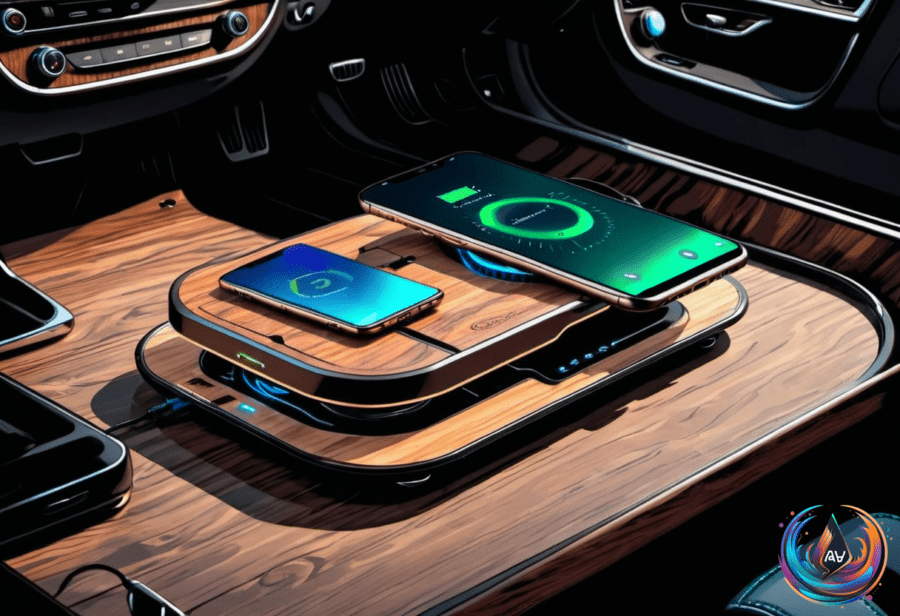
Wireless charging began in 2009 with the Palm Pre, which used a magnetic charging stand for alignment. Apple introduced MagSafe charging with the iPhone 12. Before that, the Qi standard started on the Nokia Lumia 920 in 2012. The Google Nexus 4 was the first Android phone to support Qi charging out of the box. The iPhone 8 brought wireless charging to Apple in 2017.
Wireless charging is slower than wired, topping out around 25 watts. Cases that are thick or have metal parts can block charging. Magnetic accessories like PopSockets also interfere. Cases with a Qi2 magnetic charging ring help wireless charging work better. Thin cases like Spigen MagFit and Speck Presidio 2 are good picks for wireless charging compatibility.
Buying Multiple iPhones: What to Know
Upgrading multiple iPhones can be tricky. One user upgraded their wife’s iPhone 12 to iPhone 17 through Apple.com without issues. They are a Verizon customer with a grandfathered 5G plan that is cheap. But when upgrading kids’ iPhones, they hit problems entering phone numbers on Apple’s site. That’s because they weren’t the primary account holder.
Apple assumes the primary account is tied to the main phone number on a family plan. You can add multiple unconnected devices to the same Apple order, but only one carrier-connected device can be ordered at a time. This can complicate upgrades for families with several phones.
Switching from iPhone to Android means weighing these pros and cons. Android offers longer update promises from some brands. Apple’s ecosystem, from AirPods to AirTags and CarPlay, works best when you stay within it. Wireless charging has improved, but case choice matters. And buying or upgrading multiple iPhones requires careful planning with carriers and Apple’s rules.
Based on
- The downsides of switching from iPhone to Android — engadget.com
- Wired Vs. Wireless CarPlay: How Are They Different & Which Is Better To Use? — engadget.com
- The Pros And Cons Of Using Apple AirTags — engadget.com
- What Type Of Phone Case Is Best For Wireless Charging? — engadget.com
- Buying multiple iPhones | Ars OpenForum — arstechnica.com