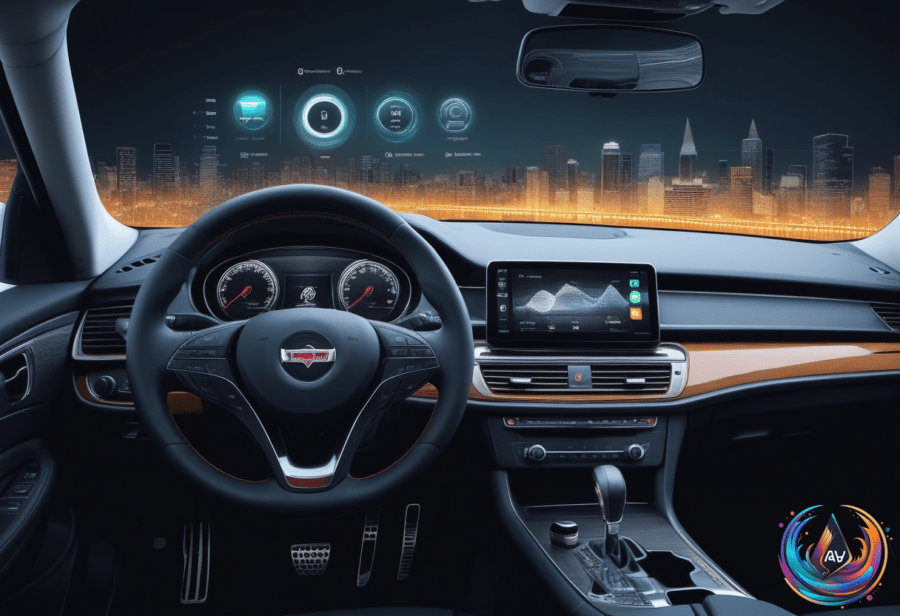
Siri is not broken for just one reason. On CarPlay, the failure can come from iPhone settings, the CarPlay connection, or the vehicle’s infotainment system. Screaming “HEY SIRI!” even louder is not fixing the problem, surprisingly.
Where CarPlay Siri Can Go Wrong
CarPlay offers two ways to activate Siri: hold the car’s voice-command button or press and hold the CarPlay Home button on the display. Some cars also support “Hey Siri,” but if the button wakes Siri while the phrase does not, the car may not support voice activation.
The first settings check is simple. Siri or “Hey Siri” can be turned off and on, followed by repeating the voice-recognition setup. Siri can also be disabled when the iPhone is locked, which prevents activation in that state.
CarPlay itself can be disabled under Settings > Screen Time > Content & Privacy Restrictions > Allowed Apps. Siri also needs an internet connection to function in CarPlay, and some VPN profiles may stop it from working even when the rest of the system appears normal.
Before changing every Siri setting in sight, disconnect CarPlay and test Siri on the iPhone. If Siri works on the phone but not in CarPlay, the connection becomes the main suspect — a more useful diagnosis than repeatedly shouting at the dashboard.
Wired CarPlay troubleshooting starts with the physical link: try a different USB cable or port. Wireless CarPlay needs both Bluetooth and Wi-Fi, with Auto-Join turned on, so disabling either connection can leave Siri stranded before it reaches the car.
Restarting the iPhone and vehicle can clear the problem. If that fails, forget the car under Settings > General > CarPlay, then pair it again; broader CarPlay connection issues should be checked before adjusting Siri settings when Siri does not respond.
Sometimes Siri responds, but the driver cannot hear it. Adjusting the volume can help, as can enabling Prefer Spoken Responses so Siri’s replies do not vanish into the cabin’s general electronic silence.
Android Auto Keeps YouTube on a Short Leash
YouTube has always been a curious middle child on Android Auto. While driving, it streams audio only, and full video playback is limited and not officially supported while the vehicle is moving.
Most Android Auto users therefore get a scaled-back YouTube implementation that streams audio through the car’s infotainment system. Listening to YouTube videos while driving is exclusive to YouTube Premium users, adding a subscription boundary to an already restricted feature.
Google promised an Android Auto update that will support HD YouTube videos while parked and audio-only playback while driving. Full video support is expected in an upcoming update, but the current experience remains audio-first for most users.
Unofficial tools such as Fermata Auto and AA Browser can enable video playback on Android Auto while parked. Their results are mixed, which is technology’s polite way of saying the workaround may become another troubleshooting project.
The two problems share a theme but not a solution. CarPlay Siri depends on settings, network access, audio output, and a stable connection, while Android Auto treats YouTube video as a parked-only feature and keeps driving playback to audio.
Based on