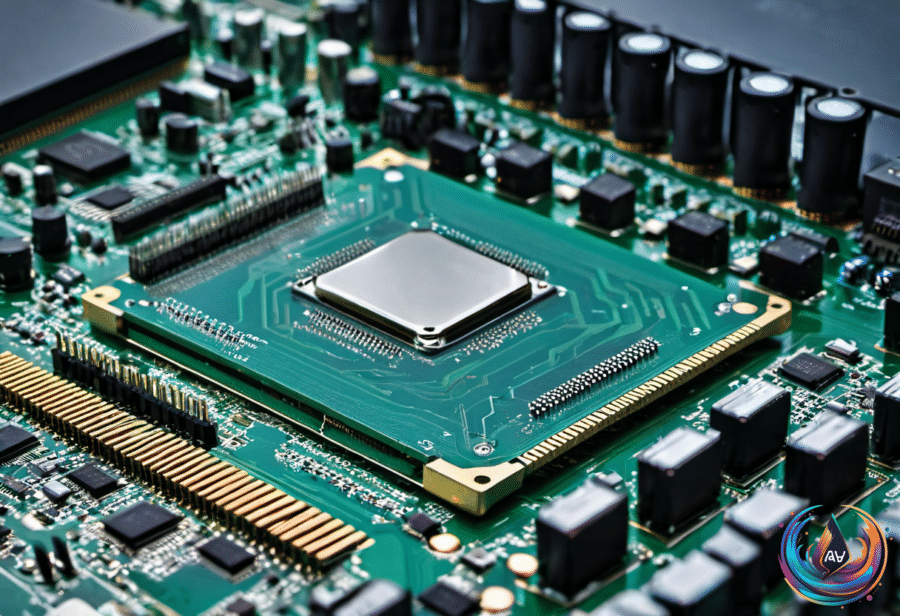
How much memory does a Raspberry Pi 5 really need? The answer depends on whether you want a simple background device, a desktop computer, or a small machine that can juggle several tasks at once.
The Pi 5 comes in five different versions, ranging from 1GB to 16GB of RAM. That range gives buyers more choice, but it also creates a tougher question: when does extra memory improve the experience, and when does it only raise the price?
Why Raspberry Pi RAM Needs Are Different
Most new laptops and PCs ship with at least 8GB of memory. The MacBook Air includes 16GB of RAM in its base configuration, and many higher-end laptops ship with 32GB of RAM too. Those figures can make the Raspberry Pi 5’s lower memory options look small, but the device does not need to match a full-size computer in every task.
The operating system on Raspberry Pi OS consumes just a few hundred megabytes of RAM. That leaves room for basic applications, but the available space can disappear when desktop-class programs begin competing for memory.
A Raspberry Pi with 1GB of RAM can slow down during desktop use. Three or four media-heavy Firefox tabs can overwhelm the 1GB model and force it to use physical storage to swap programs in and out of memory. Storage is slower than RAM, so that swap activity can cause slowdowns just when you expect the Pi 5 to feel responsive.
For desktop use, at least 2GB of RAM provides enough headroom to run multiple programs or tabs at the same time. The Pi 5’s processor is fast enough for light multitasking and basic games, so additional memory helps users take advantage of that available performance.
Choosing Between 1GB, 2GB, 4GB, 8GB, and 16GB
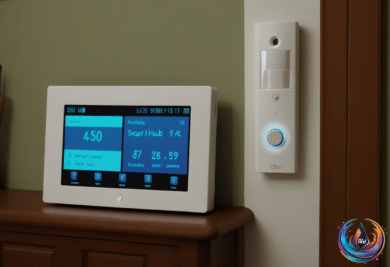
The 1GB version still has a role. Many people use a Raspberry Pi as a media server, network-attached storage device, smart home hub, or security system with the official camera add-on. These uses do not require the same memory capacity as a desktop loaded with browser tabs and programs.
For a desktop setup, 2GB marks a practical starting point. It gives Raspberry Pi OS room to operate while leaving headroom for multiple programs or tabs. Buyers who want smoother multitasking can move to 4GB, but the price climbs with the memory.
The 4GB RAM model costs $110 without improving any other specs on the board. The Raspberry Pi 5’s base price is $45, and that $45 starting price remains a bargain. The extra memory can make sense for demanding desktop use, but the jump from the base model also puts a clear price on convenience.
The same calculation becomes tougher with the larger versions. The 8GB Raspberry Pi costs $175, while the 16GB model costs $305. At those prices, buyers pay a sizable premium for memory alone. The 8GB Raspberry Pi cost just $80 when it launched in 2023, showing how much the memory market can affect this decision.
Memory prices have risen as AI data centers absorb supply. DRAM prices rose by 90 to 95 percent quarter-over-quarter at the beginning of the year, and Micron announced it would cease operations of its Crucial consumer brand in February of an unspecified year. That pressure reaches devices far beyond desktop PCs, including small computers such as the Raspberry Pi.
RAM and ROM Are Not the Same Thing
RAM and ROM describe different jobs inside a device. RAM holds whatever the processor is working on, and that information disappears when power is cut. Higher RAM capacity allows more apps, tabs, and games to run before the system swaps data to slower storage.
ROM stores the permanent instructions a device needs to start up and retains them regardless of power state. Yet ROM stopped being truly “read-only” decades ago. Early ROM chips had data physically built into their circuitry, so changing that data required new silicon.
PROM changed the picture in 1956 by allowing data to load into missile guidance computers through microscopic fuses. EPROM, developed in 1971 by Dov Frohman, could be erased with ultraviolet light for reprogramming. EEPROM moved erasure into the electrical process, removing the need for UV light.
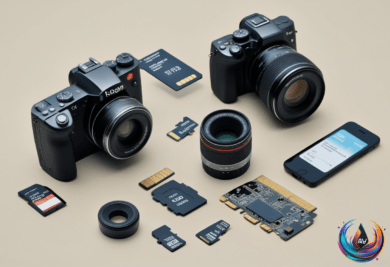
Flash memory followed in two major forms: NOR flash arrived in 1984, and NAND flash followed in 1987. Flash memory now appears in SSDs, smartphones, memory cards, and USB drives. PC firmware chips are small flash chips that can be rewritten through firmware updates.
The “ROM” listed for the Redmi 13 is regular UFS or eMMC flash, with system partitions locked to read-only. Proper factory-set ROM exists mainly in microcontrollers used in cheap electronics, so the term can hide different hardware realities.
The Practical Raspberry Pi 5 Decision
RAM does not decide every Raspberry Pi project, but it sets the ceiling for multitasking. The 1GB model fits focused roles, while at least 2GB gives desktop users useful room to work. The 4GB version adds comfort for heavier use, though its $110 price demands a clear reason.
The 8GB and 16GB models offer more capacity, but their $175 and $305 prices make memory alone a major purchase decision. For many projects, the Pi 5’s strength remains its $45 starting price, while the right amount of RAM depends on whether the device will run one focused service or a full desktop workload.
Based on