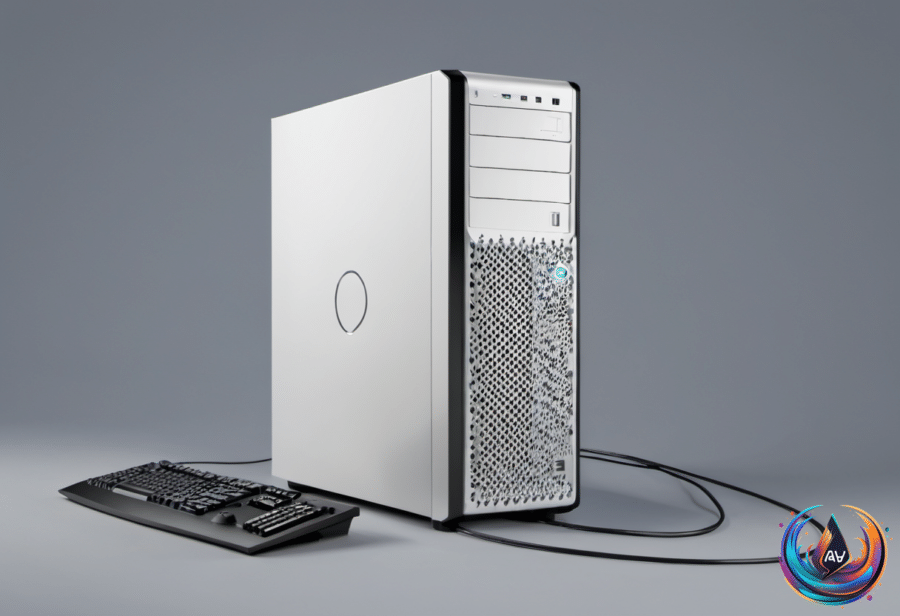
Holding down a PC’s power button can feel like the fastest way out of a frozen screen. It cuts the machine off, but that shortcut carries risks that a normal shutdown avoids. Outside of a power outage or an incurable freeze-up, avoid forcing the computer to turn off whenever possible.
There is a safer way to shut down or restart a PC. Use the proper shutdown procedure instead of cutting power with the button. As Deven McClure puts it, “It’s always best to perform a shutdown, unless you can’t.” That distinction matters because the computer needs time to complete its shutdown safeguards before power disappears.
Why a forced shutdown can damage files
When you hold down the power button, the machine loses power without completing those safeguards. The computer cannot finish the work required during a normal shutdown, which can lead to corrupted files and lost data. A forced shutdown may solve the immediate problem, but the damage may show up later in the files that no longer open or the data that is no longer there.
The danger comes from the abrupt change, not from the button itself. Manually shutting down or restarting a PC can be beneficial at times, but it needs to happen through the proper procedure. If the computer is not prepared to shut down, cutting the power can permanently damage it.
That does not mean a forced shutdown should never happen. A power outage leaves no choice, and an incurable freeze-up can prevent the normal shutdown procedure from working. In those situations, holding the power button may be the only available action. When the computer still responds, though, use the normal shutdown instead.
The worst time to cut power
An update is the worst time to force a shutdown. During an update, large-scale changes are being made to the computer, so cutting power can interrupt those changes before they finish. The result can be more serious than a single corrupted file.
If power is cut during an update, files might be gone forever and the computer may be unable to start. That makes an update a moment when patience matters most. Even if the computer appears to be taking too long, forcing it off can leave the machine in a condition where it cannot start again.
The same basic rule applies whenever the computer is still able to follow the normal shutdown process: let it complete that process. A proper shutdown gives the machine a chance to handle its safeguards rather than losing power in the middle of its work.
Changing what the power button does
Windows 11 includes a way to customize what happens when you press the power button. That gives users control over the button’s action instead of treating it as an automatic command to cut the computer off.
The setting does not change the risks of an abrupt power loss. It provides a way to decide what the button should do, while the safer choice remains a normal shutdown whenever the computer can complete one. A customized power-button action can help prevent an accidental forced shutdown, but it cannot protect files after power has already been cut.
The main habit is simple: use the regular shutdown procedure for routine shutdowns and restarts. Save the forced shutdown for a power outage or an incurable freeze-up, when the normal process is no longer available.
A power button can appear to offer an easy fix, but holding it down removes the computer’s chance to protect its files. Give the machine time to shut down properly whenever possible, especially during an update. That small choice can help avoid corrupted files, lost data, permanent damage, or a computer that will not start.