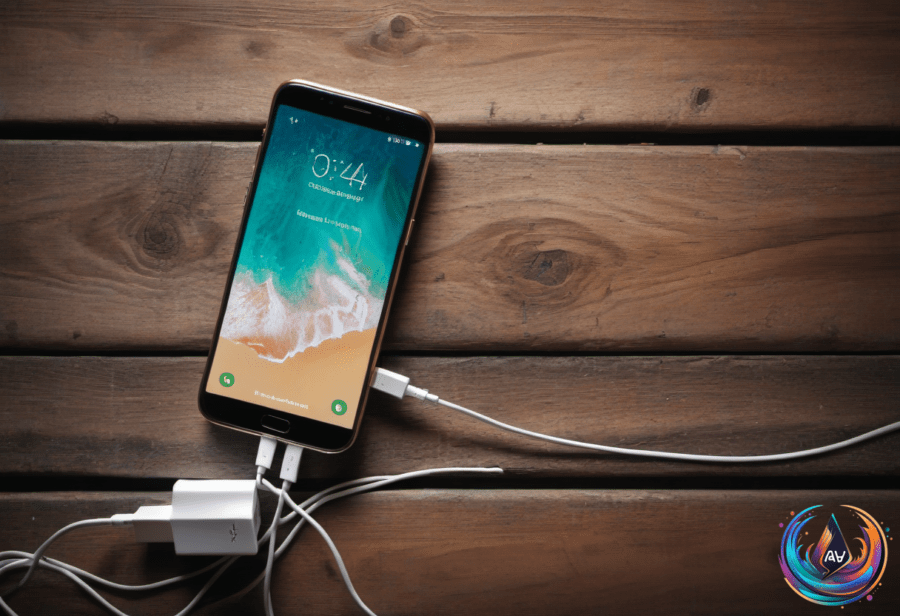
Using your phone while it charges does not harm the battery in general. Phones today come with advanced systems to manage heat and battery health. These systems keep the phone from overheating during regular use, even while charging.
That said, intensive tasks like gaming or video streaming while plugged in can cause your phone to get very hot. If your phone feels too warm, stop using it to avoid battery damage. Most new phones also have a built-in feature that stops charging once the battery hits 100 percent. This prevents overcharging and protects battery life.
Some phones learn your daily habits and adjust charging accordingly. They trickle charge to keep your battery full by the morning, while reducing stress on the battery. This helps batteries last longer over time.
Battery Drain When Powered Off and Storage Tips
Batteries lose charge even when the phone is turned off. Lithium-ion batteries drop about 1 to 2 percent of power every month while off. This slow drain is due to self-discharge and the phone’s clock-and-wake circuit.
If you leave a phone unused in a drawer for weeks or months, its battery will not hold the same charge as when you stored it. Apple recommends charging your iPhone only to about 50 percent before storing it long-term. This reduces the risk of deep-discharge damage.
Deep-discharge happens when a battery stays completely dead for a long time. This can cause permanent damage. To avoid this, power down your phone at around 50 percent charge. Then recharge it every six months to keep the battery healthy.
Why Restarting Your Phone Helps
Rebooting your phone clears its running cache. This allows the device to start fresh with more available memory. Android phones benefit more from regular restarts than iPhones, but most users don’t need to do it often unless they notice issues.
The NSA recommends rebooting at least once a week for security reasons. Rebooting clears volatile memory where certain malware might hide. It also makes it harder for forensic tools to extract data if your phone is locked.
Some phones like Google Pixel and iPhones will reboot automatically after 72 hours of inactivity. Samsung devices may have settings to power cycle automatically as well.
USB Tethering and Cleaning USB Ports
USB tethering lets you share your phone’s cellular connection with a computer using a cable. A wired connection is more stable. It also avoids broadcasting a visible hotspot network in public places.
Note that Android phones cannot tether via USB to a Mac. For iPhones, you might need to install the Apple Devices app or iTunes for Windows before tethering works.
USB tethering suits one device better than replacing a full hotspot. Laptops can use data fast with background tasks, and carriers may charge extra for hotspot usage.
Dirty USB ports cause unstable connections or intermittent charging. Dust or lint inside the port can loosen the connection. Clean USB ports only if you see residue or experience charging problems.
Always power down your device before cleaning the USB port. Use a plastic or wooden toothpick to gently remove dirt. Short bursts of compressed air can also clear dust. Avoid using WD-40, household sprays, bleach, cotton buds, paper clips, or safety pins. These can damage the port.
Based on
- Can using your phone while charging affect its battery life? — engadget.com
- Why Do Phones Still Use Battery When Powered Off? — engadget.com
- Is There Any Benefit To Restarting Your Phone Regularly? — engadget.com
- What Is USB Tethering And How Do You Enable It For Mobile Hotspot? — engadget.com
- How To Safely Clean Your USB Ports — engadget.com