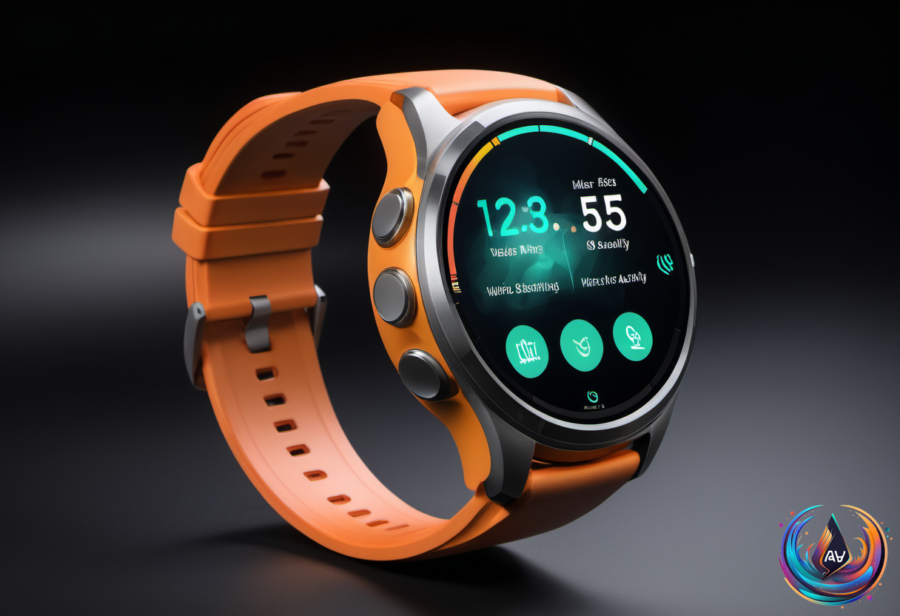
Fitness tracking is only the beginning. Samsung has built a strong app ecosystem for Galaxy Watch wearables, and these five free apps show what the hardware can do beyond counting steps. The list focuses on non-Google apps, so Google Keep, YouTube Music and Google Wallet do not make the cut.
Music, tasks and transit on your wrist
Spotify
Spotify is the obvious choice for watch owners who want music without keeping their phone in hand. Its Wear OS app lets you take playlists anywhere using the watch’s onboard storage, and Spotify’s offline downloads let you listen without an internet connection.
That matters because Samsung’s Galaxy Watches can download music for offline playback if you have a Spotify Premium subscription. You can bring along playlists such as daylist and Discover Weekly, which is useful for workouts, commutes or any other situation where carrying a phone feels like unnecessary pocket furniture.
Todoist
Todoist keeps task management simple on a small screen, letting you add new tasks and subtasks or sort through your inbox of upcoming tasks. Voice-to-text support lets you dictate task information instead of typing it out on your watch, sparing you the tiny-keyboard experience nobody requested.
The day progress tile shows how many daily tasks you have cleared, helping you stay on track without opening the full app. You can set reminders for larger projects on your smartphone, and those reminders will appear on your watch.
The Wear OS app also supports watch complications that create progress bars for daily and weekly goals or show summaries of tasks left to complete today. Todoist is a practical fit for anyone who wants a quick look at the next obligation rather than another elaborate productivity system.
Citymapper
Citymapper is built for urban transit users who track their commute. In supported cities, its focus on public transportation gives it stronger routing options, with live updates for trains and buses that show how many stops remain.
The watch interface also shows when later vehicles will arrive if you miss the first one to your destination. That gives Citymapper a leg up against Google’s mapping service for public transit users, because a commute rarely follows the tidy schedule imagined by people who design mapping demos.
Home control and outdoor activity
SmartThings
If you have a Samsung Galaxy Watch 4 or later, SmartThings lets the watch interact with a variety of devices. The app can control smart home devices directly, turning the watch into a small remote for routines that would otherwise require reaching for a phone.
SmartThings also supports scenes, which are preset routines you can run to handle mundane tasks around your home. Those scenes can be triggered from a Galaxy Watch, giving the app a useful role beyond individual device controls.
Strava
Strava connects outdoor activity tracking with Samsung Health, sharing data such as route information and the activities you have taken part in. With the Strava app on your Galaxy Watch, your next outdoor run or biking trail is only a few taps away.
The app is aimed at people who want more than a basic workout record, especially when route information matters. The new Watch 9 and Watch Ultra 2 also include a free 60-day Strava trial subscription, adding a limited premium benefit to Samsung’s newer watch models.
Together, these apps turn the Galaxy Watch into a music player, task manager, transit guide, smart home controller and outdoor activity companion. Samsung’s built-in fitness features remain useful, but the broader app ecosystem is where the watch stops behaving like a wrist-mounted pedometer and starts earning its place as a general-purpose device.
Based on
- 5 free Samsung Galaxy Watch apps every owner should know about — engadget.com
- 5 Underrated Apple Watch Shortcuts You Can Set Up In Minutes — engadget.com
- 5 Apple Watch Settings That Can Help You Save Its Battery Life — engadget.com
- Smartwatch | The Verge — theverge.com
- This Helpful Apple Watch Feature Works Seamlessly With Apple CarPlay — engadget.com