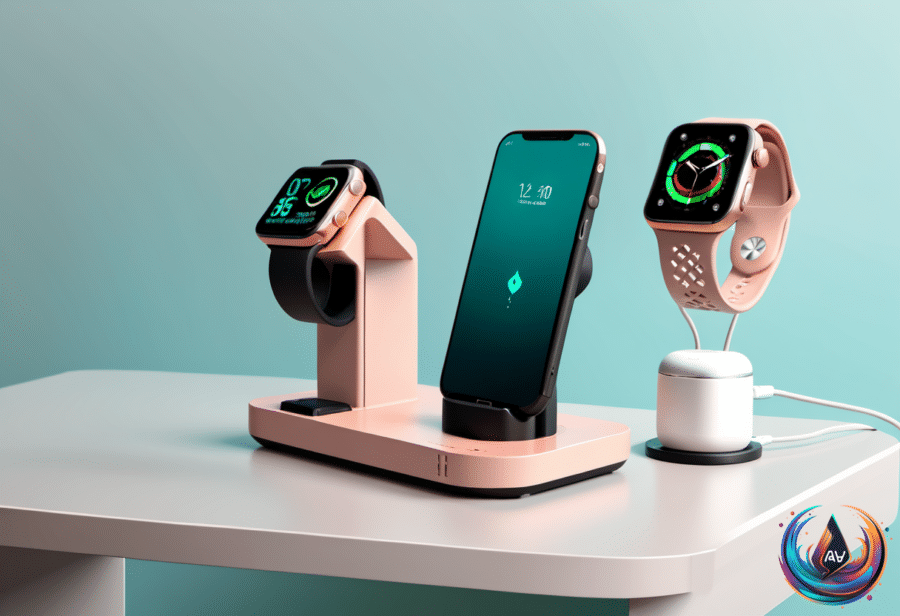
Smartwatches continue to be all the rage, and Samsung is no slouch in this area. With watches such as the Galaxy Watch 8 among the best smartwatches available in 2026, the charging routine matters just as much as the features on your wrist.
When should you charge a Samsung Galaxy Watch? The answer depends on how you use it, when you need sleep data, and how much time you have during the day. A smart charging schedule can help protect the battery and keep your watch ready when you need it.
Why Your Charging Schedule Matters
Proper care of a Galaxy Watch battery involves optimizing the charging schedule. Putting too much strain on a battery can make it less efficient and cause permanent damage, potentially costing $50 to $70 for a DIY replacement.
That makes charging more than a simple race to 100%. The goal is to give the watch enough power for your usage pattern while avoiding a routine that places too much strain on the battery. Since every person uses a smartwatch differently, the optimal charging schedule depends on individual usage patterns.
A Galaxy Watch 8 can last 30 to 40 hours on a full charge, giving you a useful window between charging sessions. Still, a full charge of a Galaxy Watch 8 or Galaxy Watch 9 takes longer than an hour, so waiting until the battery is nearly empty can make charging harder to fit into your day.
Find Your Best Charging Window
Charging during downtime offers a practical starting point. Mornings can work well, as can the time you spend sitting at a desk. These periods give the watch access to a charger without interrupting the parts of the day when you rely on it most.
The best schedule starts with a simple test: check how long your watch takes to charge. Testing the charging time helps you match the watch to your routine, whether that means charging during a morning break or using time at a desk.
- Charge during downtime, such as mornings or time spent sitting at a desk.
- Test how long your watch takes to charge before setting a routine.
- Match charging sessions to your individual usage patterns.
- Remember that a full charge takes longer than an hour on a Galaxy Watch 8 or Galaxy Watch 9.
This approach keeps the charging plan flexible. A person who has time during the day can charge then, while someone with limited daytime charging time may need another option.
Why 20% to 80% Can Be the Sweet Spot
Charging from 20% to 80% is recommended instead of charging to 100% to preserve battery health. That range can give the watch usable power without making every charging session a full charge.
For a Galaxy Watch 8 that lasts 30 to 40 hours on a full charge, charging within that range can fit many usage patterns. The key is not to treat 100% as the target every time, especially when a shorter session can provide the power needed for the next part of the day.
This does not mean a full charge has no place. When you need the longest possible time between charging sessions, a full charge remains an option. The important point is to build a schedule around your needs rather than charging the watch the same way every time.
Should You Charge Overnight?
Overnight charging can be beneficial if you do not need sleep data and have limited time to charge during the day. It gives the watch a long charging window when daytime charging does not fit your schedule.
However, overnight charging is ill-advised if you want sleep data or want to avoid battery strain. The choice depends on what you need the Galaxy Watch to track and when you have access to a charger.
That creates a clear decision:
- Choose overnight charging when you do not need sleep data and have limited time during the day.
- Avoid overnight charging when sleep data matters.
- Avoid overnight charging when your goal is to avoid battery strain.
There is no single charging time that works for every Galaxy Watch owner. A morning session, time at a desk, or an overnight session can each fit different usage patterns, while charging from 20% to 80% provides a battery-health-focused option.
The strongest routine is the one you can repeat without putting extra strain on the battery. Test your charging time, watch how your schedule affects battery use, and choose the charging window that keeps your Samsung Galaxy Watch ready without forcing every session to reach 100%.